
Working with Footnotes
Last updated on 2026-05-20
Overview
In the XBRL Tagger, you can use tagged text blocks as footnotes. To do so, link the tagged text block to one or more cells of a table.
This article contains the following sections:
Creating Footnotes
To create a new footnote:
If necessary, open the desired document and switch to the Text tagging tab.
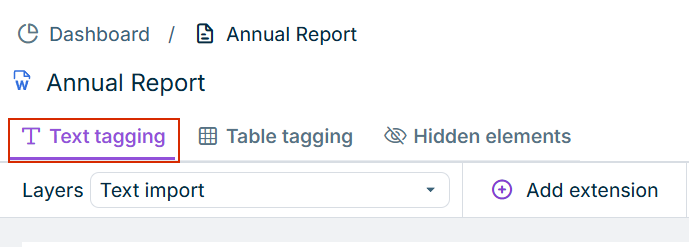
Select a tagged text block in the document.
If you want to use a text block as a footnote that is not yet tagged, drag the desired tag from the taxonomy onto the selected text block (see Tagging a Document).
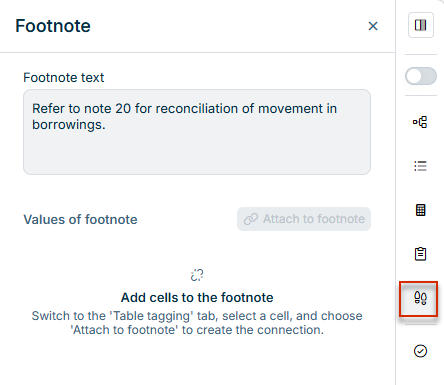
In the side bar, click the Footnote panel.
The panel shows the footnote connections of the currently selected text block, if any. If the selected text block is not yet linked to a cell in a table, the Footnote panel is displayed as follows:
Switch to the Table tagging tab.
In the desired table, select the cell(s) to which the selected text block should be assigned as a footnote:
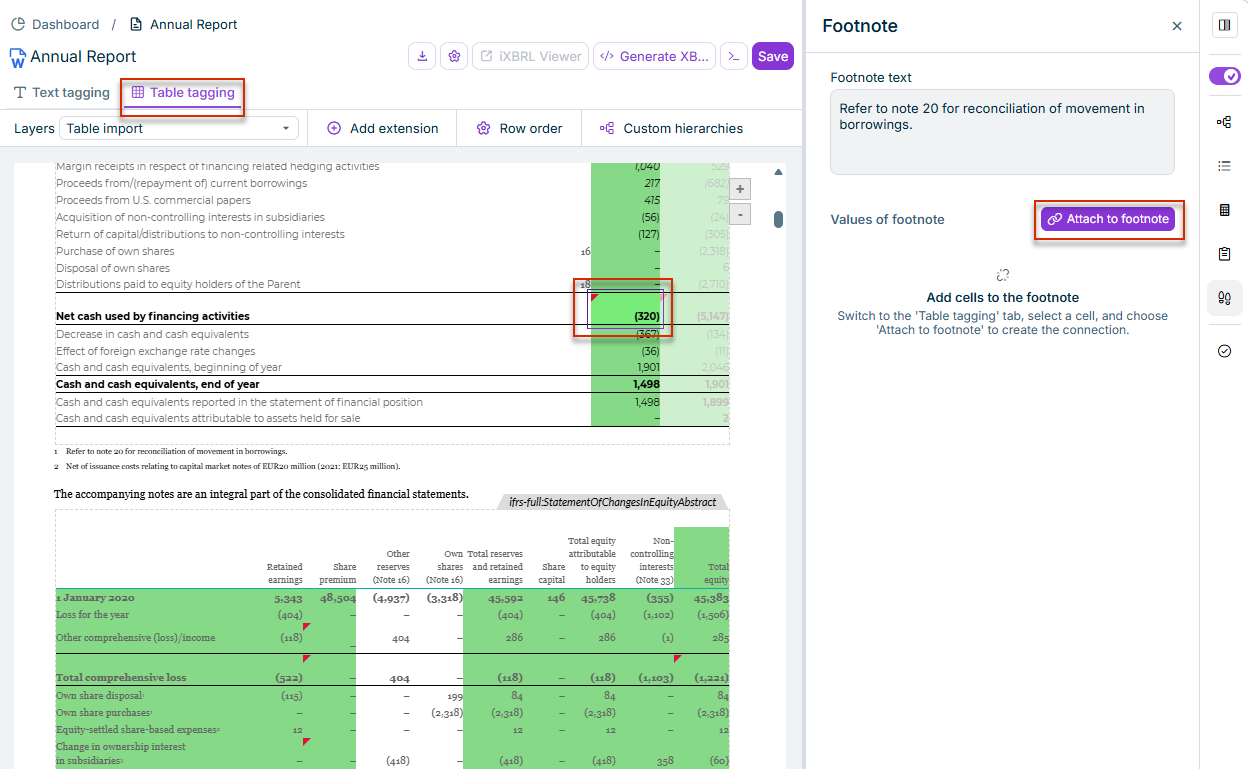
Click Attach to footnote.
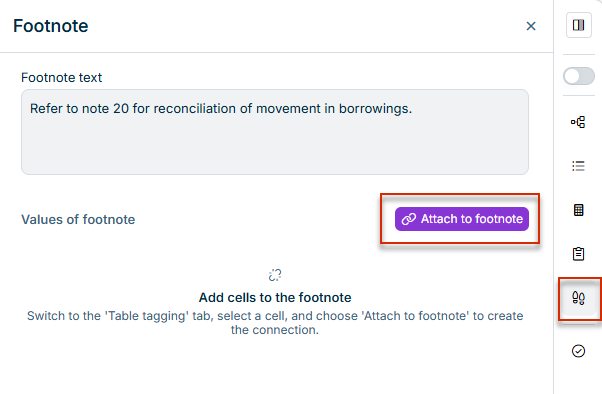
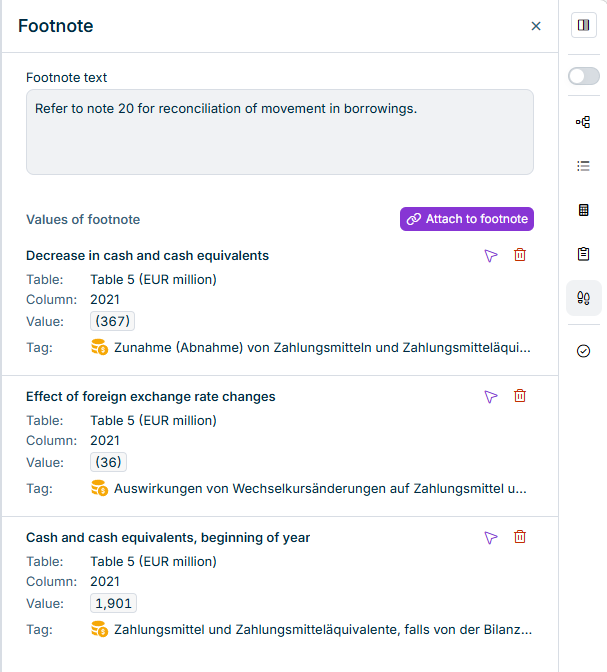
The assigned footnotes are then displayed in the panel, for example, as follows:
Values of the Footnote
When you select a text block linked to a footnote, the Footnote panel shows the Values of footnote area with the following columns:
- Table: Name of the table the cell comes from.
- Column: Column header of the linked cell.
- Tag: Tag name of the linked cell.
- Value: Value of the linked cell.
Functions in the Footnote Panel
The following functions are available for a footnote connection:
| Function | Description |
|---|---|
| Navigate to cell | Navigates from the Footnote panel to the linked cell in the document |
| Delete | Removes the link from the footnote. |