The first section is always the Inputs section, this is not able to be renamed or deleted. Any variables that are in this section will show up in the Dashboard, and are able to be played with (i.e. adjusted) by viewers. If you do not want a variable to appear as an adjustable input, move it out of your model's Inputs section.
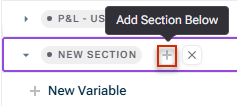
By default, there is one more section auto-created when you start a new model, named Calculations. However, you can delete or rename that section, add more sections, colour your sections, and reorder sections as you wish.
Easily add totals for a section, which will automatically stay up to date as new variables are added, or existing variables are removed, from the section.
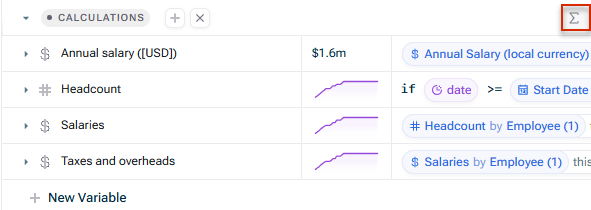
In the spreadsheet: hit the sum icon at the top of the group/section row.
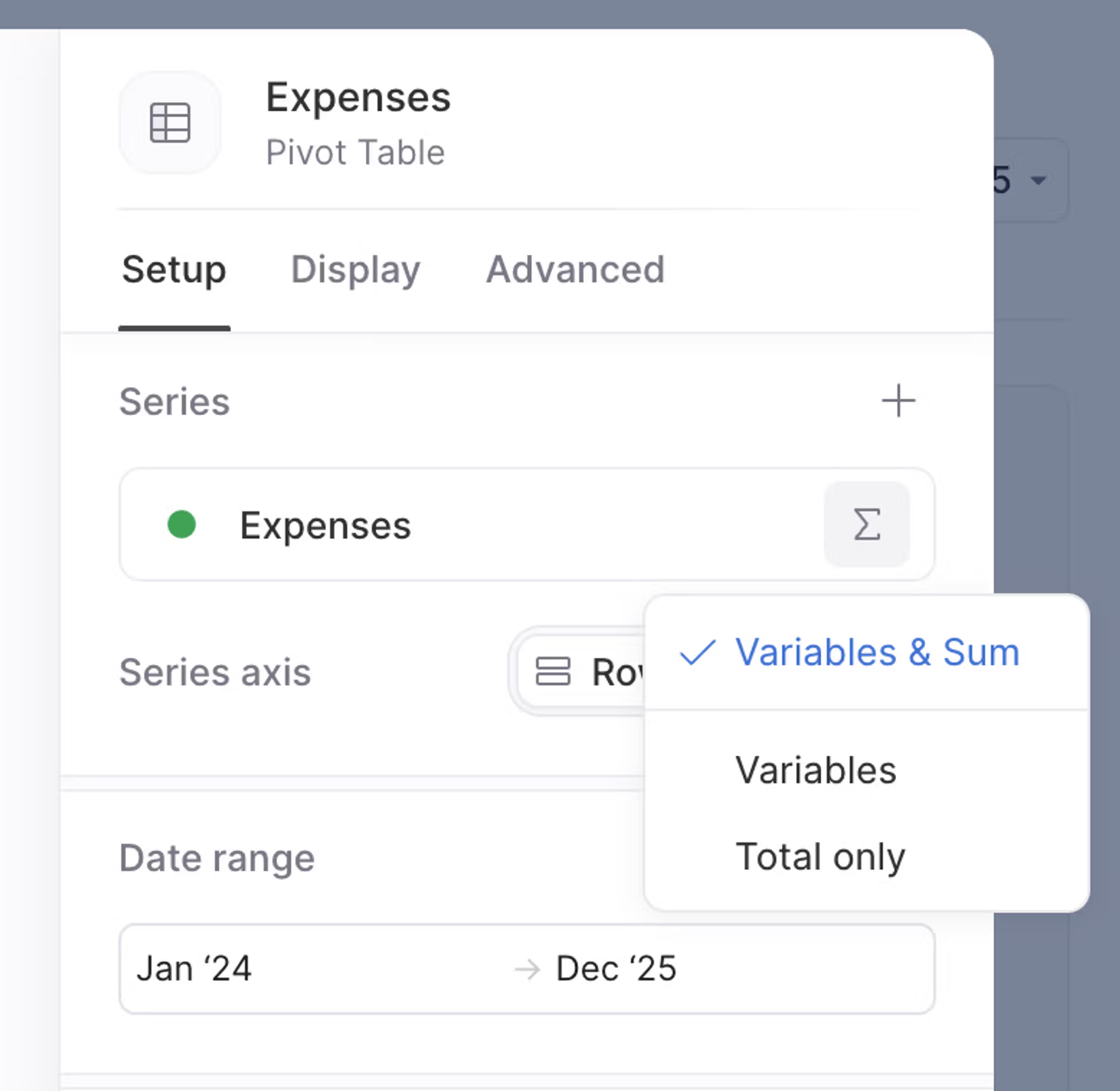
On tables: add a group/section as a series to add its variables as well as a total row. (Hit the sum icon once added to see the total only, or variables only).
Easily sum (or avg/min/max...) the variables within a section. Just type sum(Section Name) and xP&A will sum all the variables within that group. When variables are added to (or removed from) the group, the function (e.g. sum) will auto-update.
If you add a section to a table (as opposed to the individual variables), then the table will automatically stay up to date as variables are added/removed from the section in the spreadsheet.