
Report TRR
Last updated on 2026-03-17
Overview
The report TRR in the (Sub-) Group workspace aggregates the TRR workspace at group level in the form of a summary for the company report. The report can be used as a disclosure pursuant to IAS 12.81c – the standard setter has not specified a fixed structure for the tax reconciliation.
This article contains the following sections:
Navigation
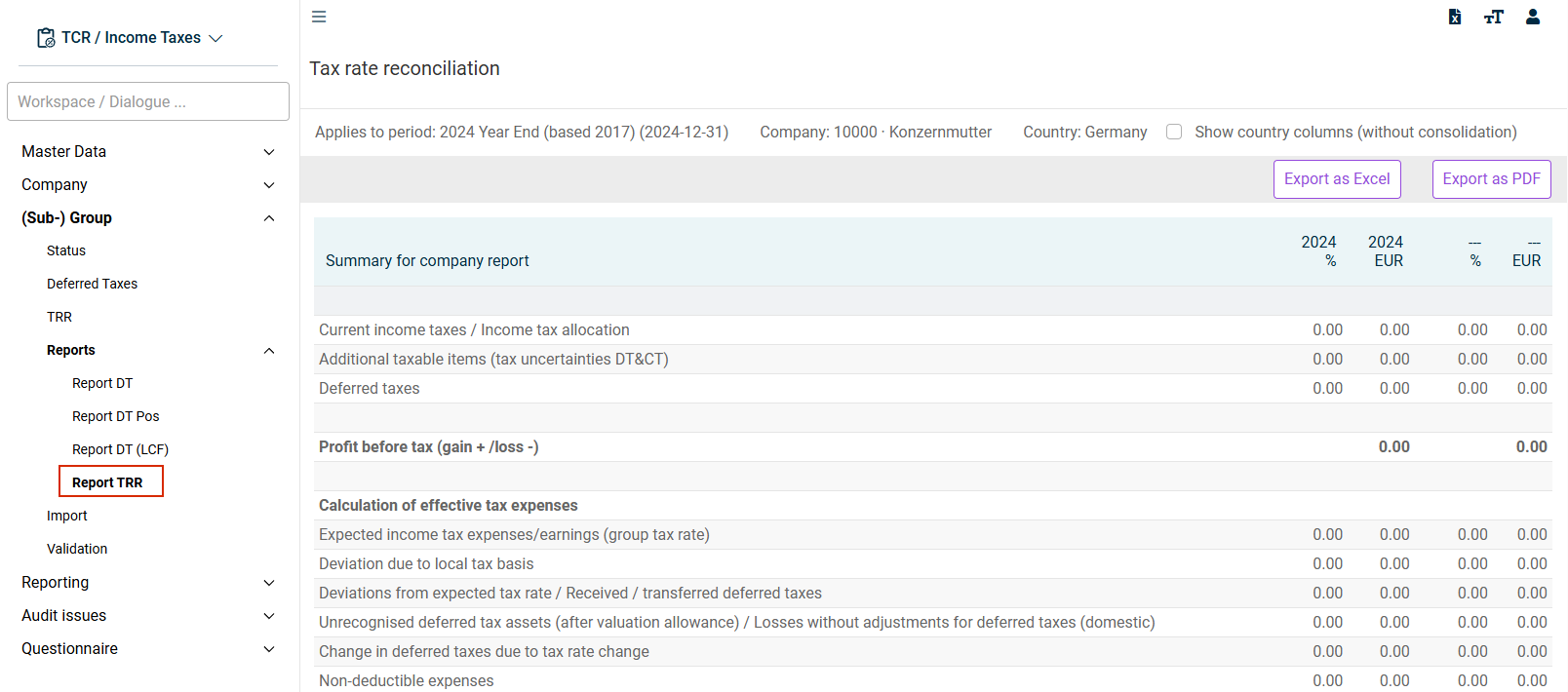
The Report TRR workspace is opened under (Sub-) Group | Reports | Report TRR.
The Report TRR workspace is displayed, for example, as follows:
Configuring Display
Using the check box Show country columns (without consolidation), the reconciliation effects can be broken down accordingly.
Display Options
A TRR Report contains the two permitted display options:
- A reconciliation between the tax expense (tax income) and the expected income tax expense (IAS 12.81c i)
- A tax rate reconciliation between the average effective tax rate and the applicable tax rate (IAS 12.81c ii)