
Report Tax Balance Based Profit
Last updated on 2026-01-30
Overview
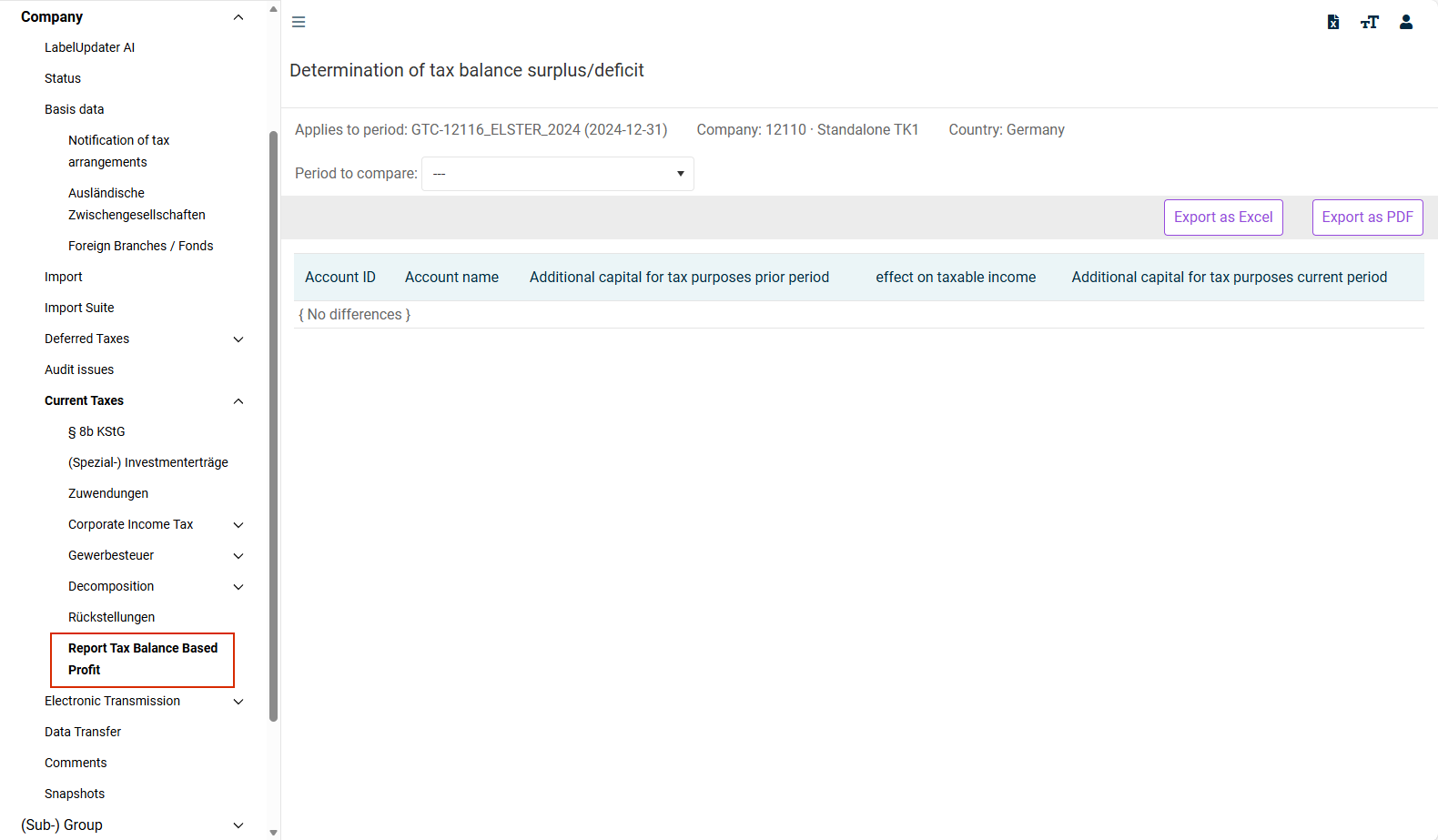
The development of taxable asset differences and tax balance surpluses/deficits or is displayed in the Report Tax Balance Based Profit workspace. Only the balance sheet items where a difference exists between the local balance and tax balance are displayed. The difference between the asset difference of the prior period and that of the current period represents the tax profit difference.
This article contains the following sections:
Navigation
You can access the Report Tax Balance Based Profit workspace under Company | Current Taxes | Report Tax Balance Based Profit.
The Report Tax Balance Based Profit workspace is displayed as follows, for example:
Context Information
The tax surplus/deficit corresponds to the respective proposed value on the Anlage GK (GK Attachment) form (correction according to section 60 (2.1) of the Income Tax Ordinance for the adjustment of the local balance to the tax balance in rows 11.2.1 and 11.2.2 in the GK attachment).
Columns in the 'Report Tax Balance Based Profit’ Workspace
The following columns are displayed in the Report Tax Balance Based Profit workspace:
Column
Description
Account ID
Unique number used to identify the item in the tax rate reconciliation (TRR)
Account name
Name of the balance sheet item or reconciliation item that leads to an increase or decrease in profit
Additional capital for tax purposes prior period
Balance of the additional capital for tax purposes from the previous period (opening balance value at the beginning of the period)
Effect on taxable income
Impact of the item on the taxable income in the current period (increase or decrease in profit)
Additional capital for tax purposes current period
Balance of the additional capital for tax purposes at the end of the current period (previous period +/- effect on profit)