
Settings
Last updated on 2026-05-12
Overview
In the Settings workspace, you can specify for how long data are to be stored in the change logs.
This article contains the following sections:
Navigation
The Settings workspace can be found under Tax Administration | Settings.
The Settings workspace is displayed as follows, for example:
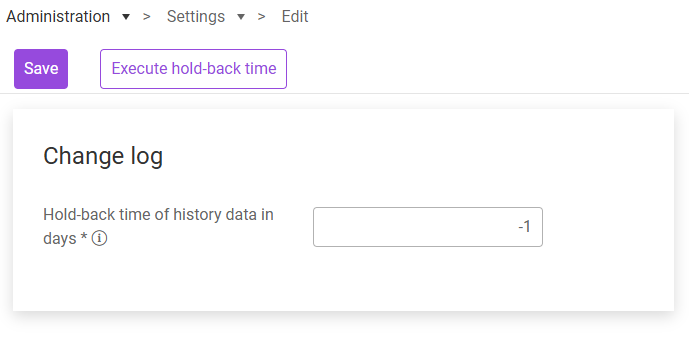
Options in the ‘Settings’ Workspace
In the Change log area, you can define the time period the change history in the change logs should cover.
- In the Hold-back time of history data in days field, specify after how many days the data in the change logs are to be deleted. If you enter 10, for example, the change log data will be deleted after 10 days. Enter -1 if you want the data to be stored without a time limit.
- Click Save.
- If necessary, click Execute hold-back time to apply the set retention period.