Importing Data
Last updated on 2026-05-20
Overview
You can use this import process to import the following data for the tax balance sheet to the taxonomy structure you have chosen:
- Accounts
- Statement of changes in fixed assets
- Equity accounts
- Debt capital accounts
The import is performed by means of a CSV file. How to proceed is described in Importing Data Using a CSV File.
- Reporting entities (This function must be licensed separately. If you have any questions, please contact your Lucanet contact person)
- Tax Data Hub
- Income Taxes
After you have imported the data, you can assign the items and accounts to the structure of the chosen taxonomy in the GAAP reports workspace.
Before you can execute an import, the corresponding interface must first be configured.
This article contains the following sections:
Navigation
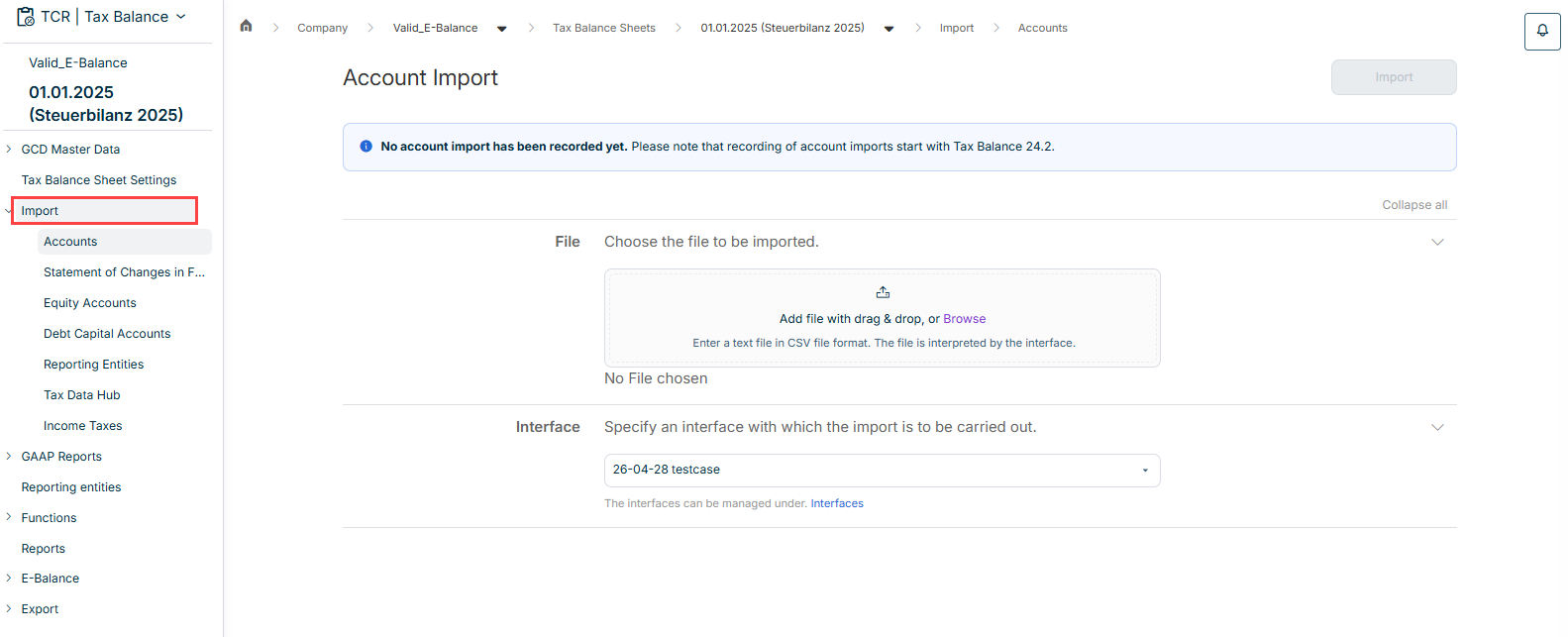
The Import workspace is displayed in the overview as soon as you open a tax balance sheet under Company:
Importing Data Using a CSV File
Proceed as follows:
- Click the area for the desired data type in the tree view under Import.
- Add the file to be imported by means of drag and drop or click Browse to add the file.
Note: Only files in CSV format are allowed. - Choose the previously defined interface to be used for the import.
- Click Import.
Importing Data from Tax Data Hub
Proceed as follows to import data from the Tax Data Hub.
- Click the Tax Data Hub area in the tree view under Import.
The area is displayed as follows:
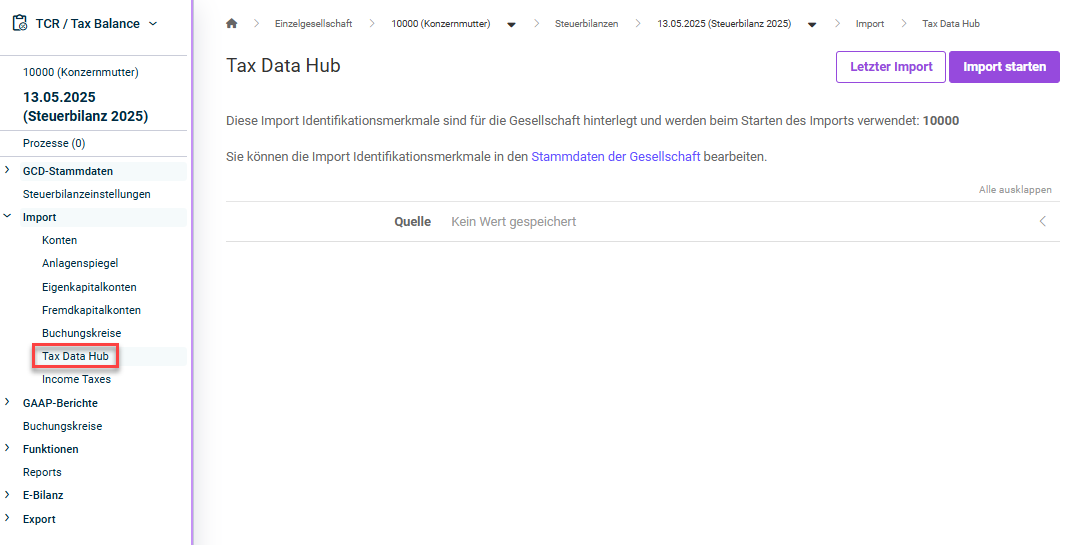
- Choose the source from the Tax Data Hub module to be used for the import.
- Click Start import.
Importing Data from Income Taxes
The import process is carried out by means of the Income Taxes module, which allows the Mapping Engine function to be used.
For the import, the interface of type Income Taxes must be defined in Tax Balance and the interface with the direction Import (enhanced) must be defined in the Income Taxes module.
Show Status and Details of the Import