
Creating and Configuring an Interface
Last updated on 2026-01-31
Overview
To import your financial data from source systems, you must first define the interfaces used to import them from these systems.
Interfaces are used to define specific settings for the import behavior and import parameters.
This article contains the following sections:
Navigation
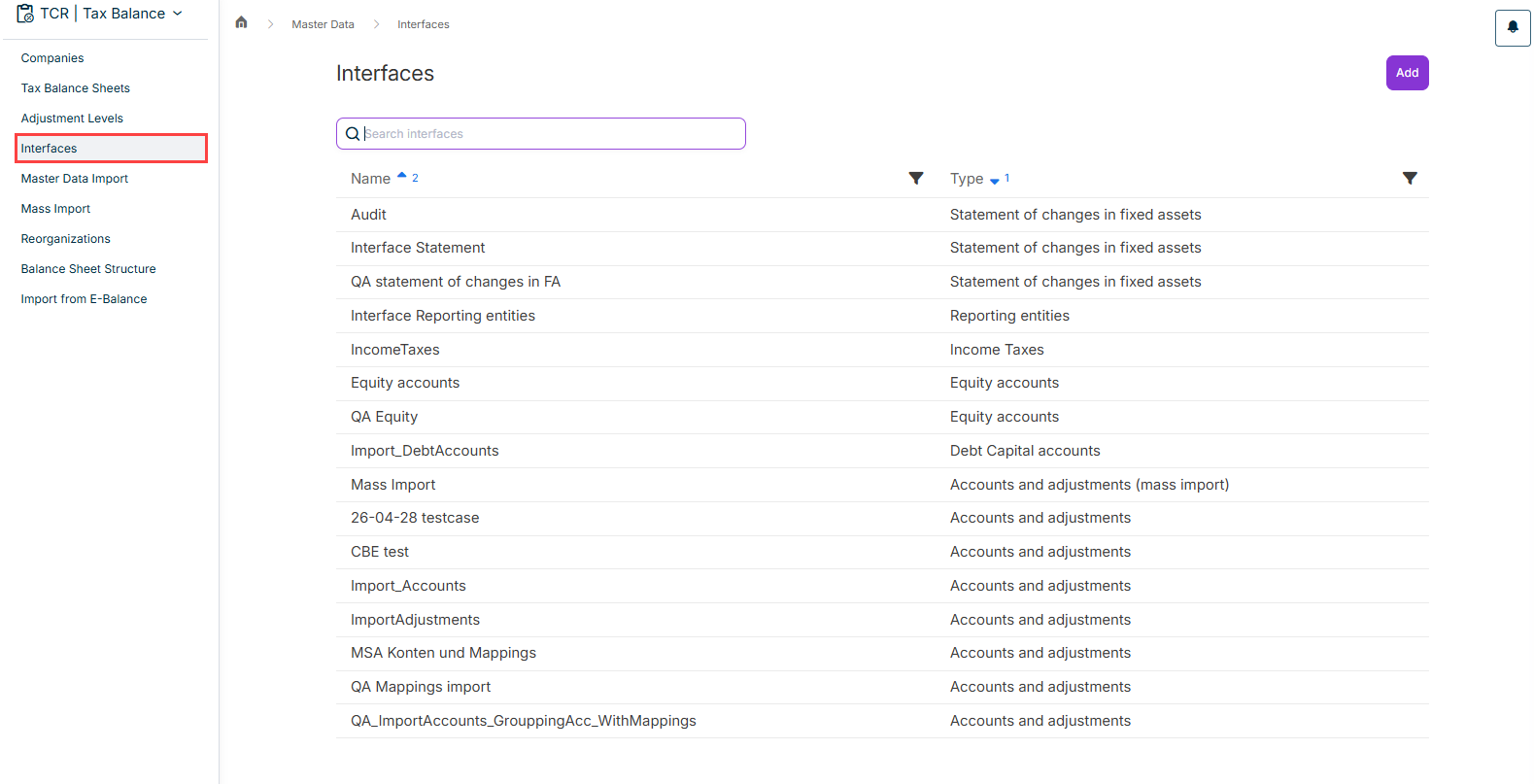
The Interfaces workspace can be opened under Master Data | Interfaces.
The workspace displays an overview of all interfaces that have already been created and is displayed as follows, for example:
Creating an Interface
To create a new interface:
- In the Interfaces workspace, click Add.
- Choose the type of interface, i. e. which data you want to import or from which source system you want to import data. The following options are available for selection:
- Statement of changes in fixed assets
- Reporting Entities
- Equity accounts
- Debt Capital accounts
- Import of data from the Income Taxes module
- Accounts and adjustments
- Accounts and adjustments (as mass import for multiple companies)
- Determination of taxable profit for special cases
- Enter a name for the interface.
- Click Save.
- Configure the options available for the respective interface type.
Configuration Example
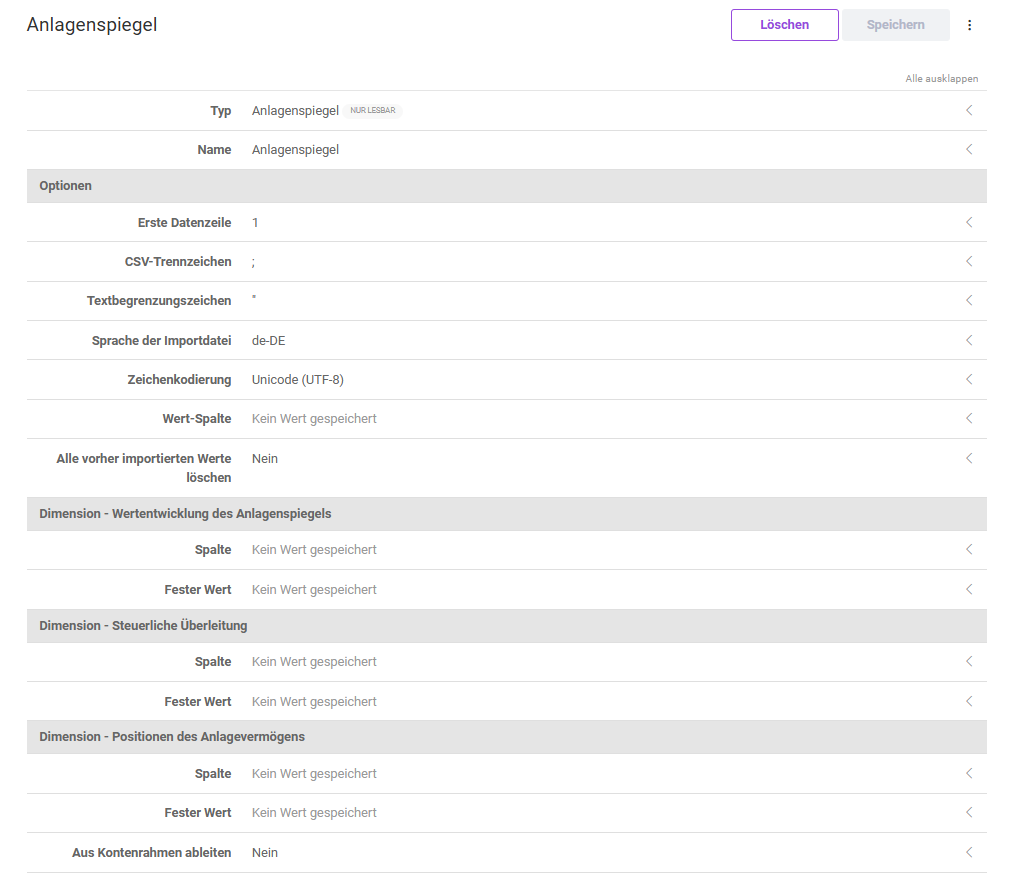
For an interface used to import a fixed asset schedule, the following options are configured, for example:
Editing an Interface
To edit an interface, click the desired interface in the overview table.
You can then edit and save the displayed details.
Copying an Interface
To use data from an interface already configured in another interface, you can create a copy of the interface. To do this, click the More actions menu in the overview table and choose the Copy command.
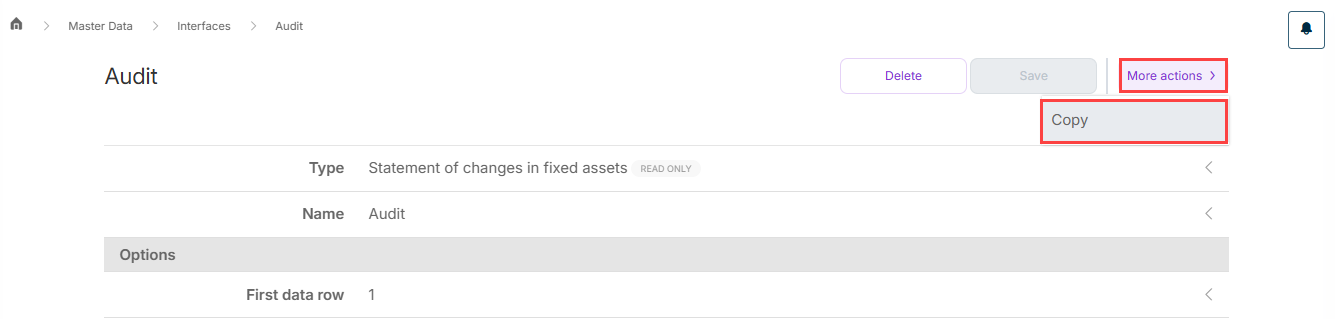
A copy of the interface is automatically created with the name suffix (copy) and you can edit and save the details.