
Creating and Configuring a Company
Last updated on 2026-05-20
Overview
In the Companies workspace, you can manage the companies for which you want to prepare tax balance sheets and transmit them to the tax office.
This article contains the following sections:
Navigation
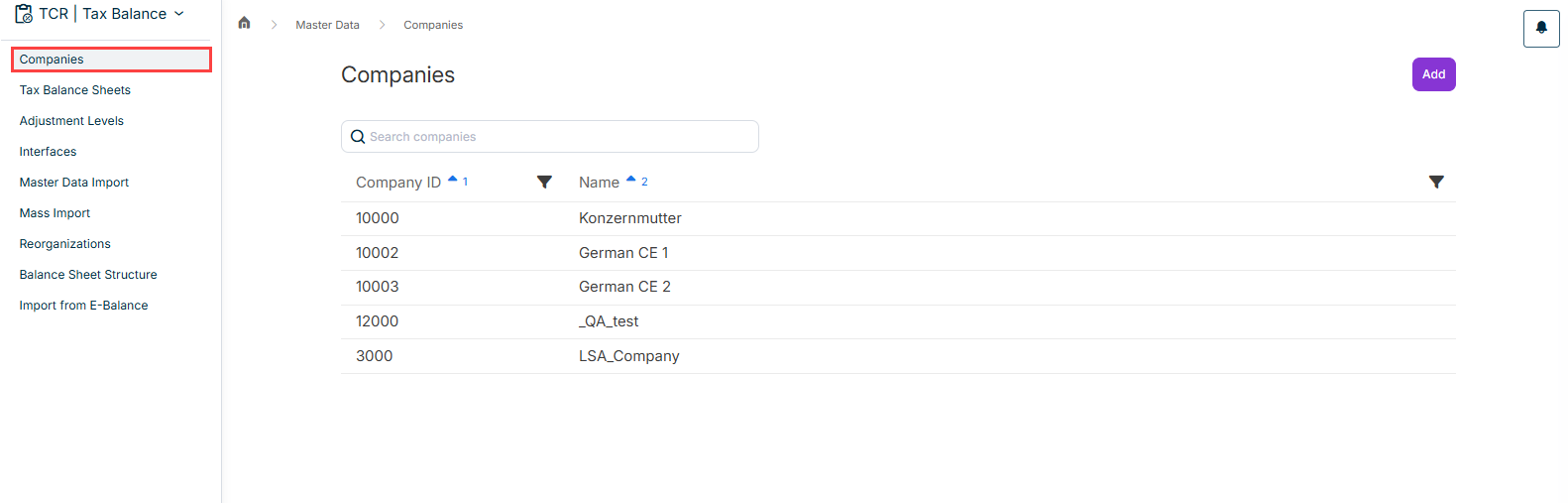
The Companies workspace can be opened under Master Data | Companies.
This workspace provides an overview of all companies that have already been created and is displayed, for example, as follows:
Creating a Company
To create a company:
- In the Companies workspace, click Add.
- Enter a unique company ID.
As a rule, the value from the ERP system should be used as the company ID. - Enter a name for the company.
- Click Save.
Deleting a Company
To delete a company, open the entry for the company in the overview table with a click and then click Delete.
Deleted companies are not archived, but permanently deleted, and cannot be restored.