The Summary Turnover CapEx OpEx Climate change mitigation Climate change adaptation Water Circular Economy Pollution Biodiversity
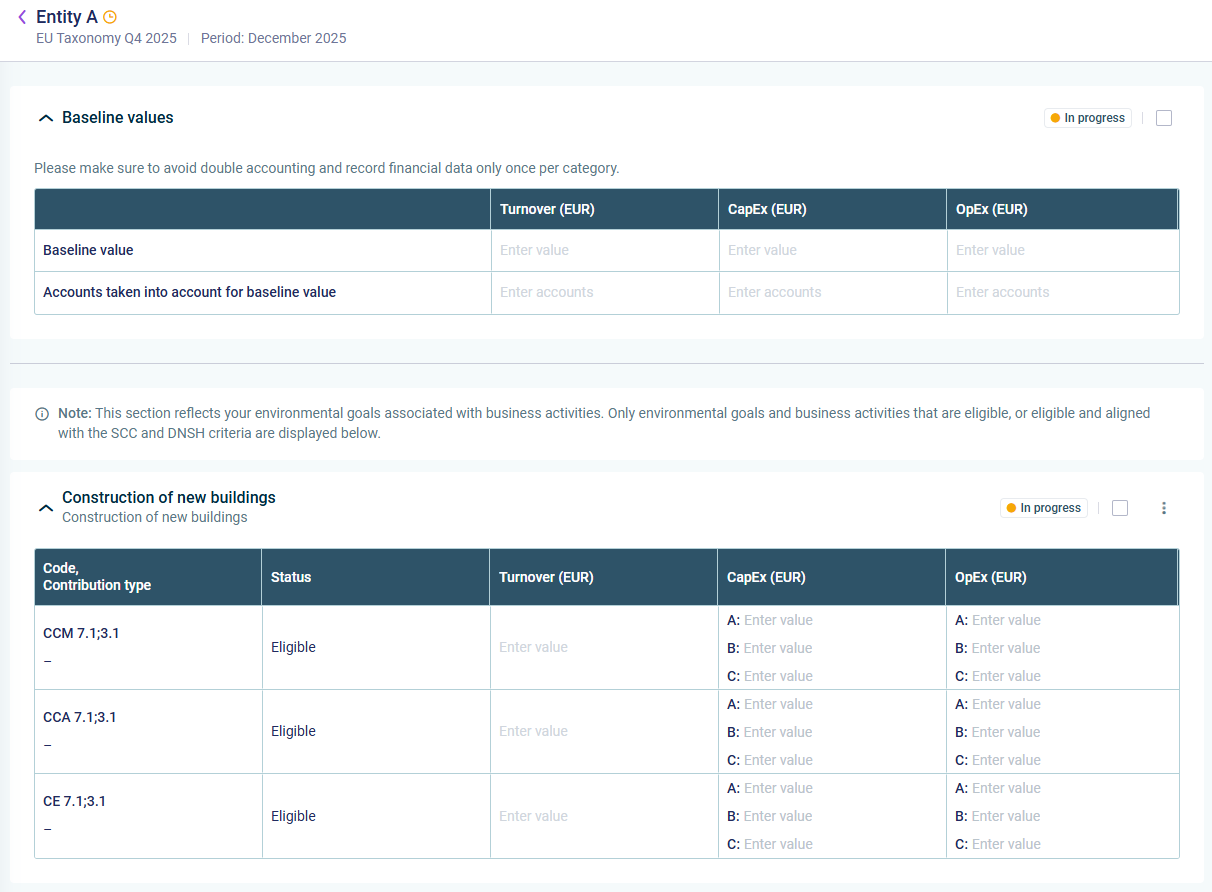
The Turnover, CapEx, and OpEx
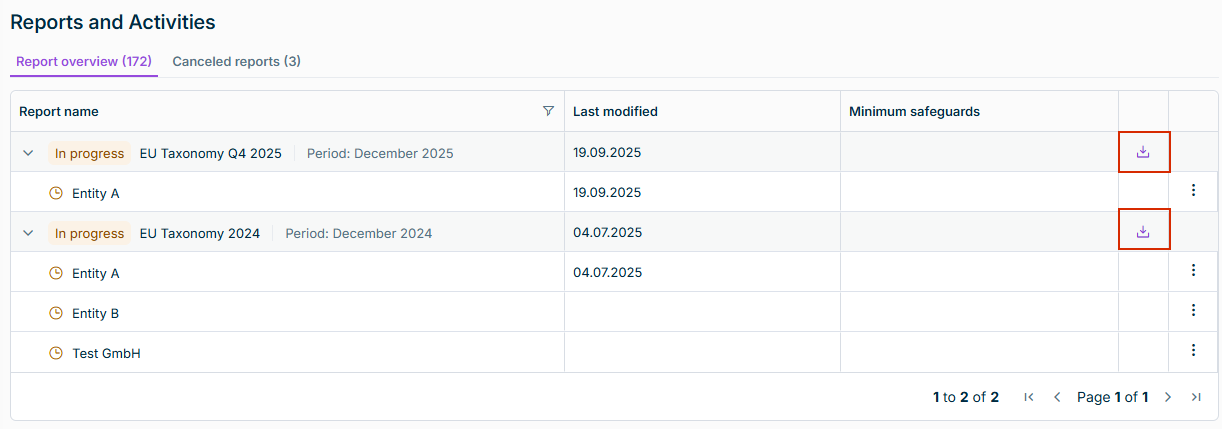
The baseline values for your reporting entity, i.e. turnover CapEx OpEx For each environmental goal and business activity that is eligible, or eligible and aligned with the SCC and DNSH criteria you can enter turnover CapEx OpEx
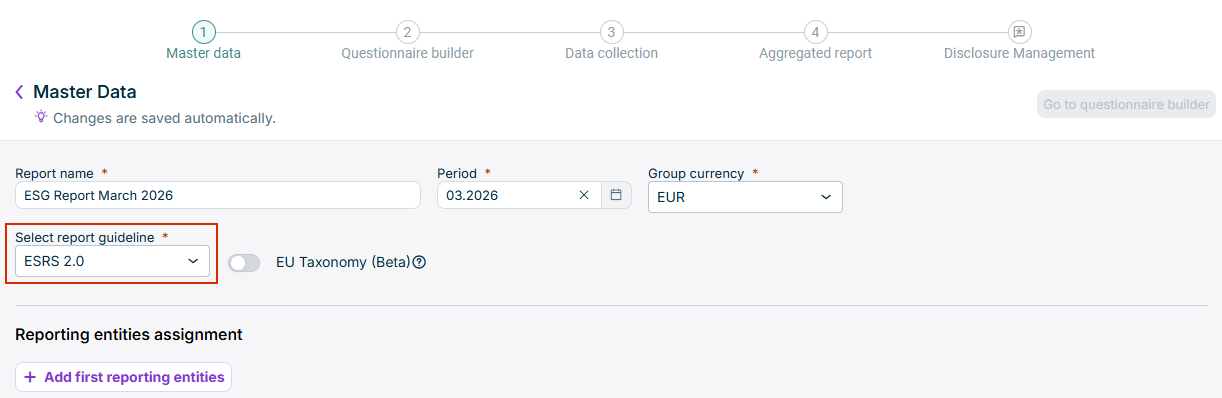
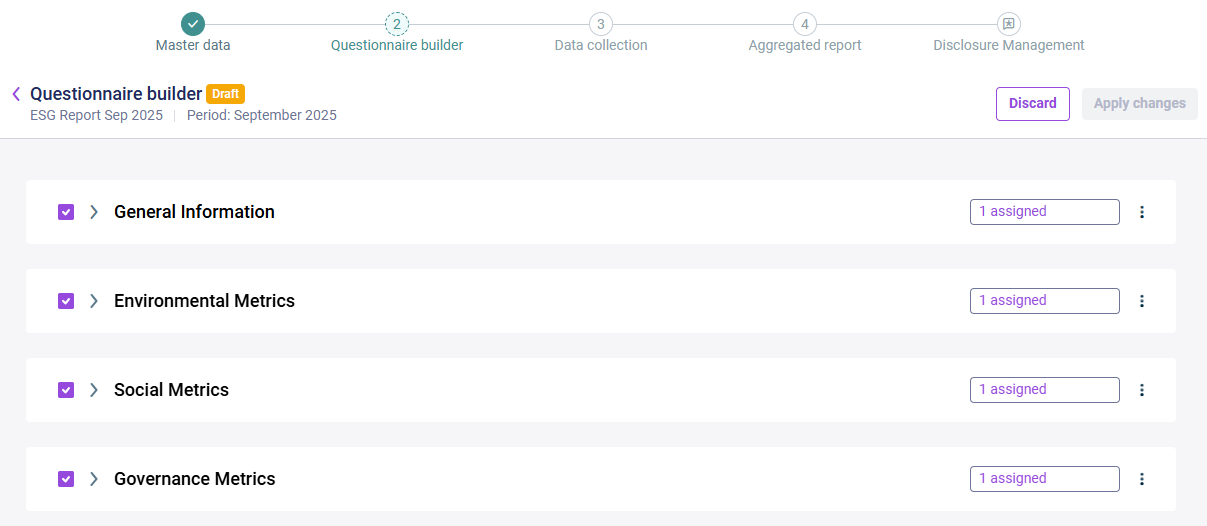
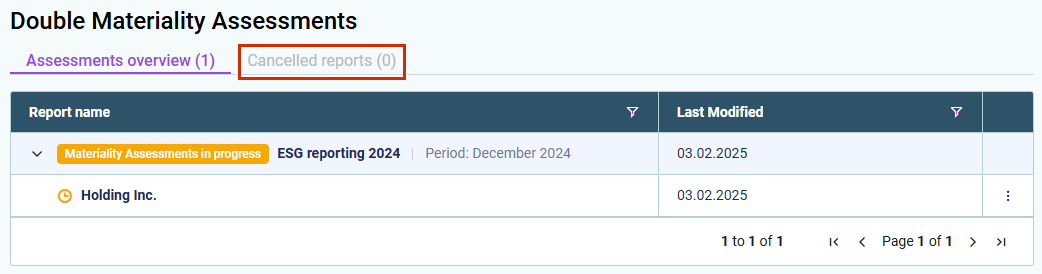
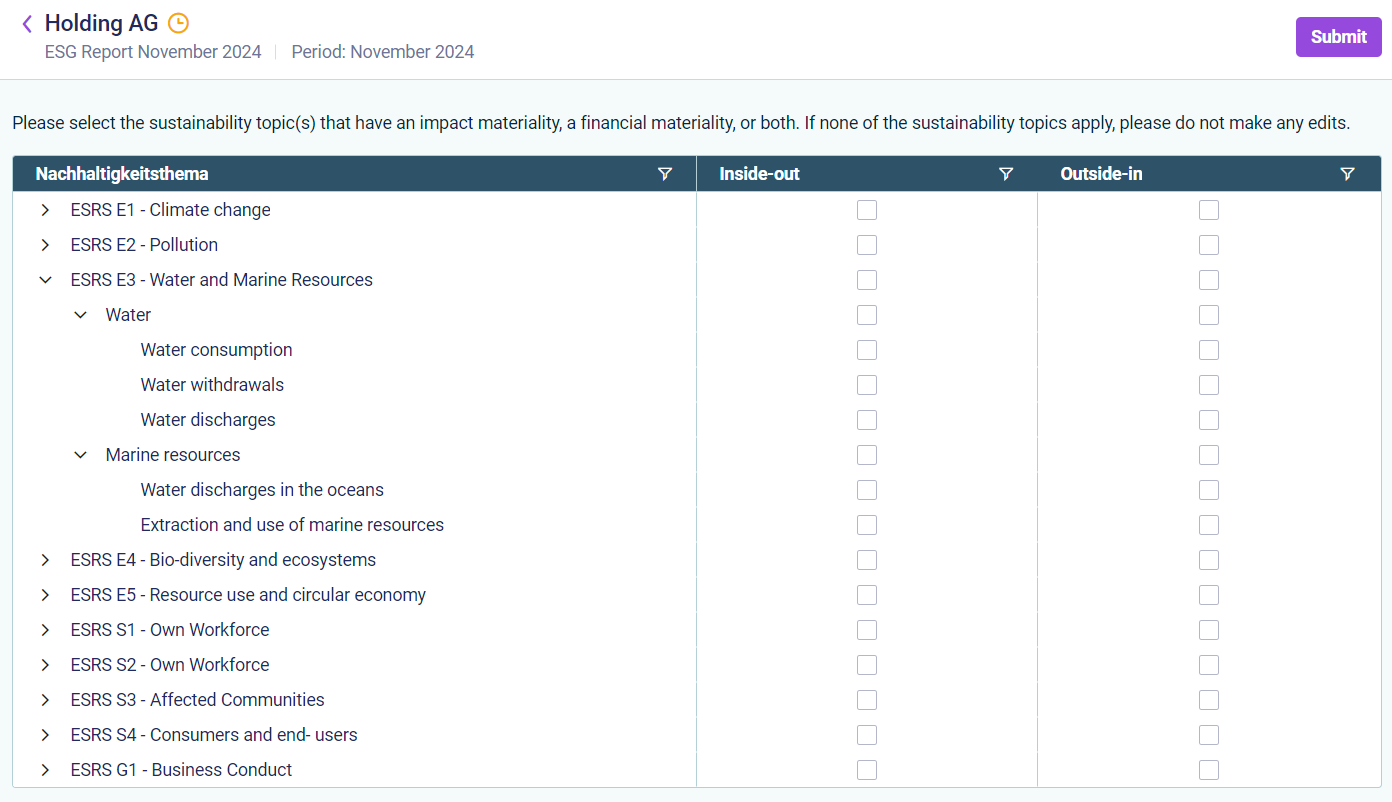
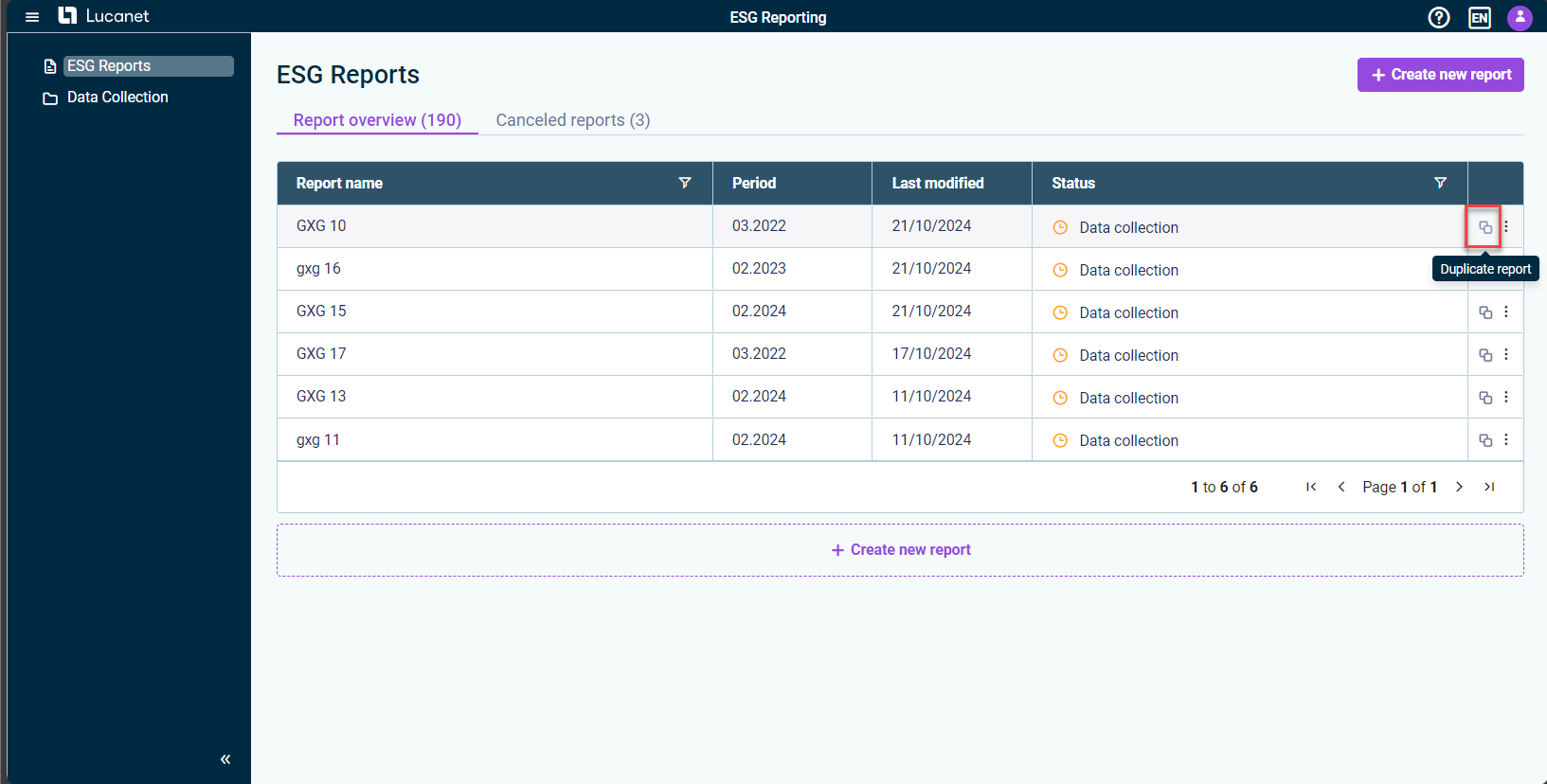
The results of the double materiality assessments of all assigned reporting entities are copied into the duplicated ESG report, saving significant setup time. Assigned users can then review, adjust, and submit DMA results seamlessly in the duplicated ESG report. The system automatically updates the structure of the ESRS questionnaire based on adjusted DMA results, eliminating manual configuration tasks and ensuring reporting consistency across duplicated reports.
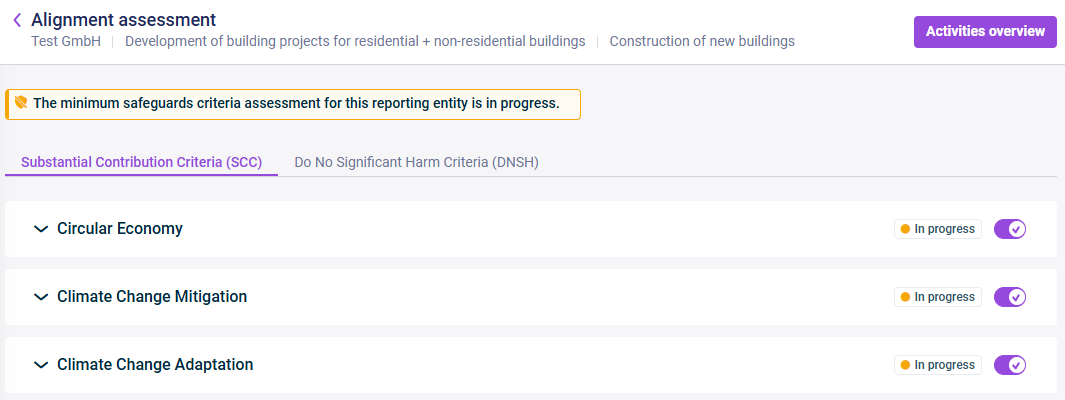
For each reporting entity, you can fill out the minimum safeguards Minimum Safeguards Filling out the Minimum Safeguards Questionnaire ).You can perform the rest of the EU Taxonomy alignment assessment Reports and Activities Covering SCC and DNSH Questionnaires ).
OECD Guidelines for Multinational Enterprises UN Guiding Principles on Business and Human Rights ILO Fundamental Conventions The International Bill of Human Rights.

Substantial Contribution Criteria (SCC) Do No Significant Harm (DNSH)

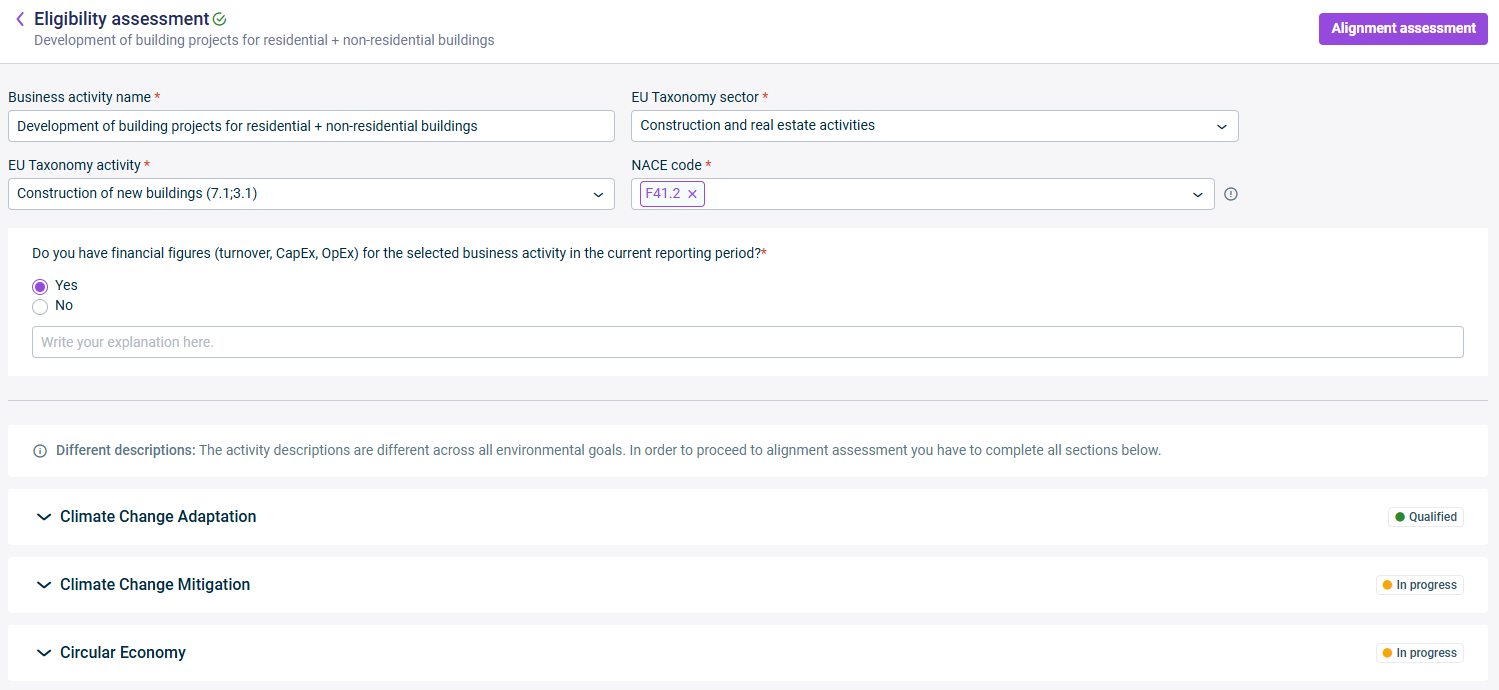
In the Reports and activities business activities To assess the business activities for taxonomy eligibility EU Taxonomy description The ESG user then determines if they meet the criteria for at least one of the environment goals. If yes, the business activity is considered eligible for the EU Taxonomy.
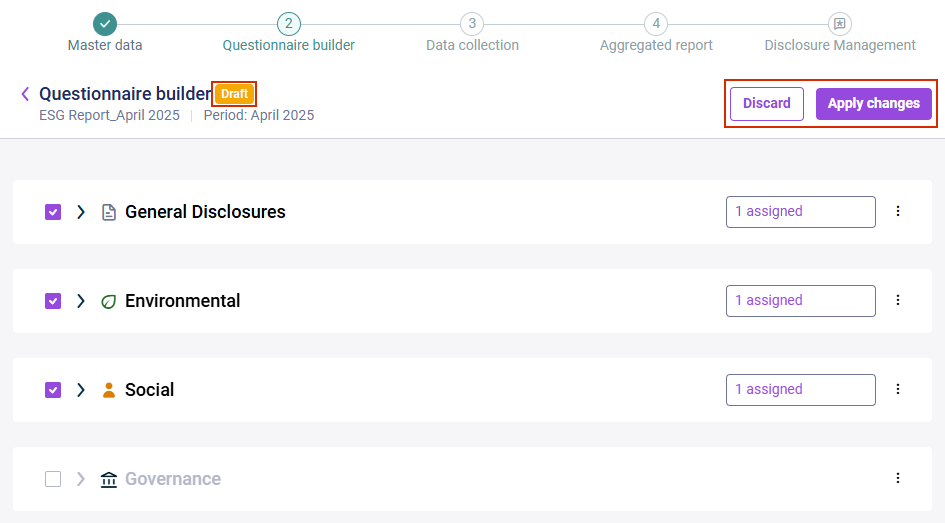
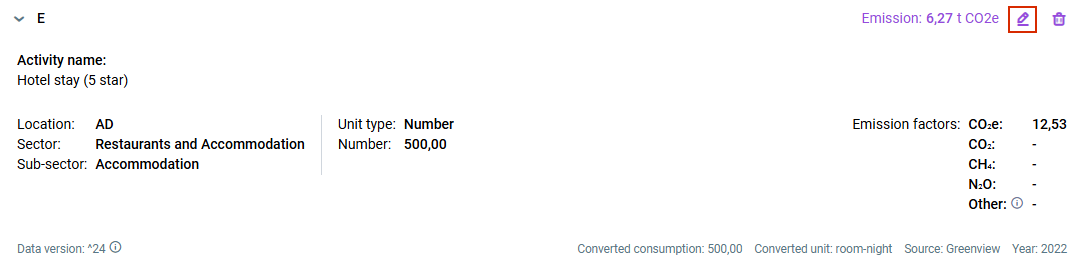
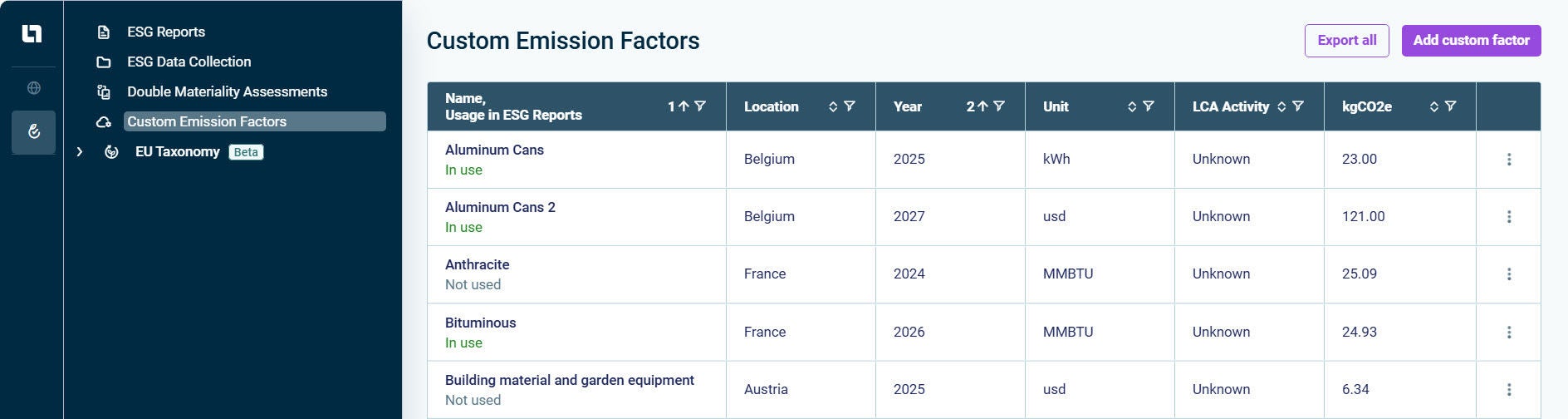
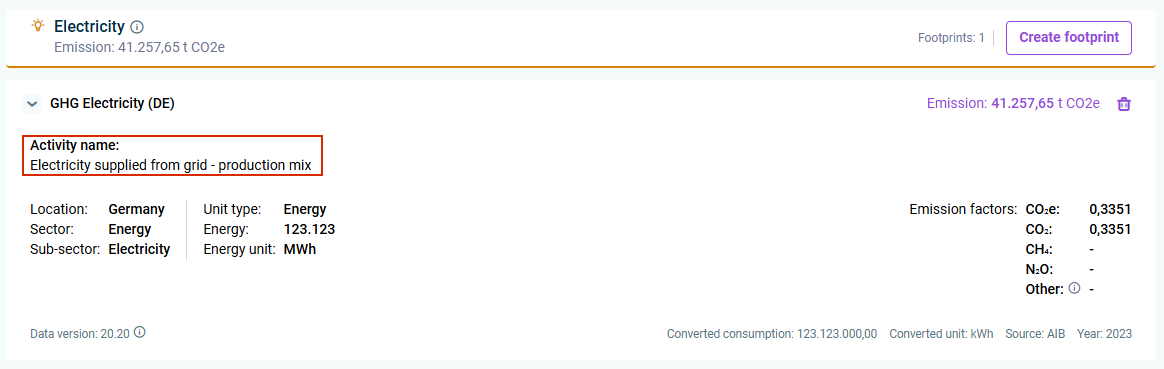
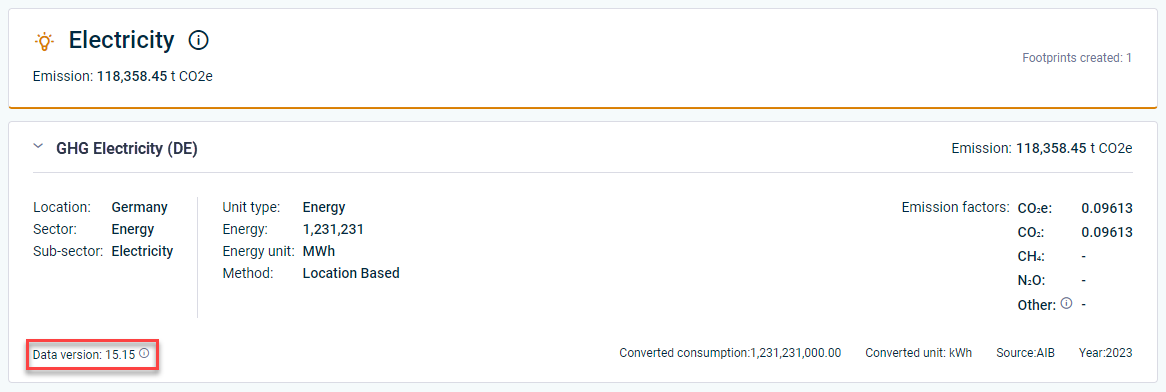
Accessing ecoinvent data for calculations ecoinvent ESG Data collectors Introduction of market-based calculations for Scope 2 of the GHG module location-based market-based Display of activity name in footprints

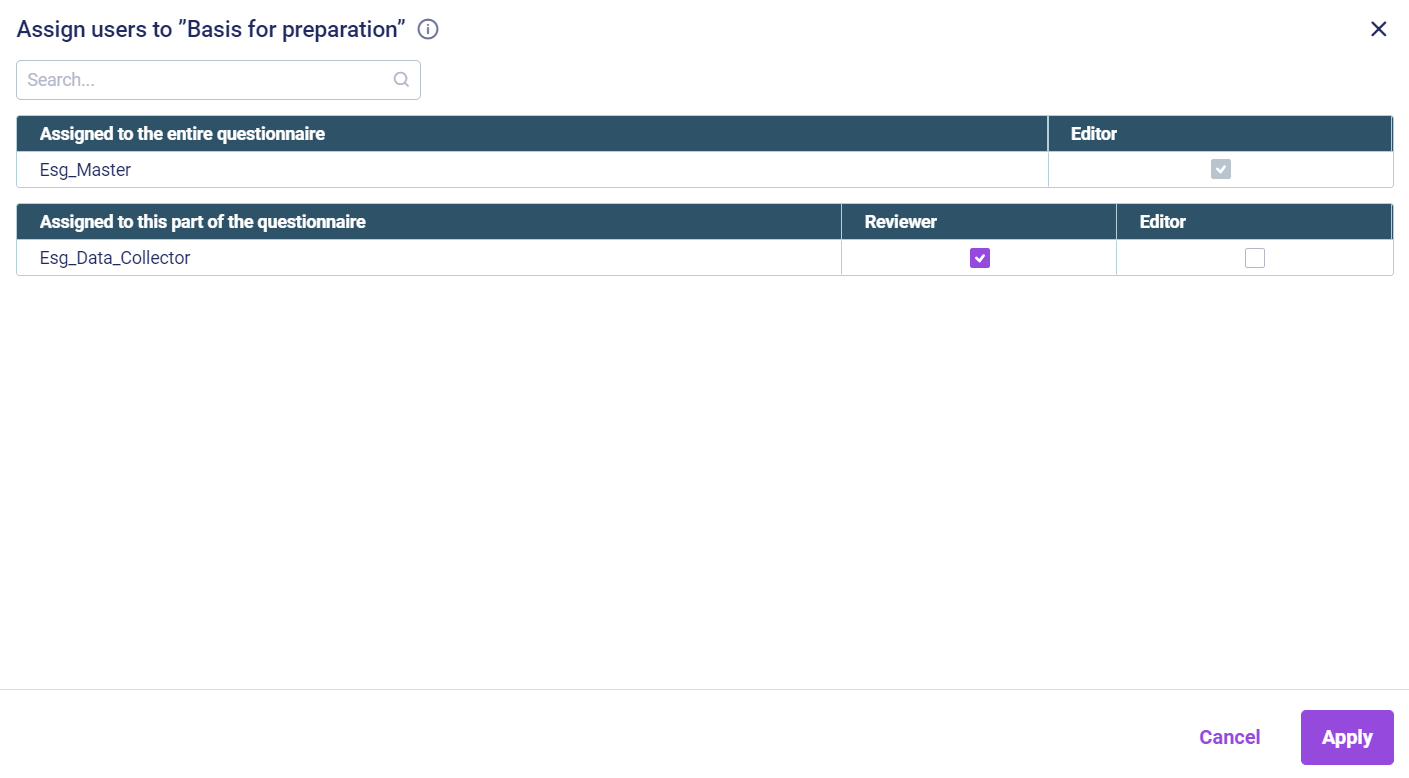
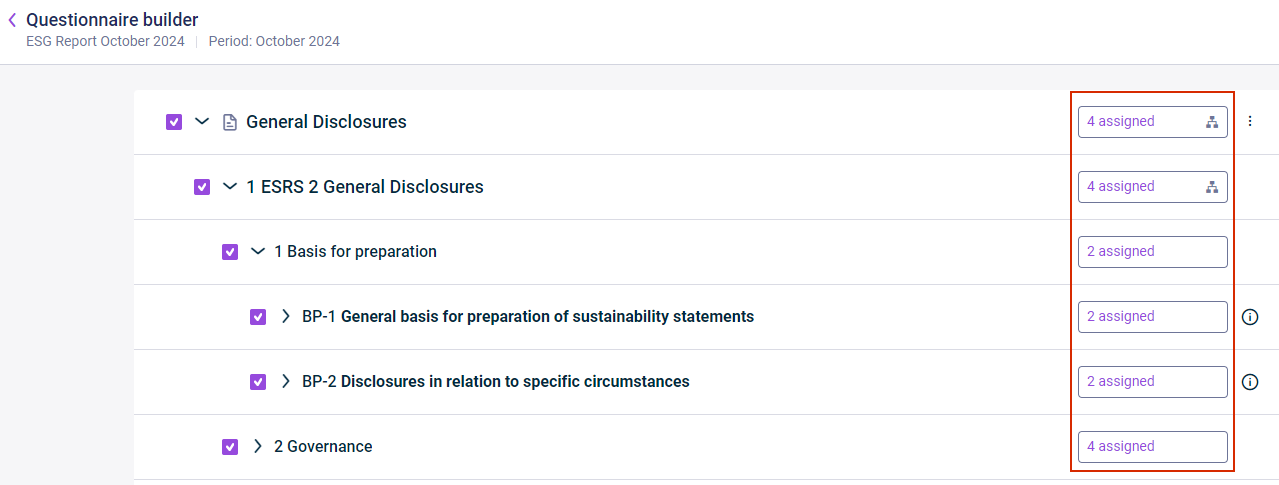
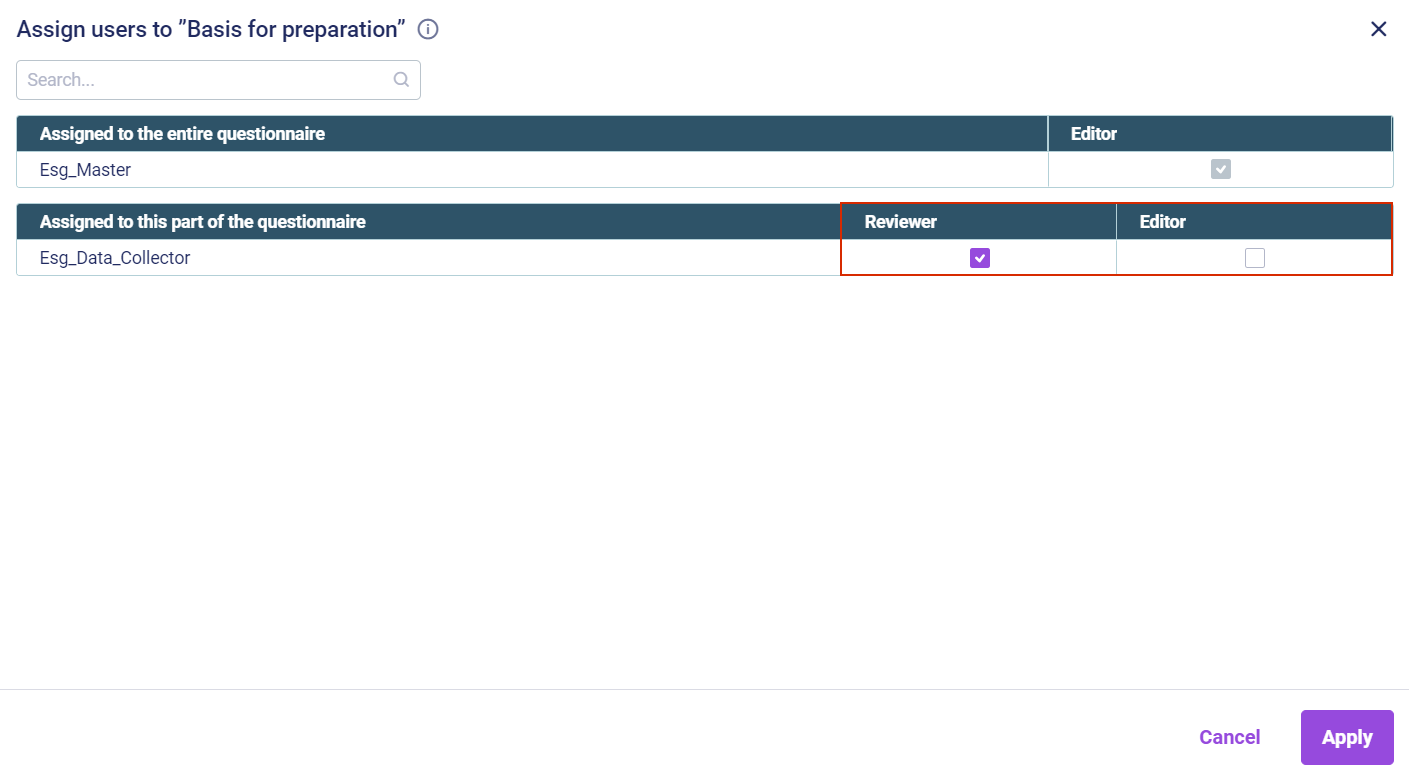
To ensure that data that only needs to be collected for one reporting entity or on group level can only be assigned to these specific reporting entities. To enable data collection on location
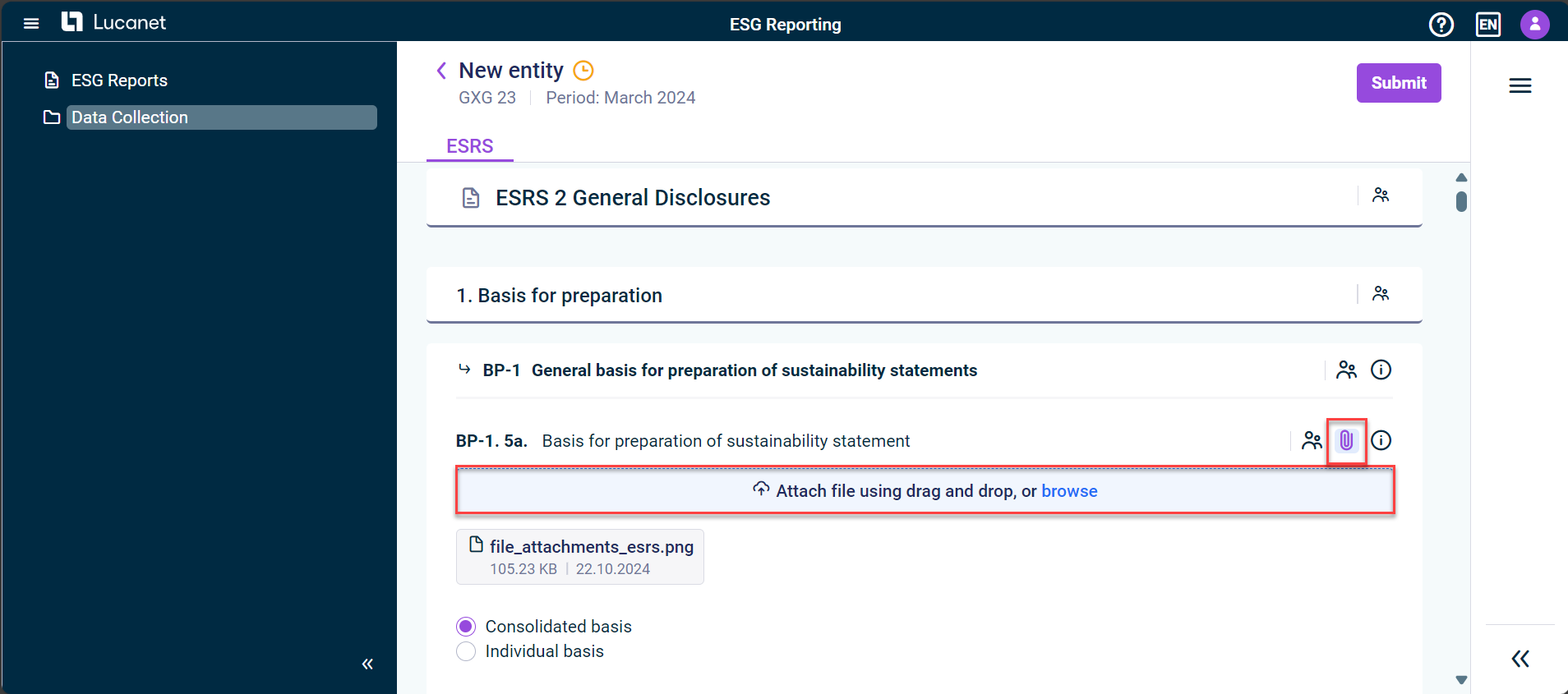
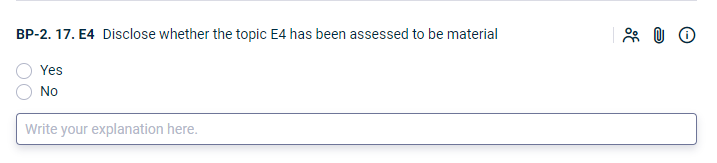
Many of the previously existing free-text input fields have been replaced by drop-down lists in the ESRS questionnaire. The values in the drop-down lists are based on predefined values from the ESRS XBRL taxonomy Questions that are to be answered with a radiobutton (YES/NO) now have a description field ESG Data Collectors
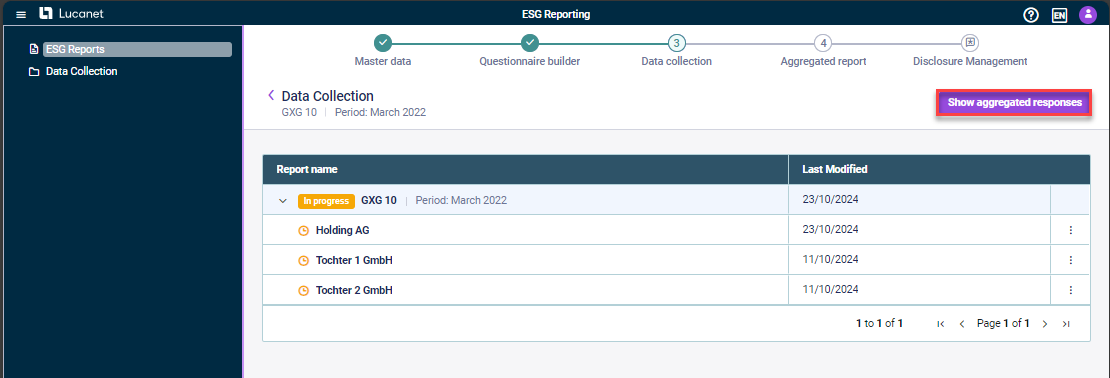
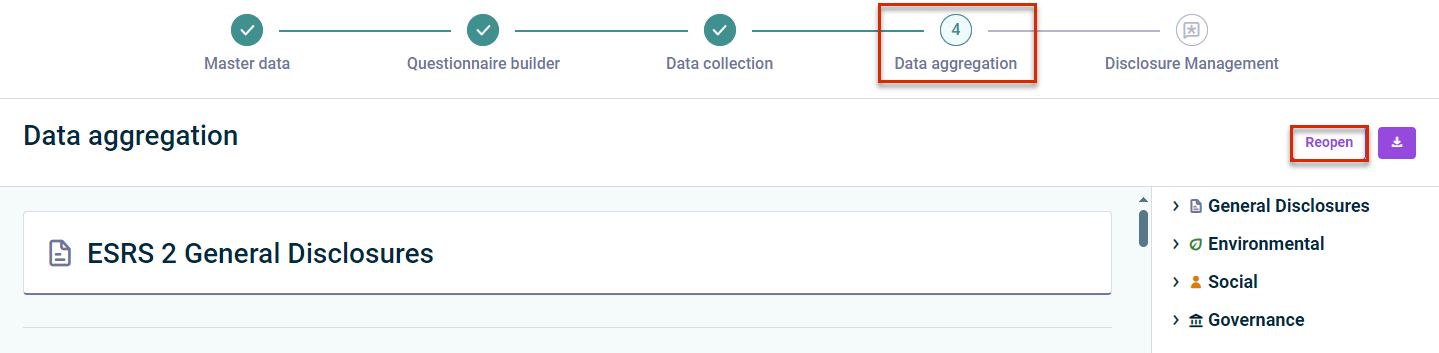
The **Data aggregation page
**
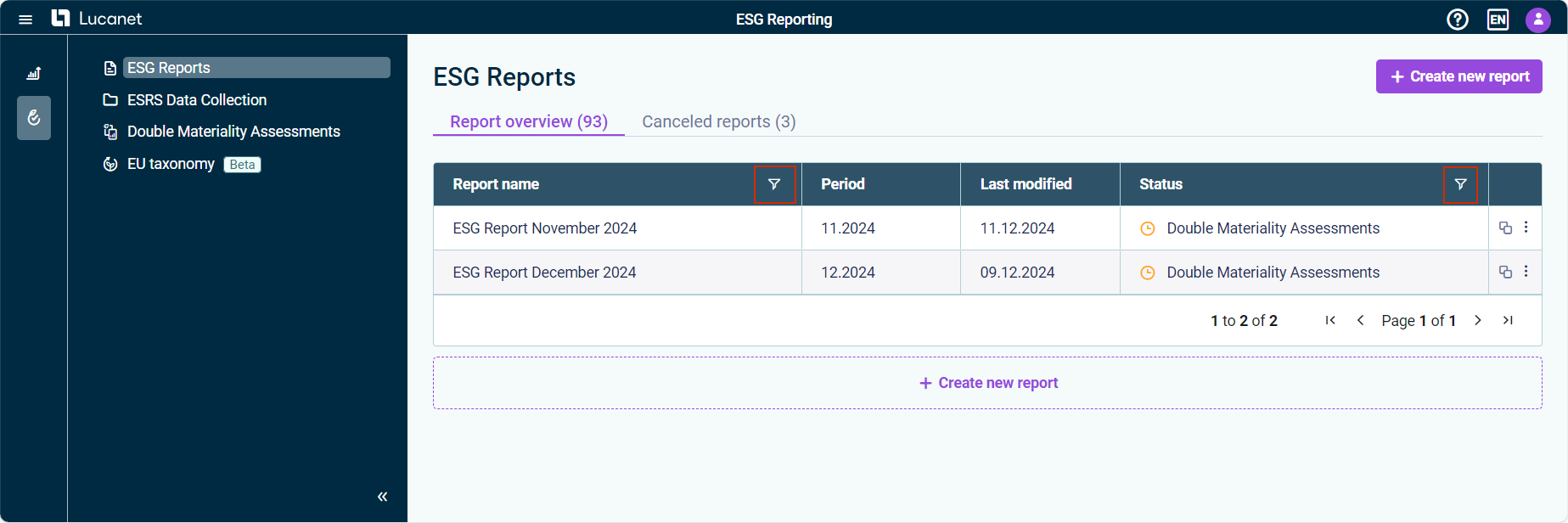
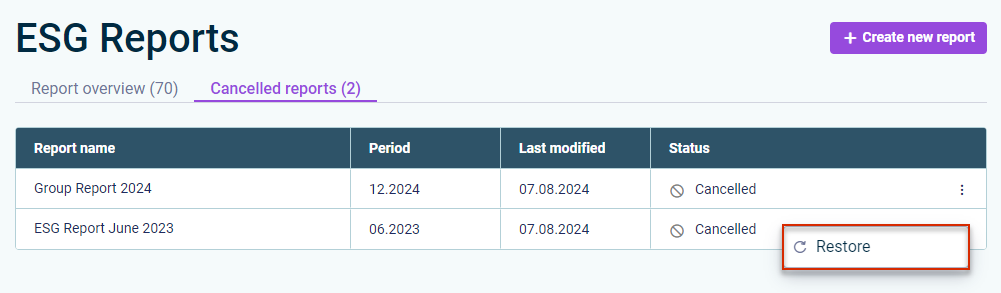
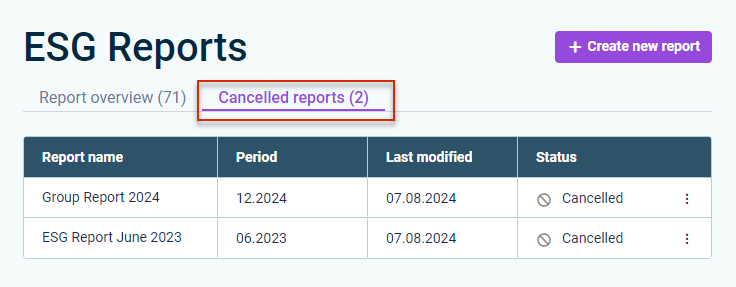
The report overview in the ESG Reports

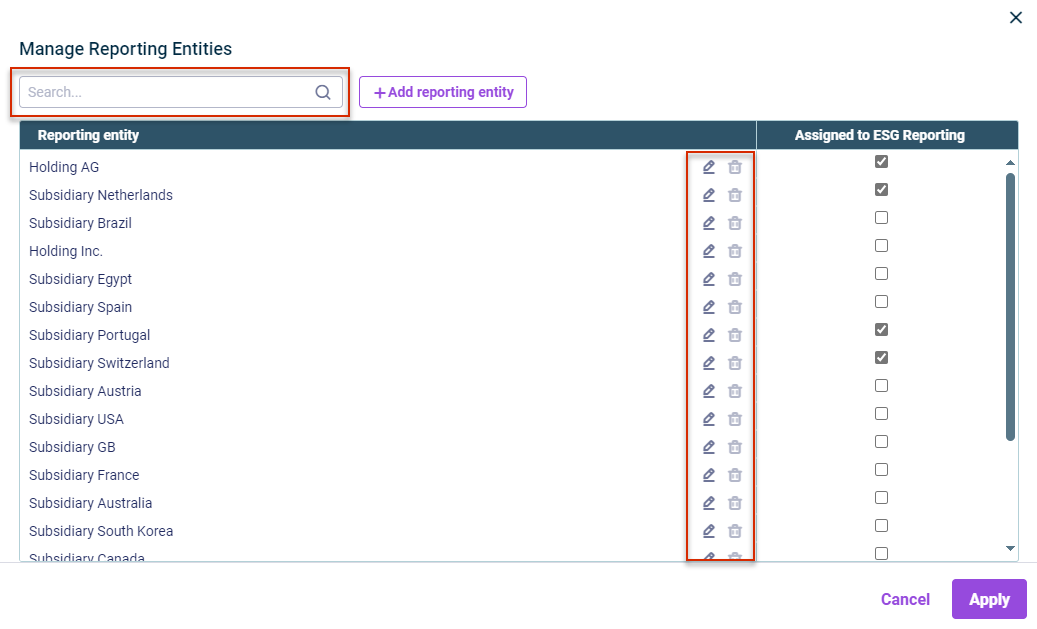
It is possible to search for reporting entities in the list of assigned reporting entities. Users who do not Financial OLAP Server
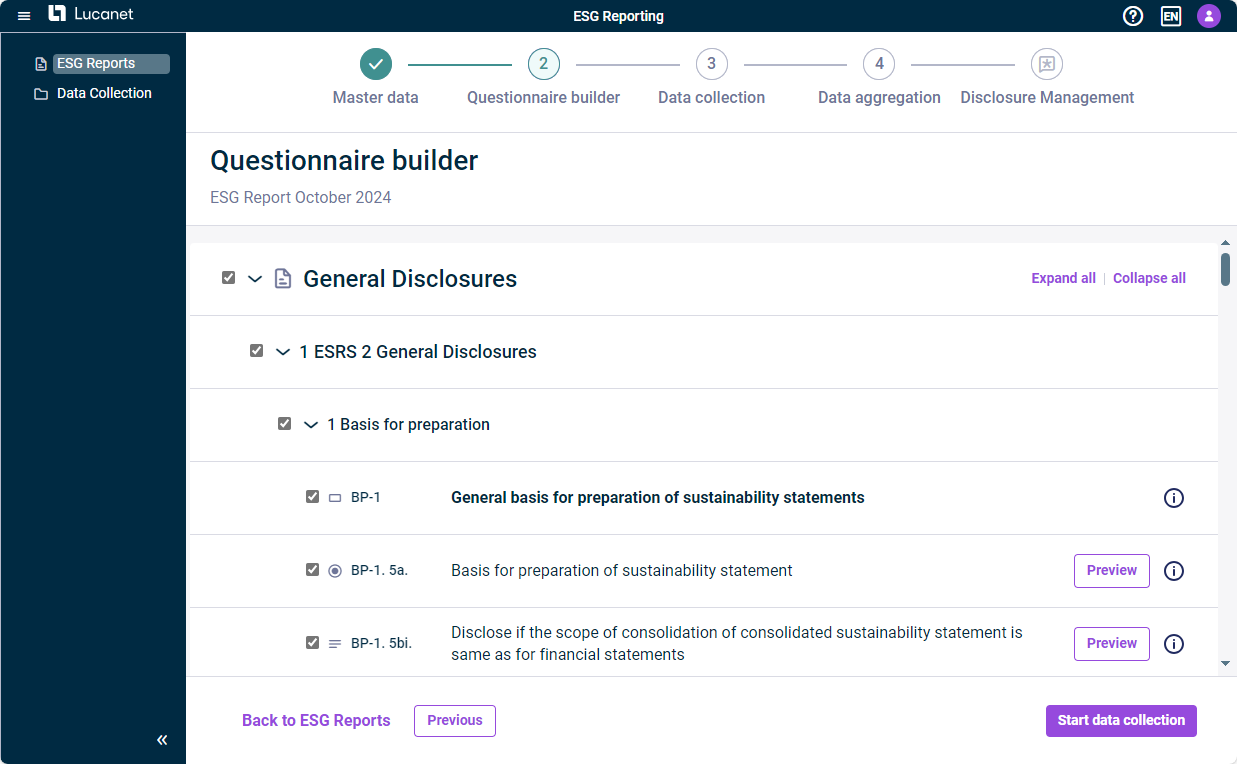
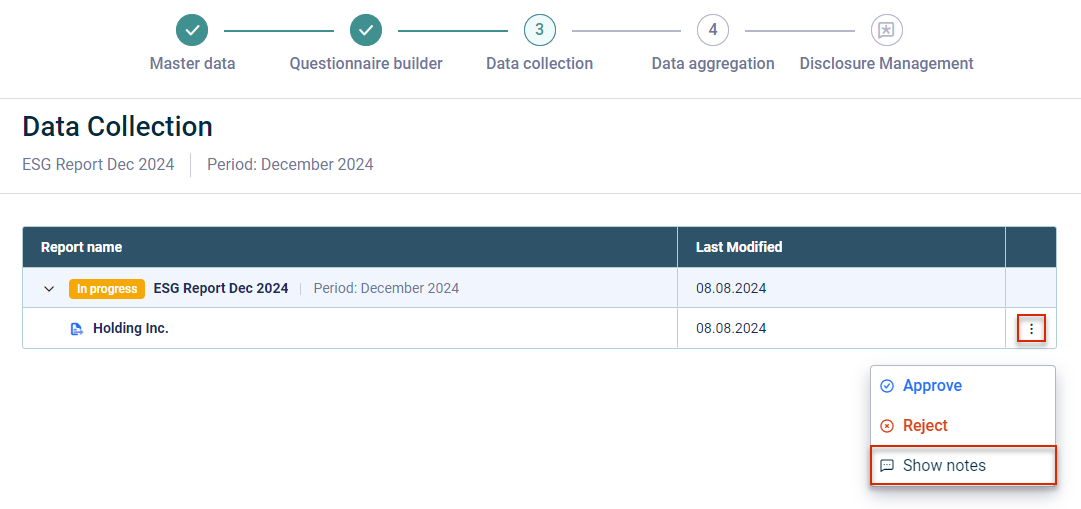
All actions that are available to you depending on your user role and on the data collection step are now available in an additional column in the ESG Reports Data collection show notes submit approve
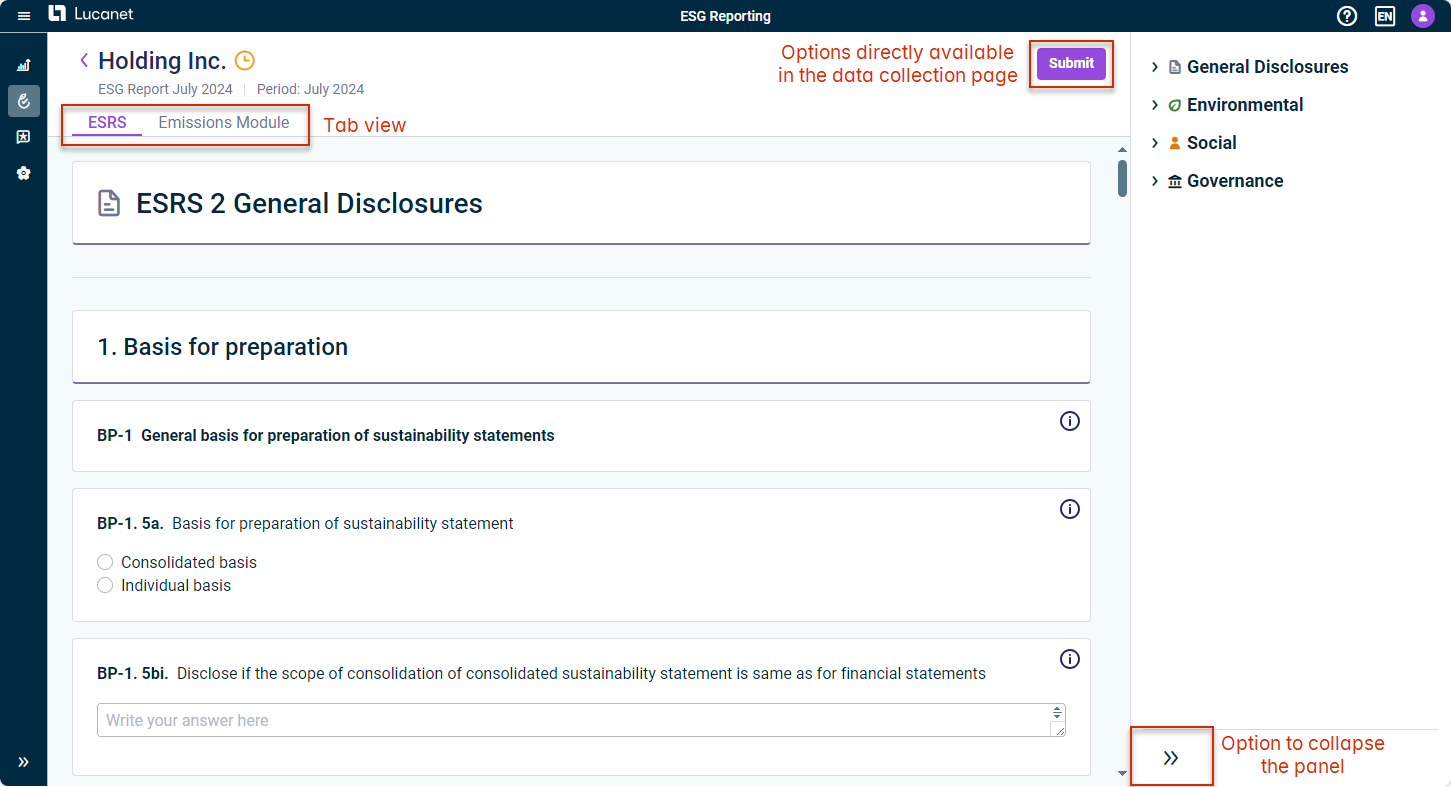
\The data collection details of a specific reporting entity are now displayed on a single page tabs In the ESRS questionnaire and emissions module, it is possible to collapse As an ESG data collector, you can now submit directly
General Functions in ESG Reporting Collecting Data Checking Data
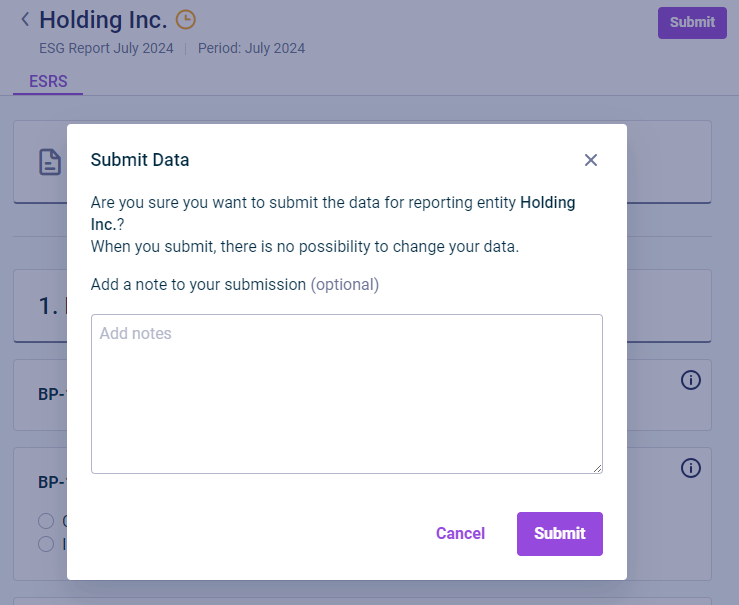
The submission of a report by the ESG data collector The approval of a report by the ESG master The rejection of a report by the ESG master
This content was generated using AI and reviewed by Lucanet subject matter experts before publication.