The period, group currency, and the reporting entities to report
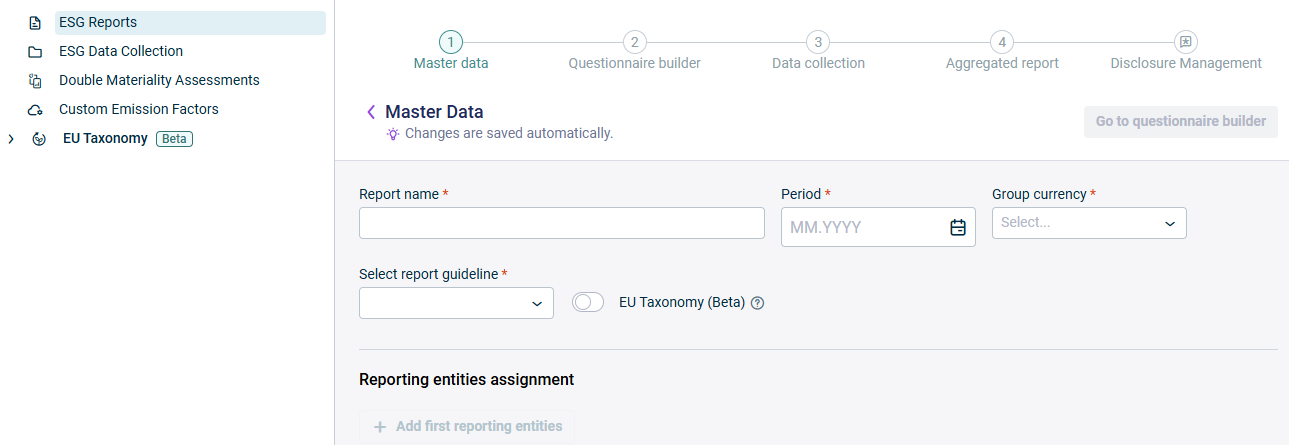
Name Period Group currency
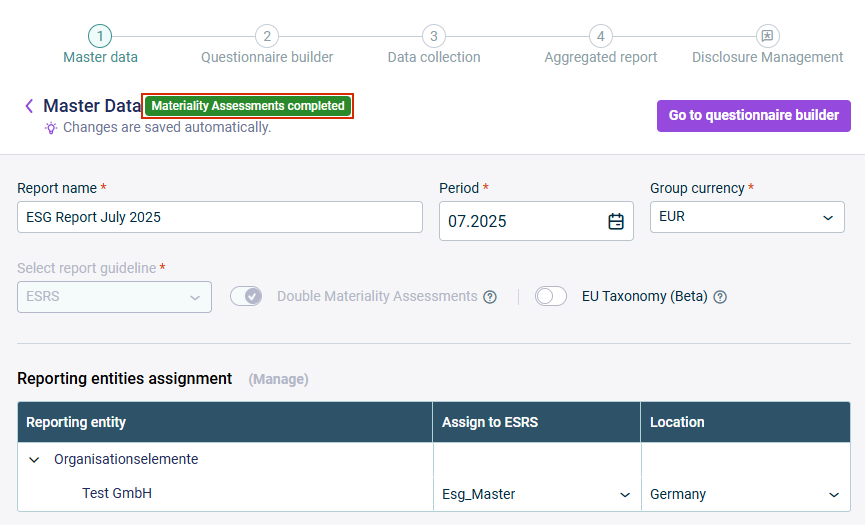
The Double Materiality Assessments ESRS You can only perform the mapping of the double materiality assessment results if you have purchased the Advanced Professional Once you start with the mapping of the double materiality assessment results, you can no longer change In case you have deactivated the Double Materiality Assessments Configuring the ESRS Questionnaire
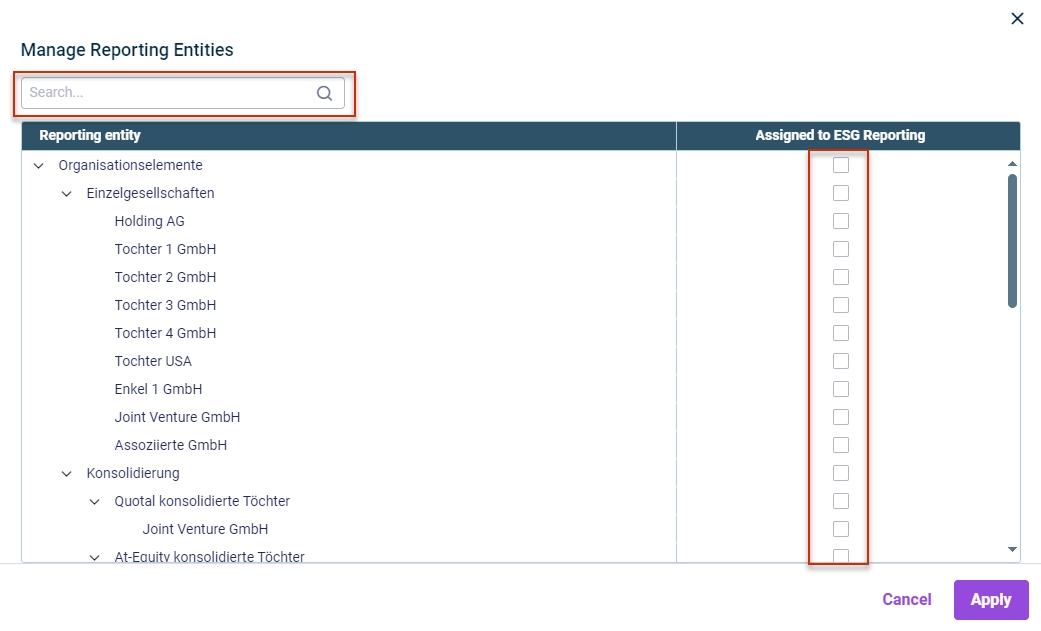
One or more responsible users ESRS data collection EU taxonomy The location GHG emissions
Enter the desired reporting entities by clicking Add reporting entity Reporting entity Search Activate the check boxes in the Assigned to ESG Reporting Edit or delete reporting entities.
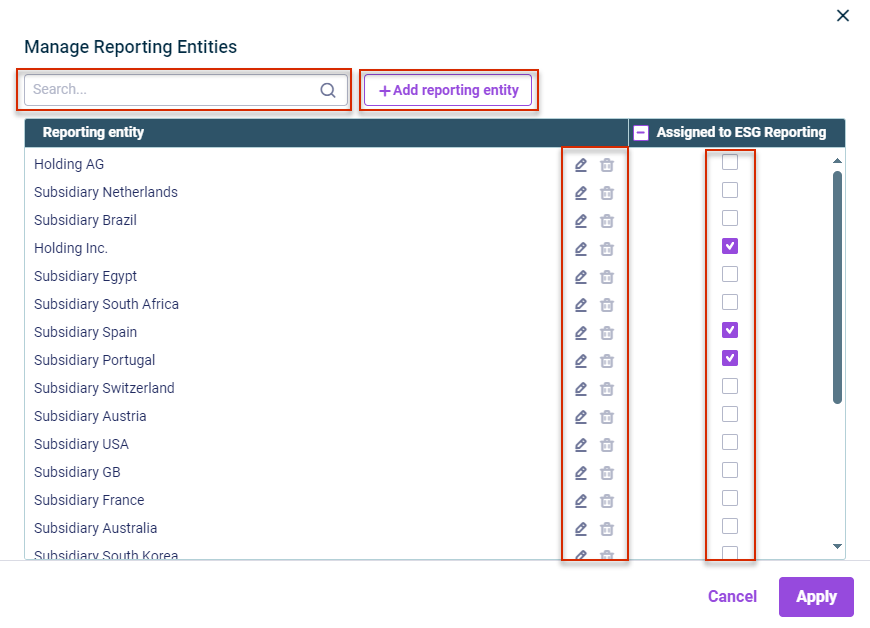
One or more responsible users who will provide the data for the ESRS data collection EU taxonomy The location GHG emissions
This content was generated using AI and reviewed by Lucanet subject matter experts before publication.