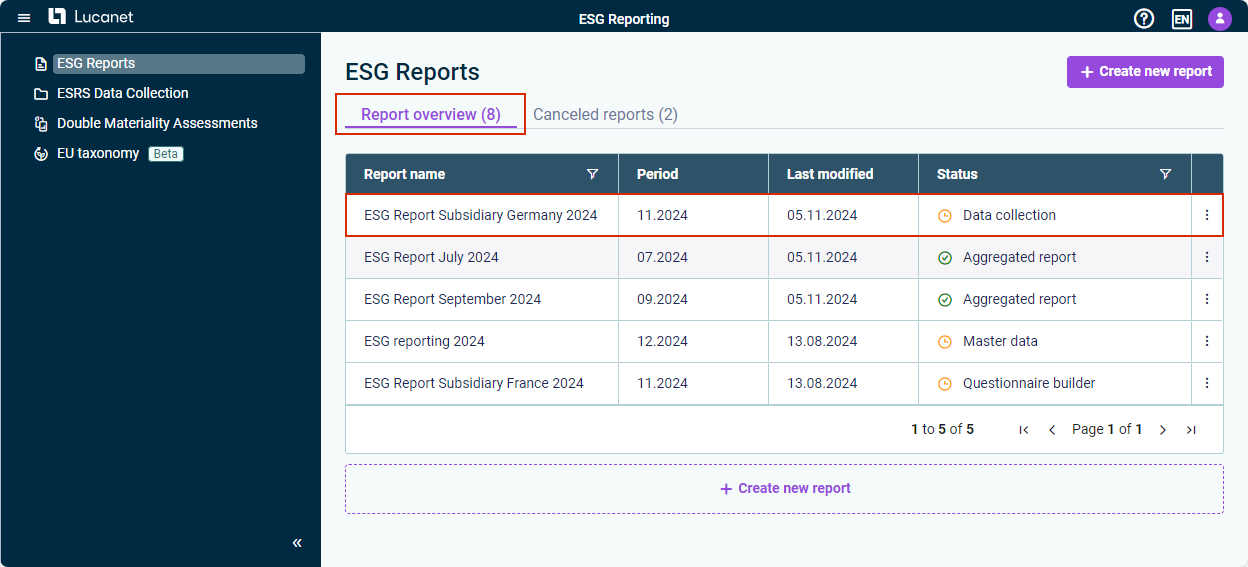
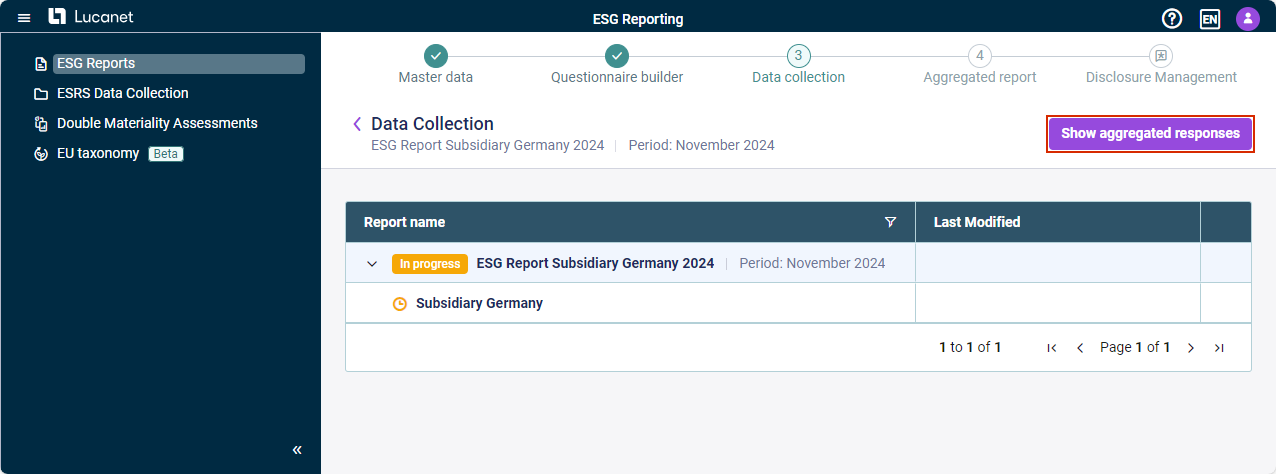
During the data collection phase of an ESG report, you as an ESG Administrator are able to monitor the aggregated responses of all assigned reporting entities.
When viewing the aggregated responses for an ESG report during the data collection phase, status icons indicate the completion status of each question across all reporting entities:
Status
Description
Completed by all reporting entities, i.e. all reporting entities have activated the Mark as completed check box for the question.
In progress, i.e. one or more reporting entities have not activated the Mark as completed check box for the question.
Note: Formula-based KPIs are displayed in this preview as well, with their formula, the values of the individual reporting entities, and the group value. They behave exactly as in the final aggregated report (see Generating ESG Report).
This content was generated using AI and reviewed by Lucanet subject matter experts before publication.