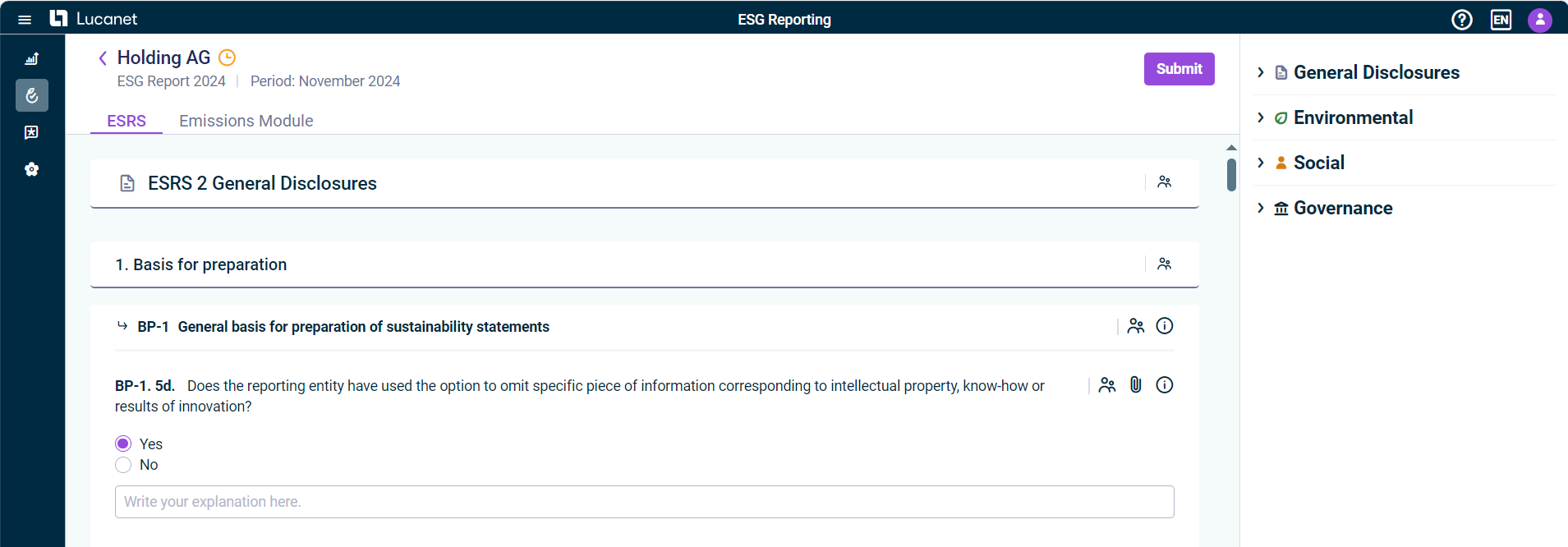
The ESG Administrator can configure the questionnaire for the reporting entity Using the Questionnaire Builder During data collection, the ESG Administrator can assign you to certain parts Assigning Users as Editors or Reviewers
Read-only Partially editable
All the data you enter will be saved automatically. The ESG Administrator may have added additional guidance to support data collection, e.g. company-specific instructions, examples, or internal references. The 
Viewing Guidance and Notes below).You can use the side panel on the right of the screen to navigate between the individual categories and the questions relating to them (see Navigating with the Side Panel below).The questions in the questionnaire are available in English, French, and German and will be displayed in the selected user language accordingly. If you select any other language, the questions will be displayed in English. To get an overview about all users assigned to specific categories or other parts of the questionnaire as editors reviewers 
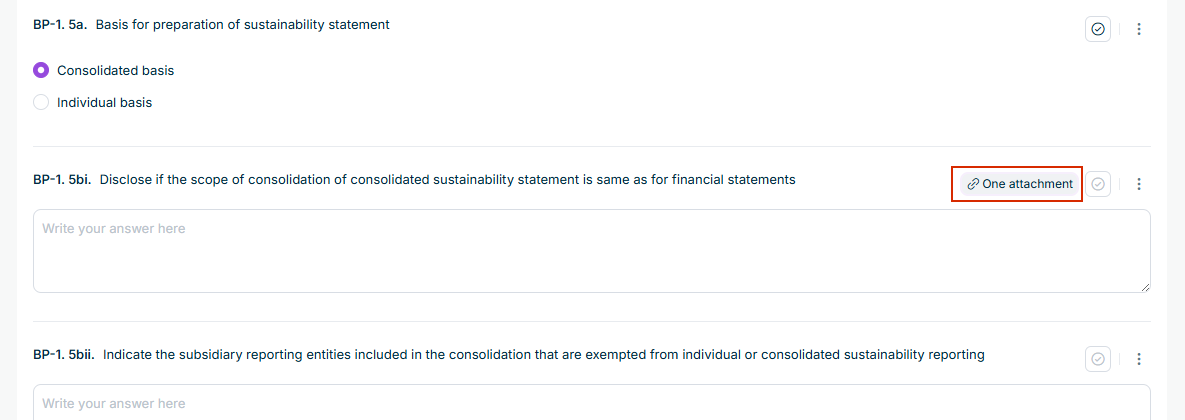
If you have marked a question as Completed Reviewed Marking Questions as Completed You can attach files or download attached files (see below).
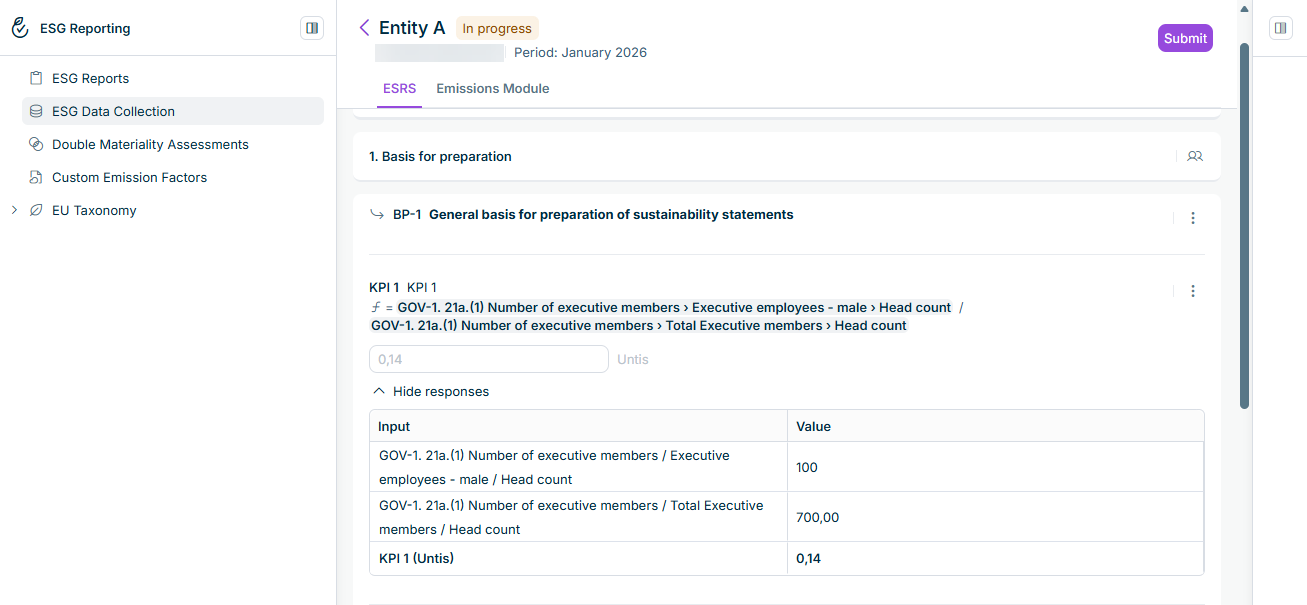
The value field is read-only A KPI has no Mark as completed Each input in the displayed formula is a link Click Show responses Hide responses As long as an input is still missing, no value is calculated. Instead, the KPI indicates that it is still waiting for inputs, and names the questions concerned, so that a partially calculated and therefore misleading figure is never displayed. You only see a KPI if you have access to all
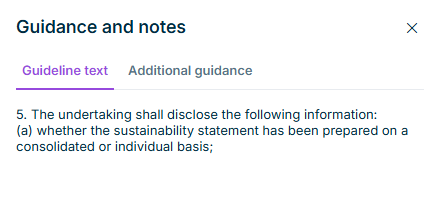
Guideline text Additional guidance
Additional guidance has not been added to this element yet.
Keep side panel expanded ESRS Emissions Module Collapse side panel
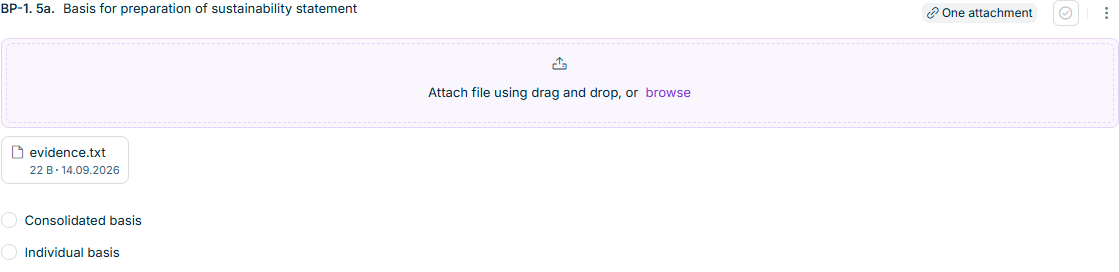
The download icon 
The delete icon 
Question without Question with reviewer

The Mark as completed Content is required to mark answer as complete .If you need to change the answer to a question that has already been marked as completed, deactivate the Mark as completed When a question in the questionnaire displays data that is automatically copied from the Emissions Module read-only Mark as completed The Mark as completed Formula-based KPIs Mark as completed Working with Calculated KPIs above).
This content was generated using AI and reviewed by Lucanet subject matter experts before publication.
Last updated on Sep 28, 2026