In the Master data functional area in Lucanet VAT (Value Added Tax), you store all VAT-relevant data of the companies that send their declarations to the tax office via VAT. You also maintain the master data for VAT group members whose declaration the representative VAT group member transmits.
Which master data you need depends on how VAT creates the declarations of a company – via an import or manually – and which declarations the company submits: the preliminary VAT return, the European Sales List, or both.
You usually collect the master data at the start of the project and enter it in the first period in VAT. If the company structure changes later, you adjust the master data for the specific period. VAT does not automatically take over the master data from the master data modules of your ERP systems.
Most workspaces in the Master data functional area refer to the period and the company that you have chosen in the breadcrumb navigation. For the Tax codes, Mapping of tax codes, and Reconciliation accounts workspaces, you also choose the company code.
Specifies the reporting country, the period, and the company that all other workspaces refer to. Which options VAT displays depends on your permissions.
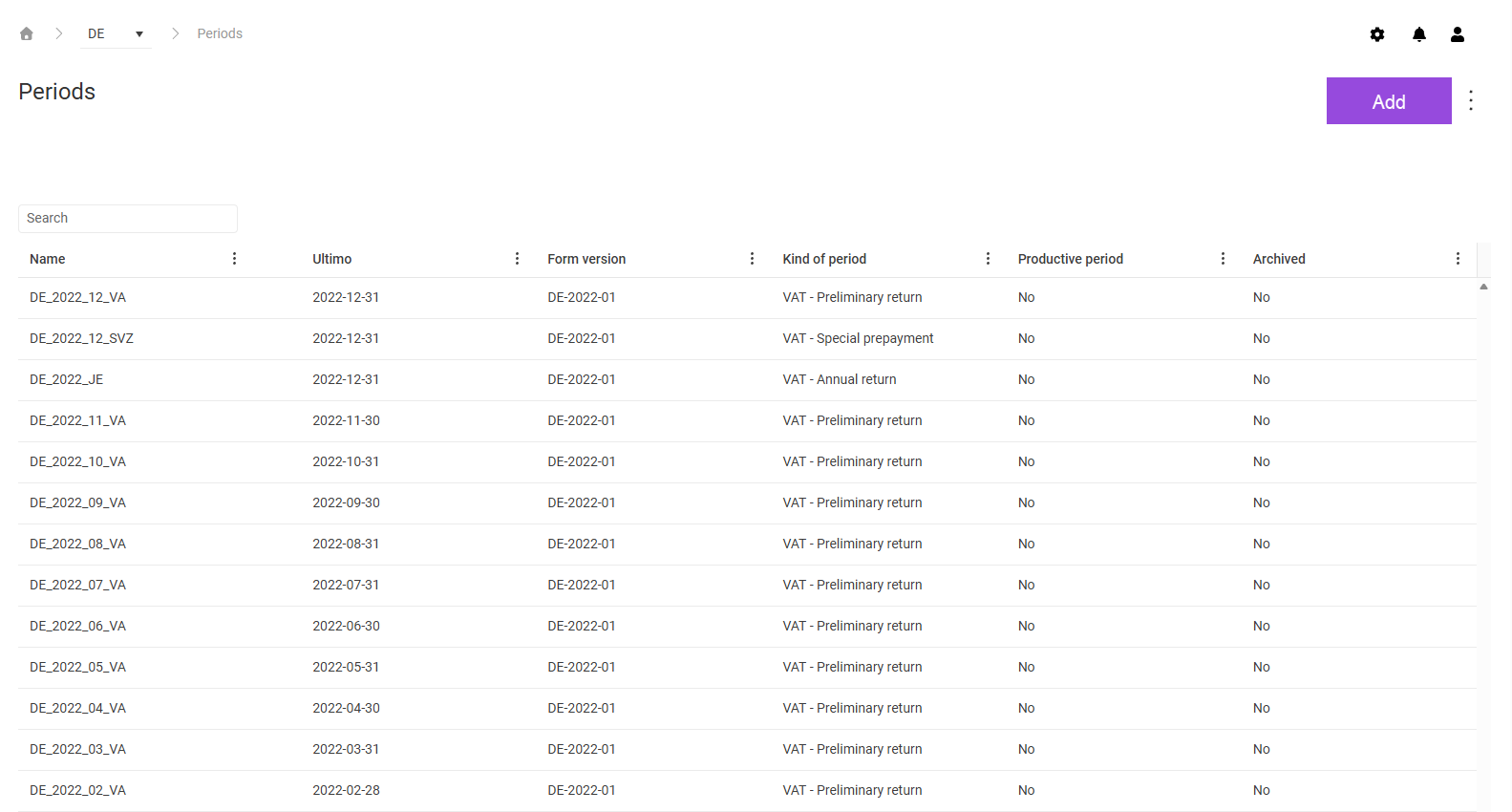
Manages the periods on which all master data and transaction data in VAT are based. Create a period before you create VAT declarations for this time frame.
Manages the companies that take part in the VAT declaration, including the VAT group member type, the reporting period, and all reporting-relevant data.
Assigns each tax code to a field position of the declaration form. Based on the mapping, VAT transfers the imported values to the fields of the declaration.
Specifies which reconciliations VAT performs for a period and a company and how the reconciliations are configured. You perform only configured reconciliations in the Reconciliations workspace in the Value Added Tax functional area.
Assigns the general ledger accounts from the ERP system to the account types that the account-based reconciliations require. Via the account type, you control which reconciliations an account is included in.