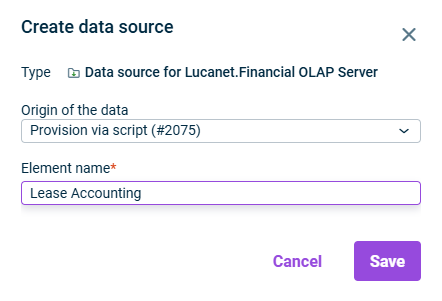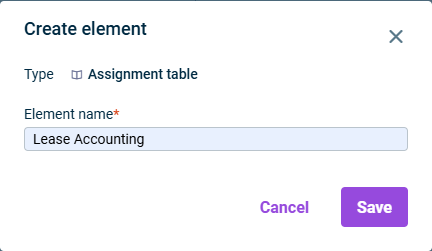
Professional Services team during implementation, or Customer Support
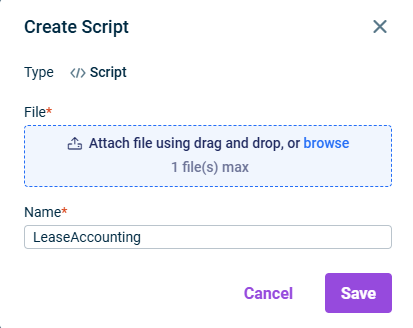
: Enter a descriptive name for the script.Name : Enter your platform URL.CFO Solution Platform URL : Select the reporting entity (or entities) for which you want to import postings.Reporting entity : Enter the number of the first month (e.g., 1 for January).First month of fiscal year

: Select the script you created in the previous step.Drill down to posting level : SelectImport type .Transaction figures : Select the data level where the postings should be imported (e.g., Actual).Data level : Select the adjustment level for the imported postings. We recommend using a separate adjustment level such asAdjustment level to distinguish lease accounting postings from other postings.IFRS 16 : Select all dimensions you want to include in your postings.Dimensions : If you are using specific cost centers in your reporting entity, enableCost centers .Use specified cost centers : Add the reporting entity for which you want to import postings.Reporting entity

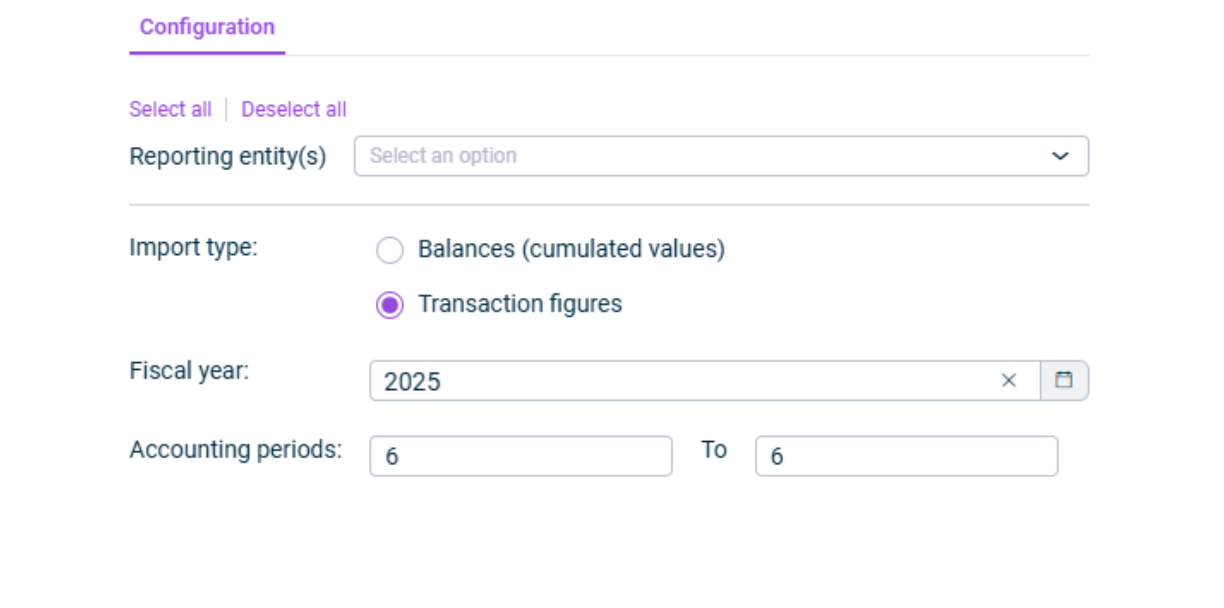
: Select the reporting entity (or select multiple if needed).Reporting entity : Select the month for which you created postings (e.g., June 2025).Accounting period

Last updated on Aug 16, 2023