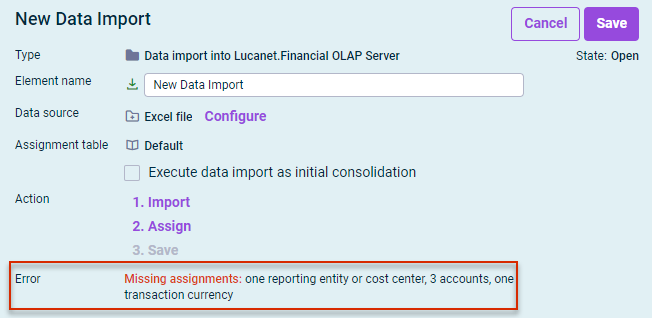
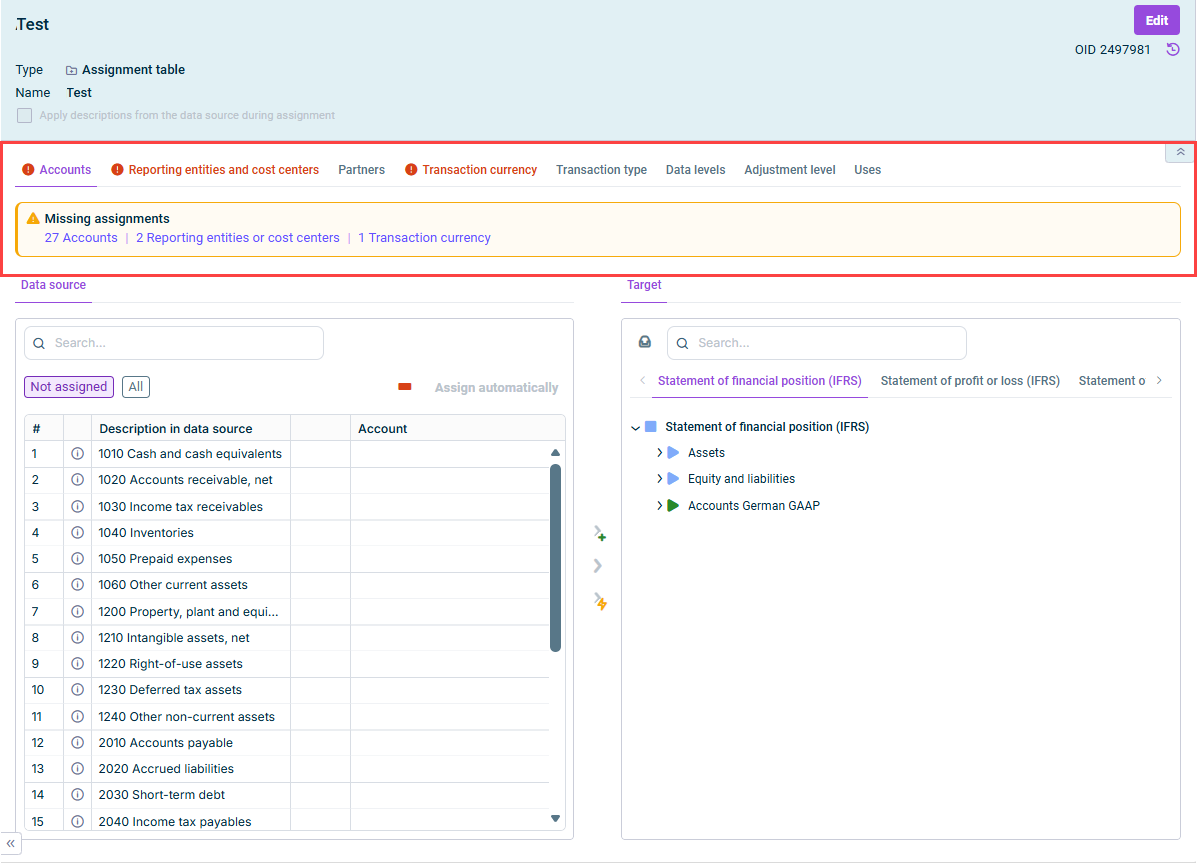

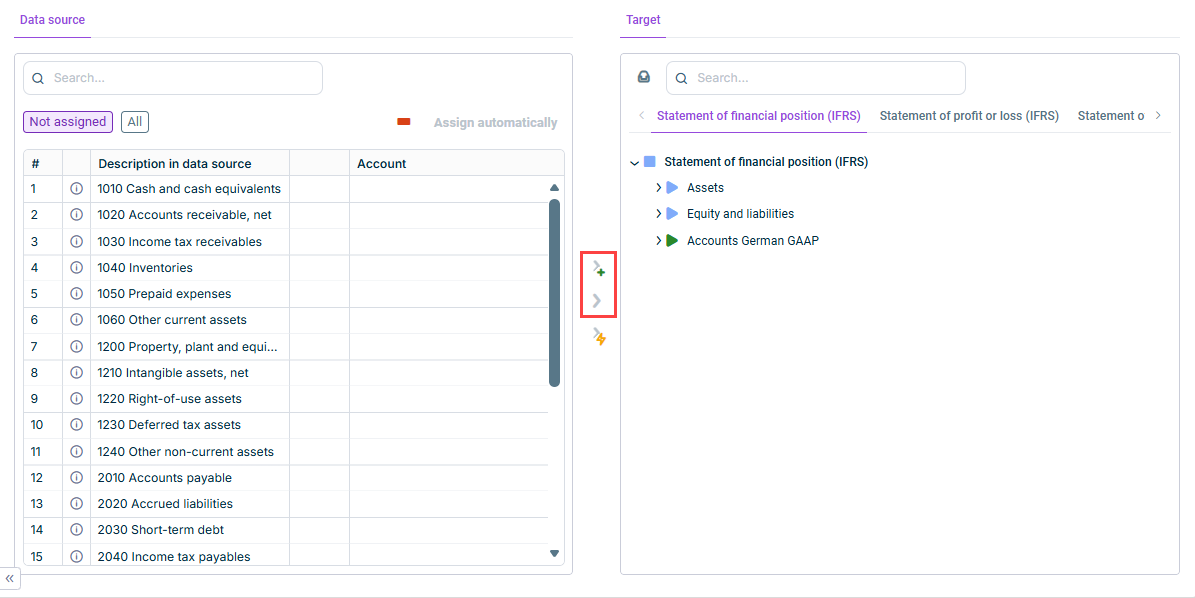
If necessary, click Assign automatically Assigning Elements Automatically Assign every element in the Data source Target Assigning Elements Manually
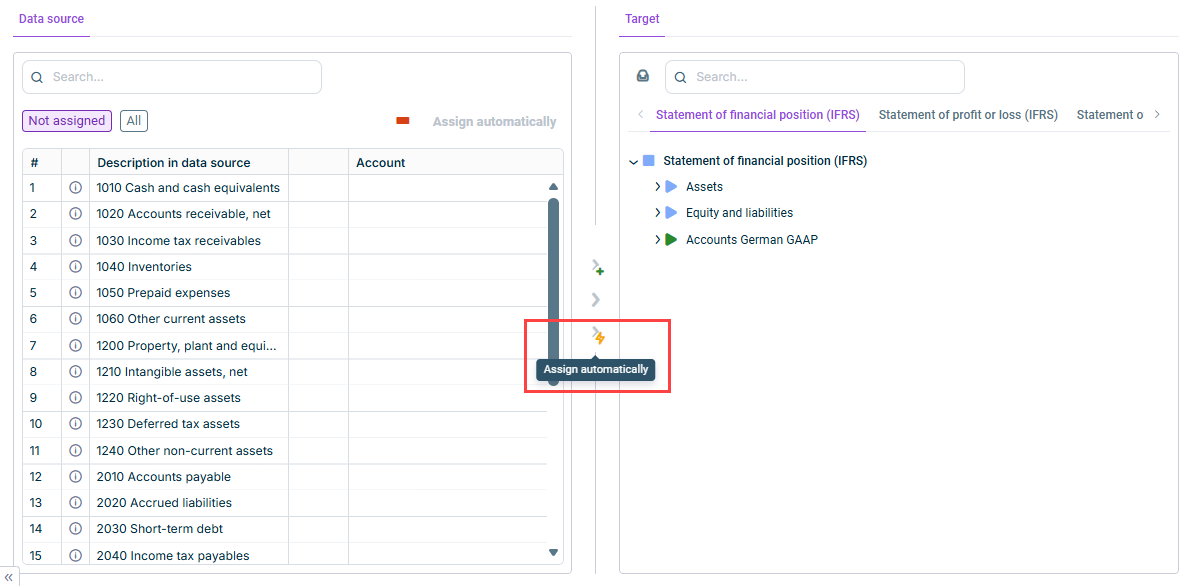
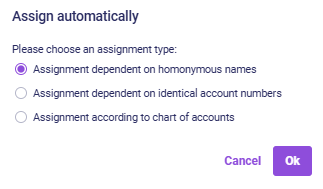
Click - If several matches are found, then the object cannot be assigned automatically from the data source. - If no match is found, the comparison is repeated without differentiation between upper and lower case. If the system still cannot find a match, a search is then performed without special characters. If this comparison still provides no result, then the element cannot be assigned automatically. | |
If matching numbers are found, a dialog will be displayed, in which you can specify the suggestions you want to accept. | |
If you choose this option, select the applicable chart of accounts from the During assignment, the following dialog is displayed: |
If a new element is to be created for the element in the Lucanet database, in the Target Assign and create 
To assign the element to an element in the Lucanet database, select the desired element in the Target area and click Assign 
 | |
 | |
 | |
 |
This content was generated using AI and reviewed by Lucanet subject matter experts before publication.
Last updated on May 1, 2026