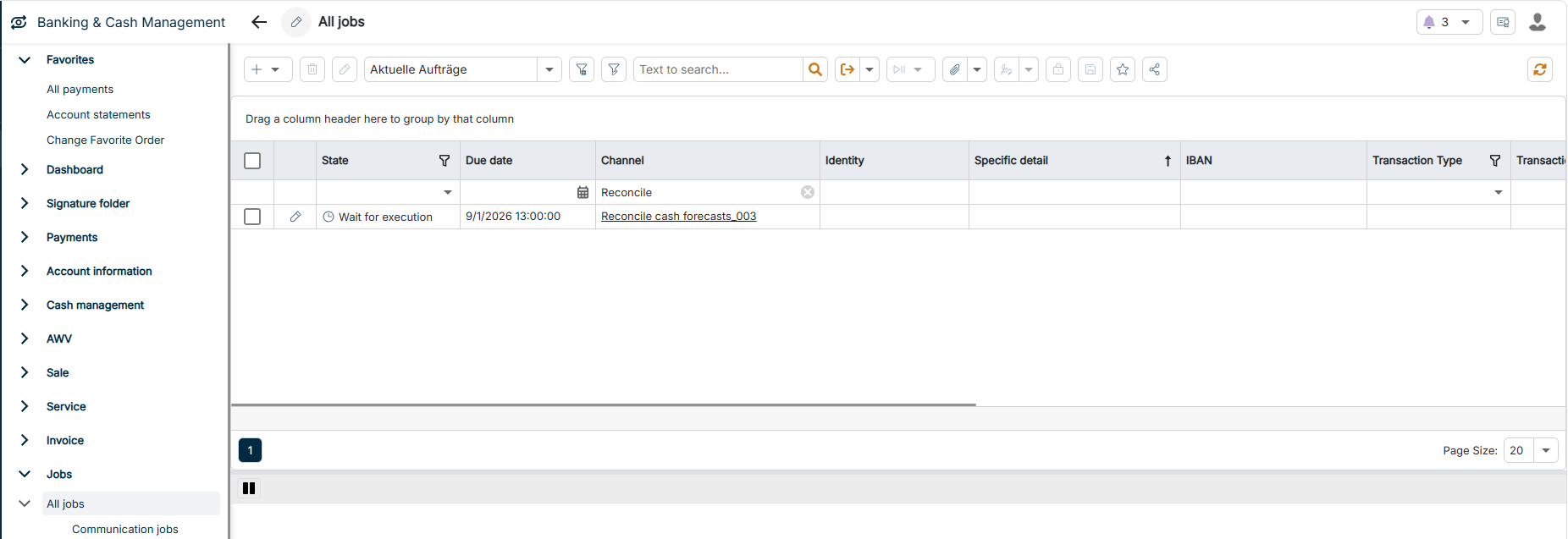
On this page, you will find information about jobs and internal tasks in Lucanet Banking & Cash Management (BCM). Jobs control payment transactions, liquidity management, and the data exchange with banks and other systems. Each job is based on a channel that defines what the job executes. Internal tasks are calculations that BCM executes on the existing data, for example the account balance calculation. For more information, see Creating and Configuring Internal Tasks.
BCM creates jobs on a schedule using a schedule or event-driven using processing rules. You can also create jobs manually, either one-time or recurring. For more information, see Creating and Configuring Jobs. By chaining jobs of different job types, you automate processes end to end, for example fetching account statements, forwarding them to financial accounting, and sending a notification by e-mail.
The following workspaces are available in the Jobs functional area:
Workspace
Description
All jobs
Central overview of all jobs. The workspace contains one subordinate workspace per job type: Communication jobs, Transformation jobs, Processing jobs, Export jobs, Import jobs, and Reporting jobs (see Job Types).
EBICS jobs
Displays all EBICS jobs, that is, communication jobs of the Bank access category via an EBICS channel.
You do not create jobs only in the Jobs functional area. In the signature folder, for example, you create communication jobs to send payments to the bank.
The following table provides an overview of the job types in BCM:
Job type
Description
Communication job
Exchanges data with banks and other systems, for example fetching account statements via EBICS, sending SEPA bulk credit transfers to the bank, forwarding account statement files to financial accounting via SFTP, fetching ECB exchange rates, or notifying the treasury team about incoming payments.
Communication jobs are grouped into the categories Bank access, File exchange, File systems, and Messaging.
Transformation job
Converts files and records from one format into another so that subsequent processes and systems can process them, for example consolidating or splitting account statements in the MT940 or camt format, converting CSV files into SEPA credit transfers or SEPA direct debits, or converting the SEPA DK version.
Processing job
Processes data within BCM without importing or exporting it, for example archiving data, creating communication, e-mail, or transformation jobs, signing jobs automatically, or notifying about overdue signatures.
Export job
Transfers data from BCM to external targets, for example payments to the bank, postings to financial accounting, or reports by e-mail.
Import job
Imports data and files from external sources into BCM, for example currency rates, account information, advice transactions, EBICS user data, or Swiss QR invoices. For more information, see Import Channels.
Reporting job
Generates reports from the data in BCM, for example the current liquidity status of all accounts, open payments for approval, account balances by currency and company, or the incoming payments of the day. The two types Reporting job and Dashboard job are available. For more information, see Reporting Channels.