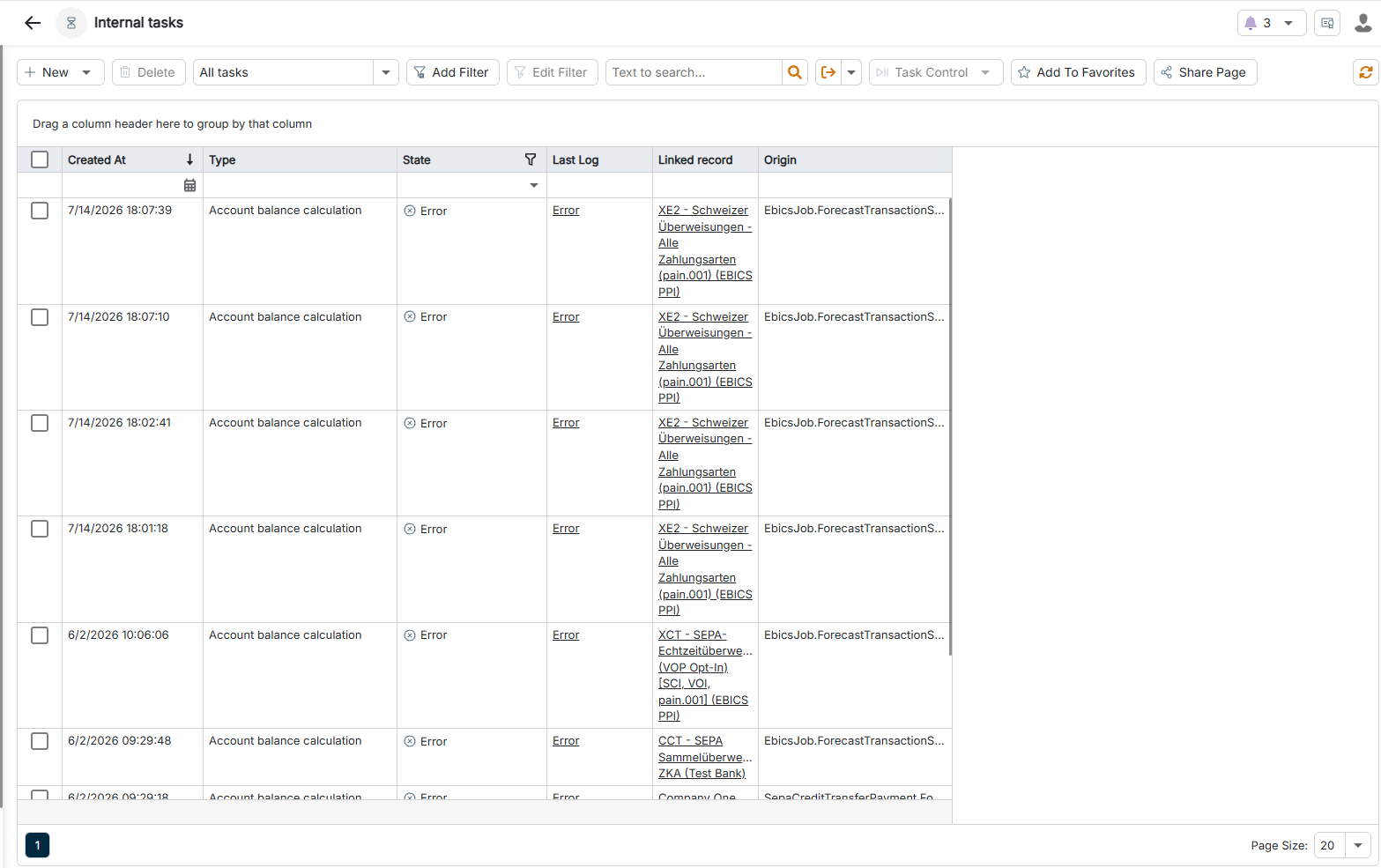
On this page, you will find information about internal tasks in Lucanet Banking & Cash Management (BCM). Internal tasks are calculations that BCM executes on the existing data, for example the calculation of account balances. Usually, you do not create internal tasks manually: BCM creates them automatically when a triggering event occurs, for example the account balance calculation after the import of new account statements. If required, you create an internal task manually to execute a calculation again.
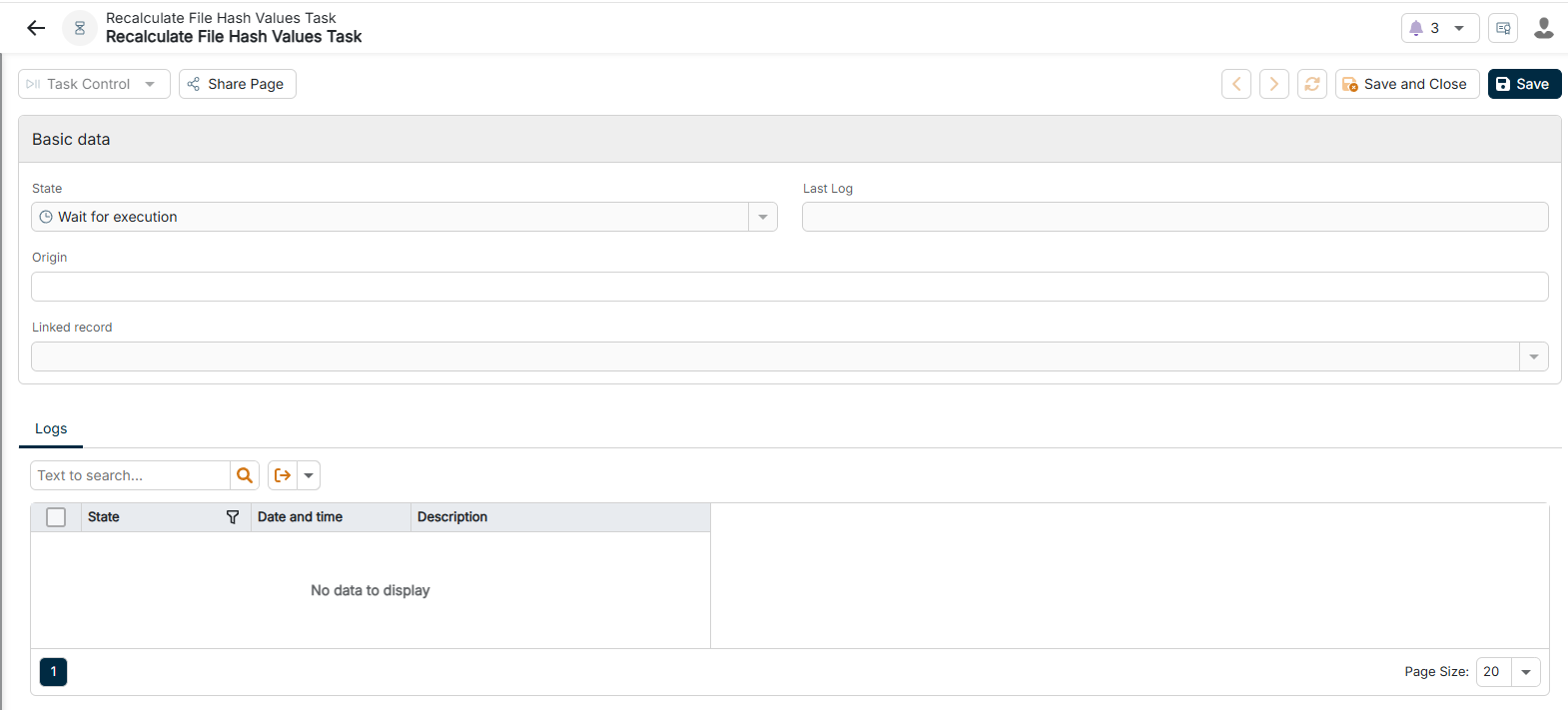
Click the Plus icon in the upper left corner and select the task type in the context menu. The configuration of the internal task is displayed as follows, for example:
Configuring an internal task of the 'Calculate file hash values' task type
3
Configure the internal task according to your requirements. For more information, see Configuring Internal Tasks.
The Account balance calculation task recalculates the balances of the bank accounts. In addition to the basic data, the task contains the following calculation options:
Option
Description
Calculate balances
Activate the check box so that BCM calculates the posting balances of all bank accounts from the posted transactions, that is, the closing balances of the account statements.
Calculate credit limits
Activate the check box so that BCM calculates the available liquidity from the credit limit and the current balance for accounts with an assigned credit limit.
Calculate advices
Activate the check box so that BCM includes the transactions advised by the bank but not yet posted in the balances, for example in the Balance with advices.
Calculate forecasts
Activate the check box so that BCM calculates the forecast balances from the planned incoming and outgoing payments.
Calculate value balances
Activate the check box so that BCM calculates the valuta balances by value date in addition to the posting balances.
Calculate custody fee limits
Activate the check box so that BCM stores the custody fee limit valid on the respective day on the daily balance for each account, that is, the allowance above which the bank charges custody fees on credit balances.
On the Accounts tab, you define for which accounts BCM calculates the balances: using Link, you add accounts; using Unlink, you remove accounts from the task.
The Recalculate amounts in EUR task converts foreign currency amounts into euros using the current currency rates. In addition to the basic data, the task contains the following option:
Option
Description
Account
Account whose amounts BCM recalculates. You select an existing account from the drop-down list. If the field remains empty, BCM takes all foreign currency accounts into account.
The Recalculate forecast balances by scenario task updates the forecast balances for a liquidity planning scenario. In addition to the basic data, the task contains the following option:
Option
Description
Scenario
Scenario for which BCM recalculates the forecast balances. You assign scenarios to cash forecasts.
The Recalculate periodically accrued invoice items task recalculates the accruals of recurring payments, for example rents or lease installments, and creates forecast transactions from them. You do not need to configure anything for this task; the task contains only the fields Status and Last log as well as the Logs tab.
This content was generated using AI and reviewed by Lucanet subject matter experts before publication.