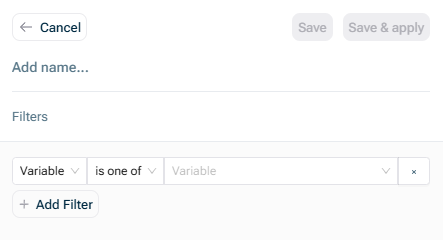
Filter for Engineering Department Filter for the Titles Engineering Title Filter for Employees Engineering Title Employees Filter the aggregates Engineering Department If you want to show others the unfiltered aggregates within a view, you can do this by creating another variable that aggregates the dimension away Monthly Payroll Department
Dimensions that are not effectively linked to the filter dimension will not be filtered. Consider the modified version of the example above: If in your data it is possible to have the same Title Title Department Employee Title Employee Department Employee Title Editable Tables Title As a workaround, for some data sources it is possible to replace Title Title & Department Department
This will not do not have the dimension on them Variable has dimension Dimension is one of.
This content was generated using AI and reviewed by Lucanet subject matter experts before publication.