Open the view selection three-dot menu Share
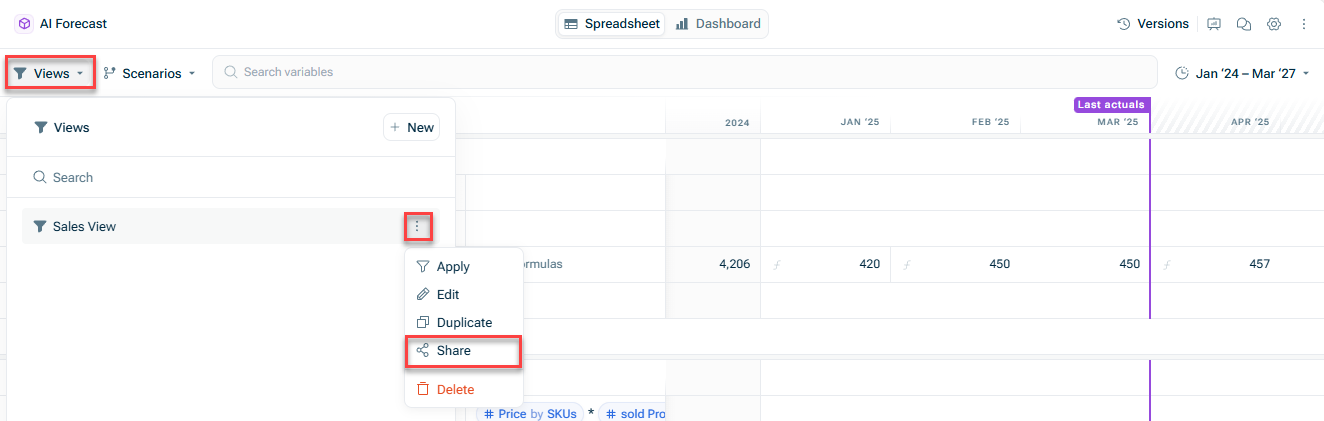
Open the three-dot menu Share

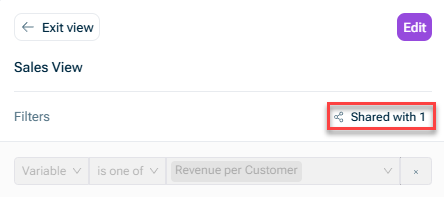
If a user is a Viewer If a user is an Editor Administrator
If someone has access to only a view, then they can only see that view. If someone has access to a model and to a view within that model, they will be able to see both.
Rename the items (e.g. rename Engineering AI Update the formulas for those items (e.g. change Projected Equipment Costs Sales
Add Engineering Remove Engineering Engineering Update formulas for Engineering Base Salary
This content was generated using AI and reviewed by Lucanet subject matter experts before publication.