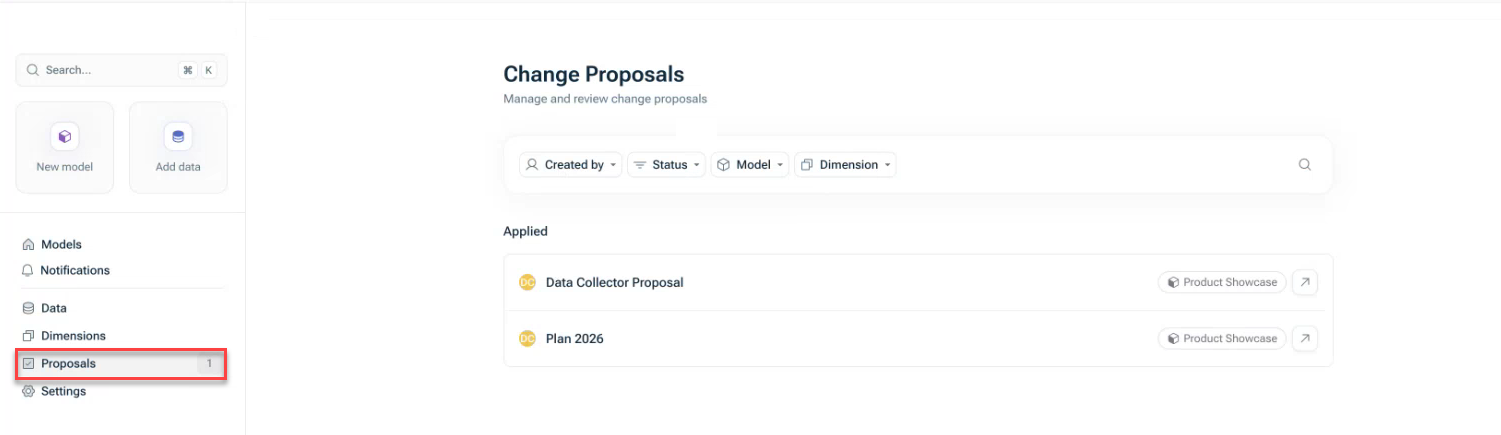
Open a proposal in the model view Track the status and progress of a proposal Filter proposals by model creator status
Can create and submit proposals in which they: Can propose value changes Can add, rename, or delete dimension items Can link dimensions Cannot add or edit formulas Cannot add or delete variables Cannot rename variables Cannot add data sources
Can add proposal items to their own proposals as long as the status of the proposal is not Applied Closed. Can delete their own proposals in the Draft Submitted Closed Applied . Receive notifications when their proposals have been reviewed.
Edit models directly Create proposals for collaborative editing Review, approve, or reject proposals from any user Apply approved proposals to models Delete proposals in Submitted Closed
If a user shall be able to propose changes as a Data collector Data collector Administration In addition, the model view Can create change proposals Can create change proposals from the dashboard
If a user shall have Editor review approve Editor Administration In addition, the model or a view of the model must be shared with them granting the level of access Can edit
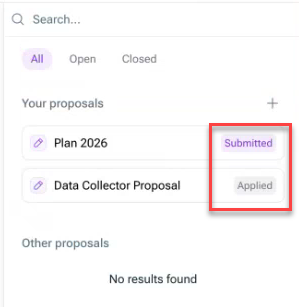
Draft Submitted Applied Closed
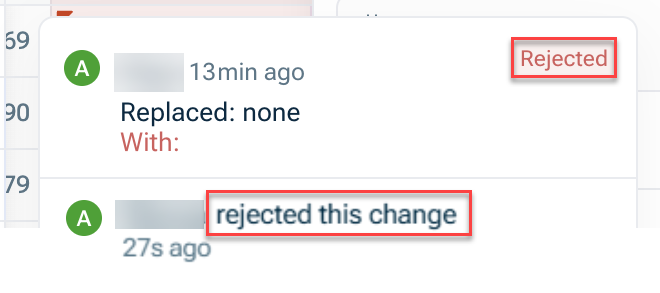
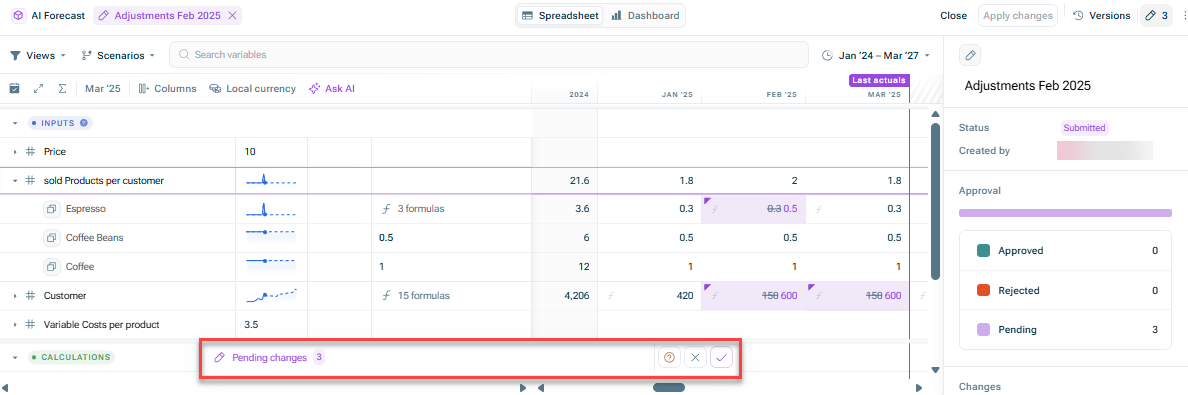
Pending (purple color) Approved (green color) Rejected (red color)
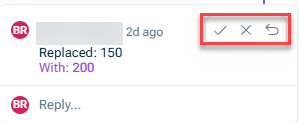
At the top right corner of the proposal item In the respective comment of the proposal item
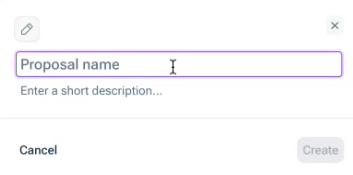
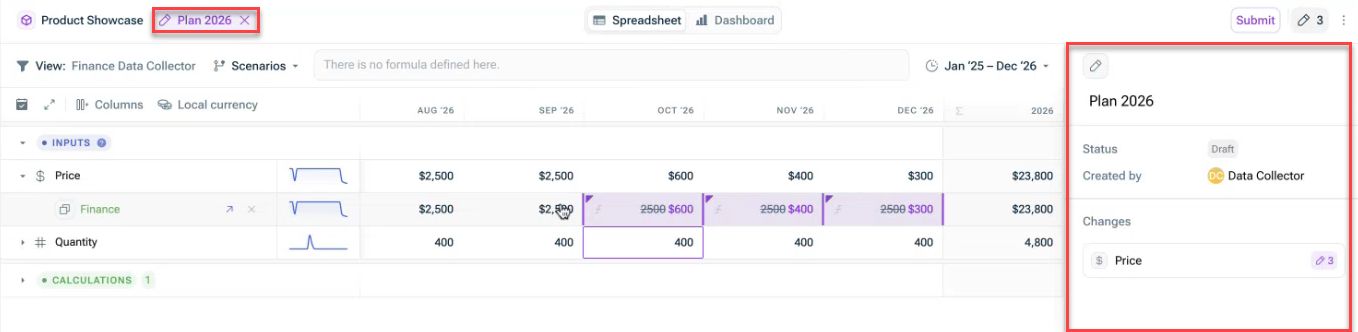
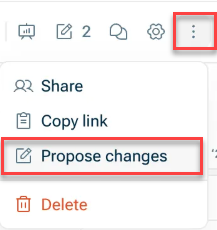
You can create multiple proposals for the same model. Once you have submitted a proposal, you can start a new proposal for additional changes. As long as in Draft Submitted Delete 
As an Editor Proposals in Draft Submitted Editor
The Proposals The model view, by clicking on the proposals icon 
The notification, in case you are an editor and have been notified of a submitted proposal.
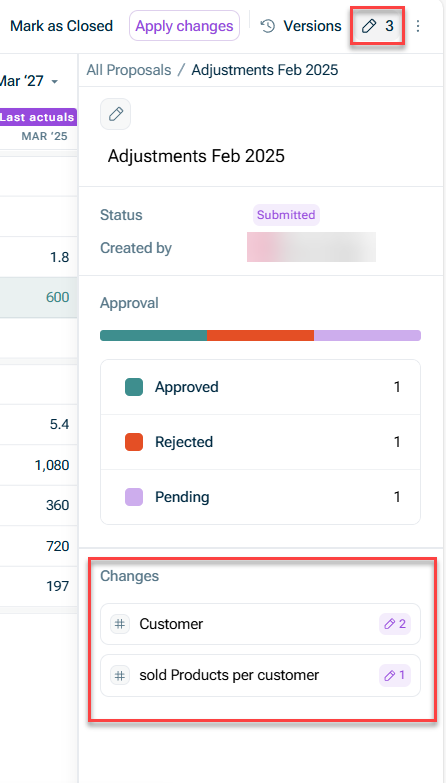
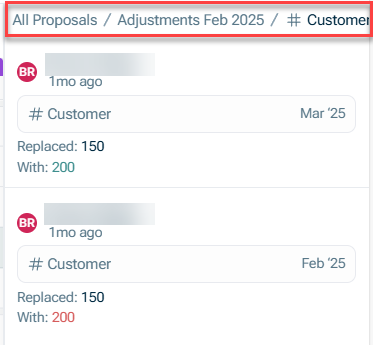

Data Collectors Draft Submitted Closed Applied Editors Submitted Closed
Proposal items that have already been approved rejected Editors reviewing a proposal cannot edit it; they can only approve, reject, or comment.
Draft Submitted
Multiple Editors can review and comment on a proposal Only one Editor can apply a proposal to the model All review activity is tracked in the proposal log
Approved green Rejected red Proposed purple
Closed Editor Applied cannot
The proposal remains in the Submitted It will not auto-close. We recommend that Editors manually close
This content was generated using AI and reviewed by Lucanet subject matter experts before publication.
Last updated on May 1, 2026