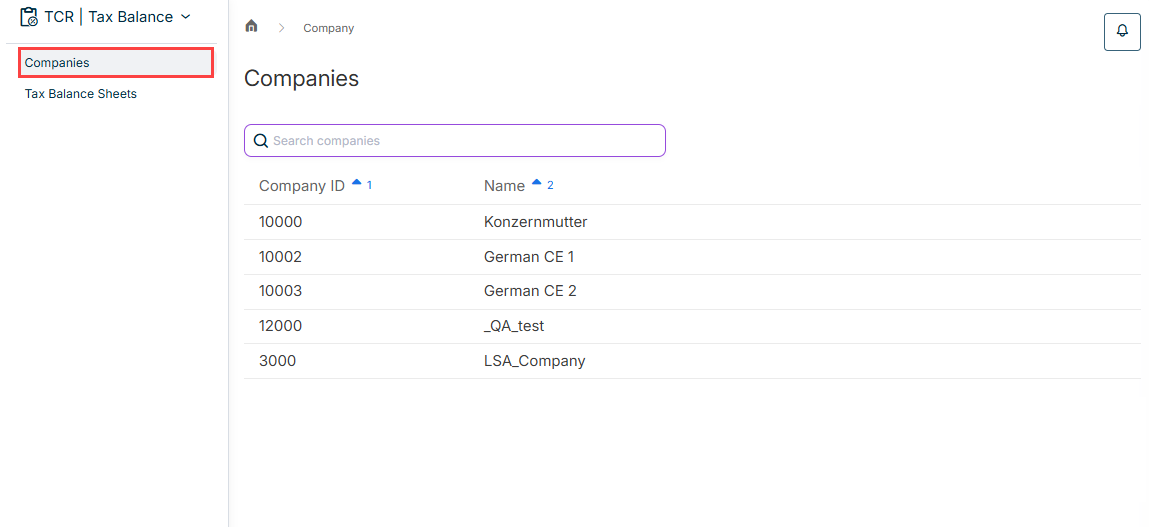
: To start entering the data and configuring a tax balance sheet in Tax Balance, you must first open the desired combination ofOpening the desired tax balance sheet andindividual company .tax balance sheet : InManaging GCD master data , the data for the GCD area are entered in theTax Balance workspace.GCD Master Data : General settings for the display and taxonomy items are configured in theDefining settings for the tax balance sheet workspace in Tax Balance.Tax Balance Sheet Settings : You can use theImporting data process to import the following data for the tax balance sheet in Tax Balance to the taxonomy structure you have chosen: accounts, statement of changes in fixed assets, equity accounts, and debt capital accounts.import : In Tax Balance, you can assign and adjust the data for the GAAP area you have previously imported to the taxonomy structure underCreating GAAP reports .GAAP Reports : You can enter tax deviations based on commercial-law values at adjustment levels and create the company-specific adjustment levels that may be required for this purpose in theCreating and Configuring Adjustments workspace in Tax Balance.Adjustments
: In theConfiguring functions workspace in Tax Balance, importantFunctions are provided to correctly reflect complex issues such as tax groups, partnerships, special business assets, and reorganizations in the system and make automatic calculations and adjustments.tax tools If applicable, : TheConfiguring Reorganizations function in Tax Balance helps you make the necessary balance sheet adjustments for the entities involved in the reorganization.Reorganization
If applicable, : If the balance sheet is prepared with partial or full appropriation of the net income (Configuring Appropriation of Net Income ), you must configure and enter theVariant 2 report element inAppropriation of net income .Tax Balance

This content was generated using AI and reviewed by Lucanet subject matter experts before publication.