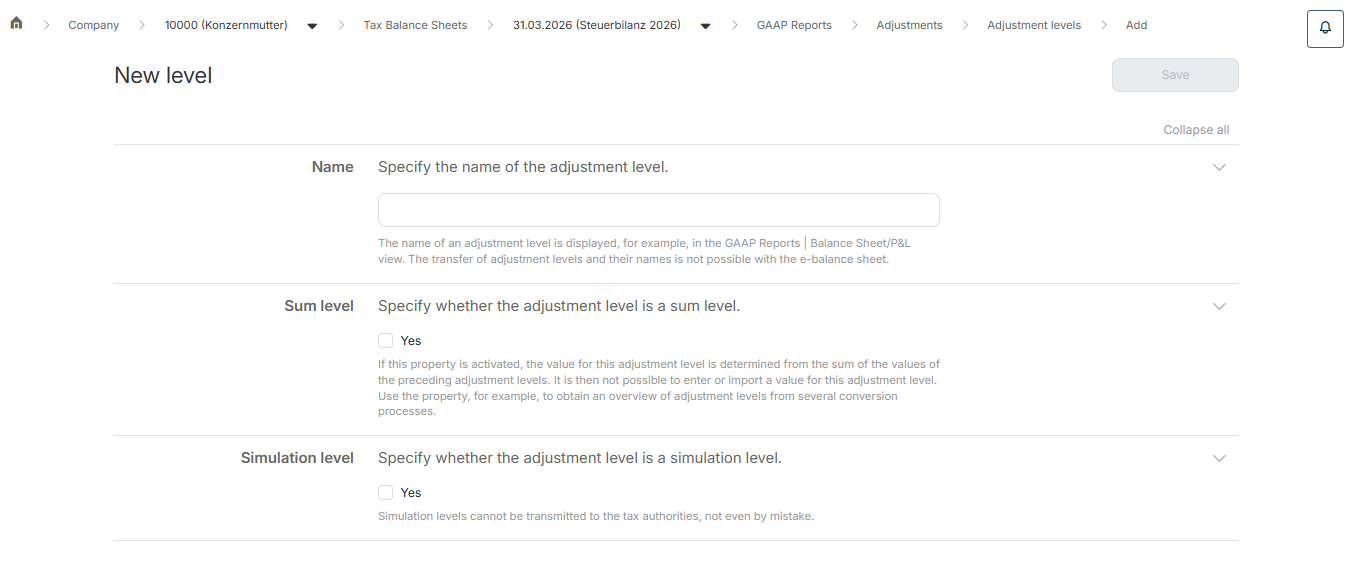
Name
The name of an adjustment level is displayed, for example, in theGAAP reports Balance sheet/P&L Whether the adjustment level is a sum level
If this option is activated, the value for this adjustment level is determined from the sum of the values of the preceding adjustment levels. You cannot enter or import a value for this adjustment level. Use this option, for example, to get an overview of adjustment levels from multiple transformation processes.Whether the adjustment level is a simulation level
Simulation levels are not transferred to the tax authorities.
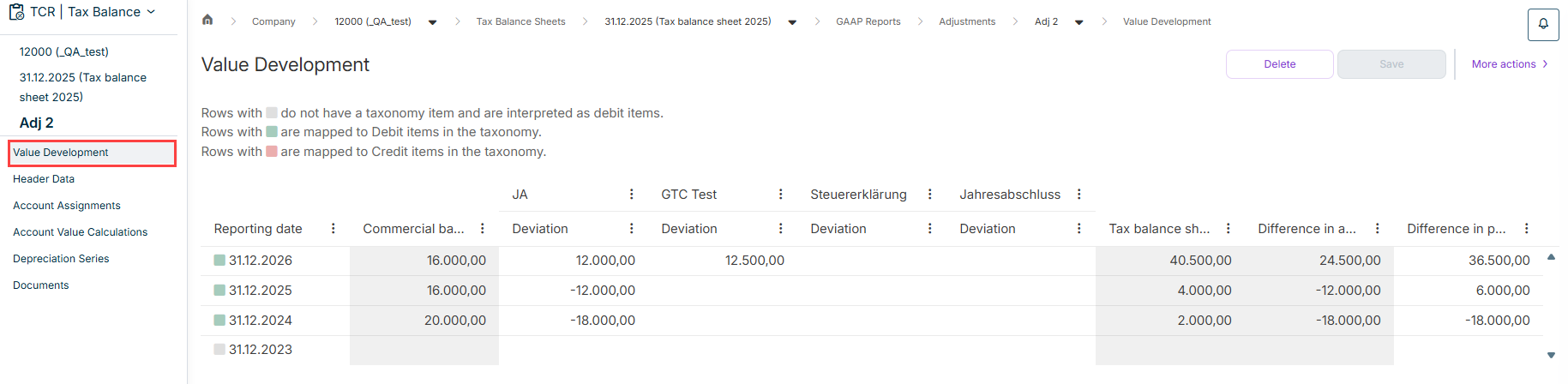
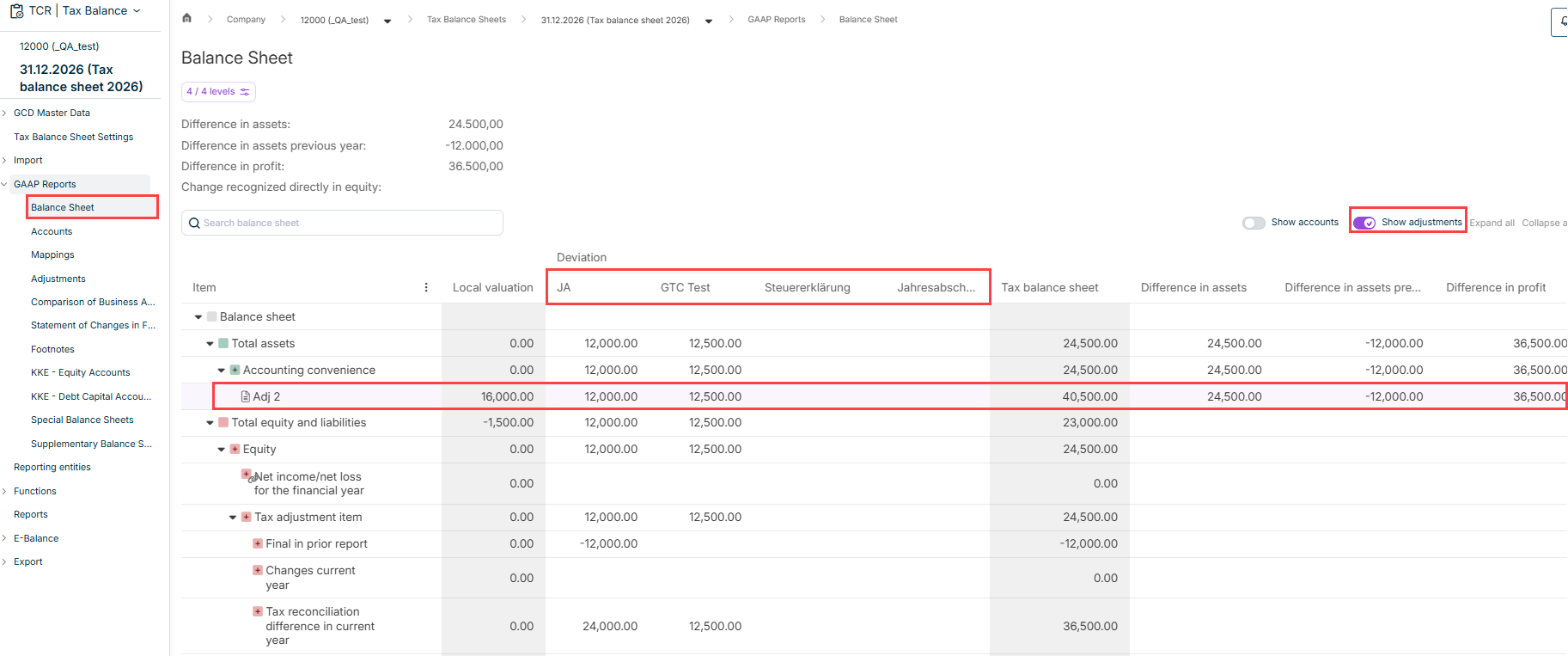
Enter the value in the commercial balance sheet deviation adjustment level Enter the value in the commercial balance sheet tax balance sheet
You can update If you choose this option, specify the following in the displayed dialogs: source tax balance sheet which header data and elements should be updated whether the application should be additive or overwriting
You can apply values from a depreciation series If you choose this option, specify the following in the displayed dialog: the adjustment level to which the values of the depreciation series should be written whether the values in other adjustment levels should be deleted whether the values of previous years should be recalculated whether the values of the depreciation series should be rounded, and if so, how
You can apply values from existing account value calculations If you choose this option, specify the following in the displayed dialog: the adjustment level to which the values of the account value calculations should be written whether the values in other adjustment levels should be deleted
For adjustments of the type Standard form with Excel integration Migrate to standard form Standard form Documents
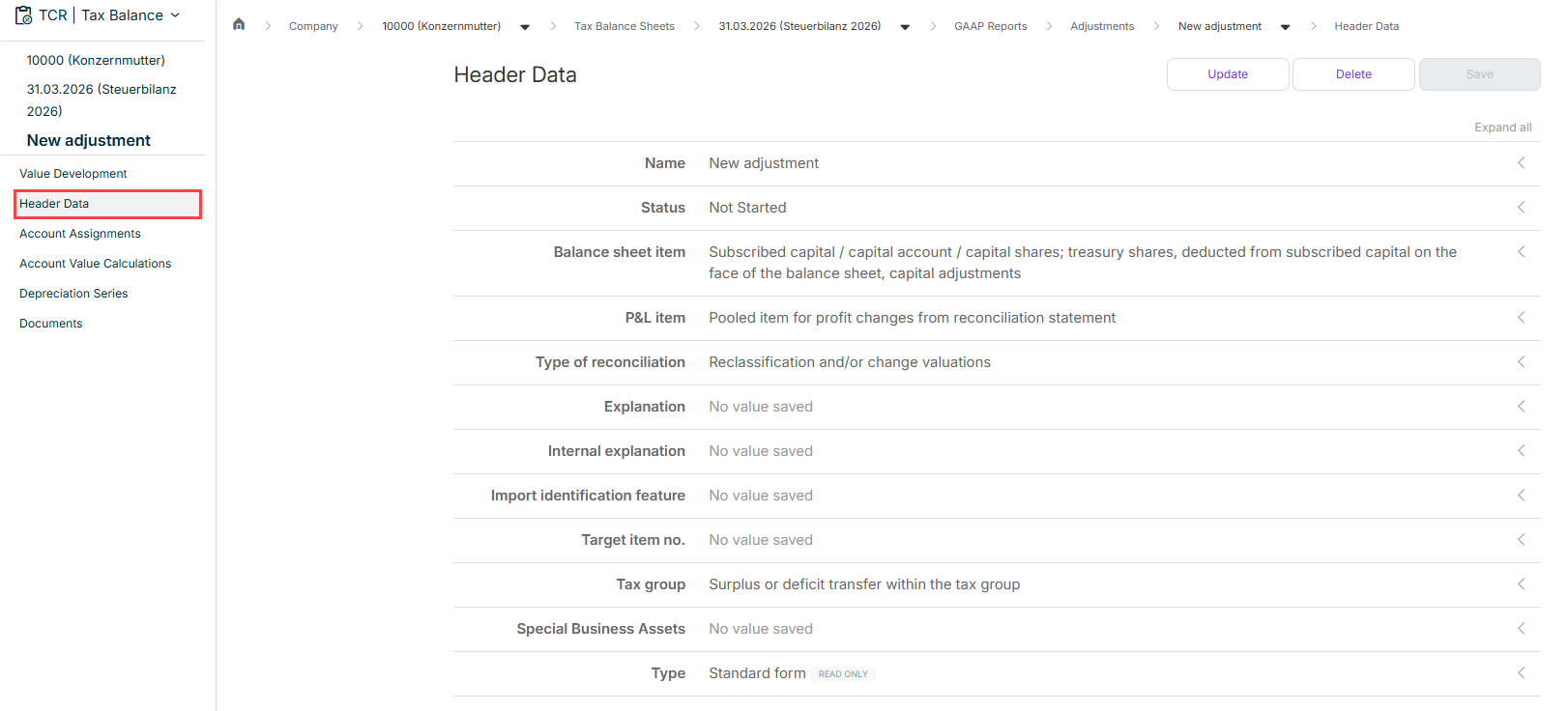
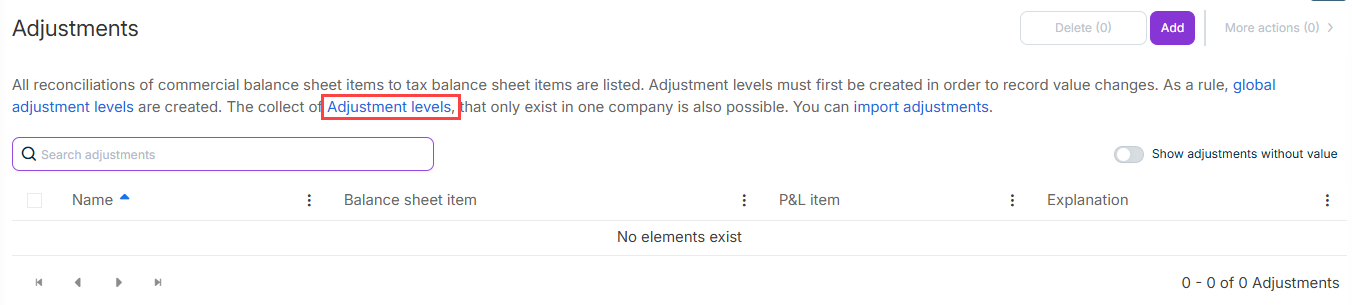
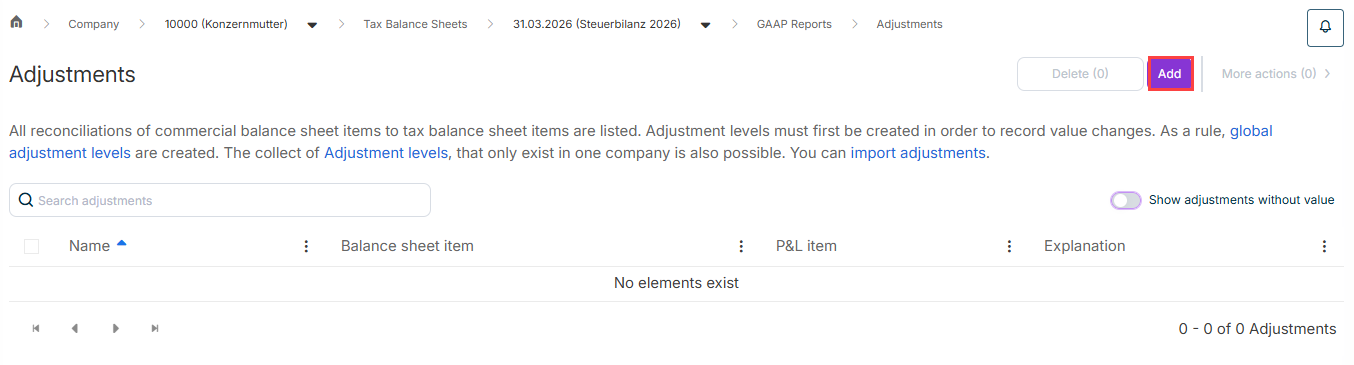
Name Status Not Started In Progress Done Checked Balance sheet item P&L item Type of reconciliation Explanation Internal explanation Import identification feature Target item no. Tax Balance Income Taxes Tax group Partnership in whose special business assets
Tax deviations that reflect assets of a special business asset can be transferred to the corresponding special balance sheet of the shareholder. To enable the link to the corresponding special balance sheet, you must enter the master data of the corresponding shareholder in the master data Shareholder Company The type
source tax balance sheet which header data and elements should be updated whether the application should be additive or overwriting
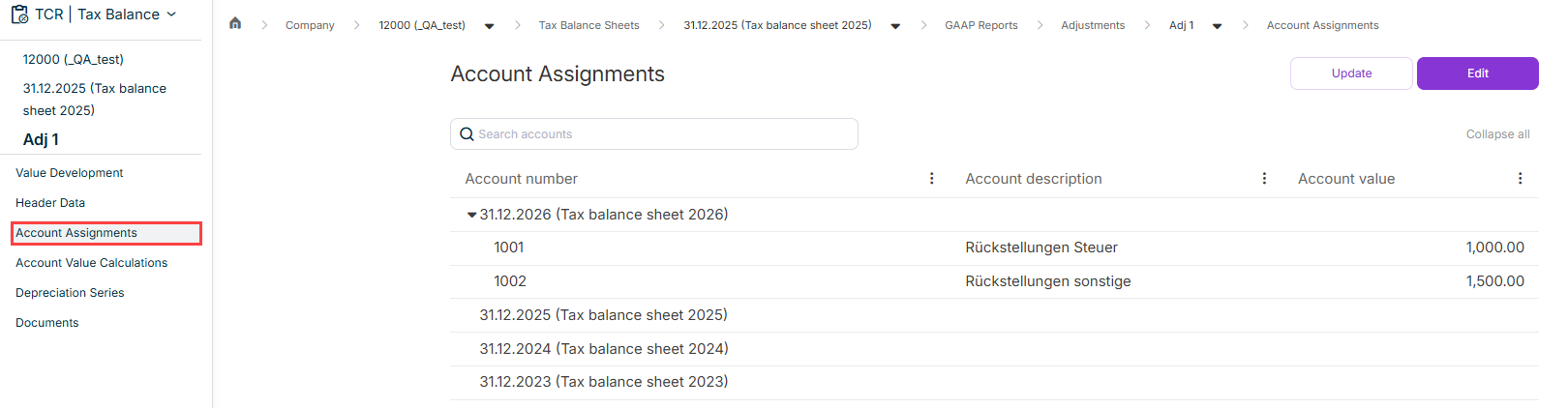
source tax balance sheet which header data and elements should be updated whether the application should be additive or overwriting
the account number or numbers how the calculation should be performed. Choose one of the following options: Select Calculation with factor Select Calculation with adjustment value adjustment value for the local value adjustment value for the tax base
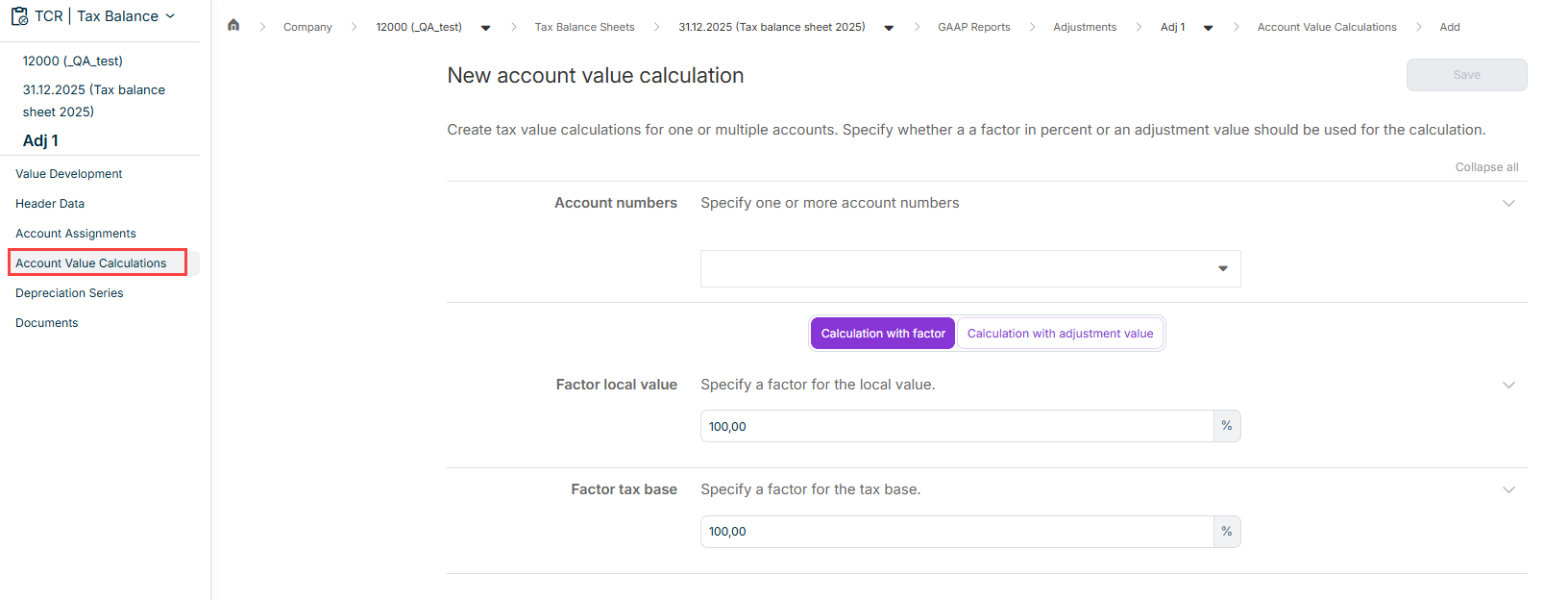
source tax balance sheet which header data and elements should be updated whether the application should be additive or overwriting
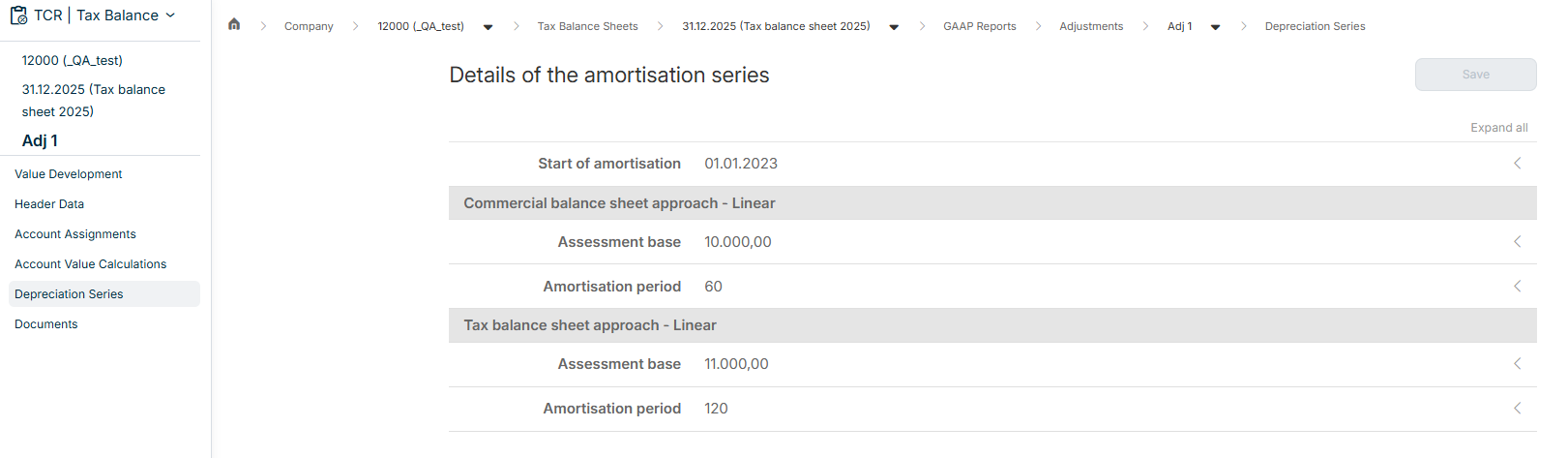
Start of amortisation Assessment base amortisation period commercial balance sheet approach Assessment base amortisation period tax balance sheet approach
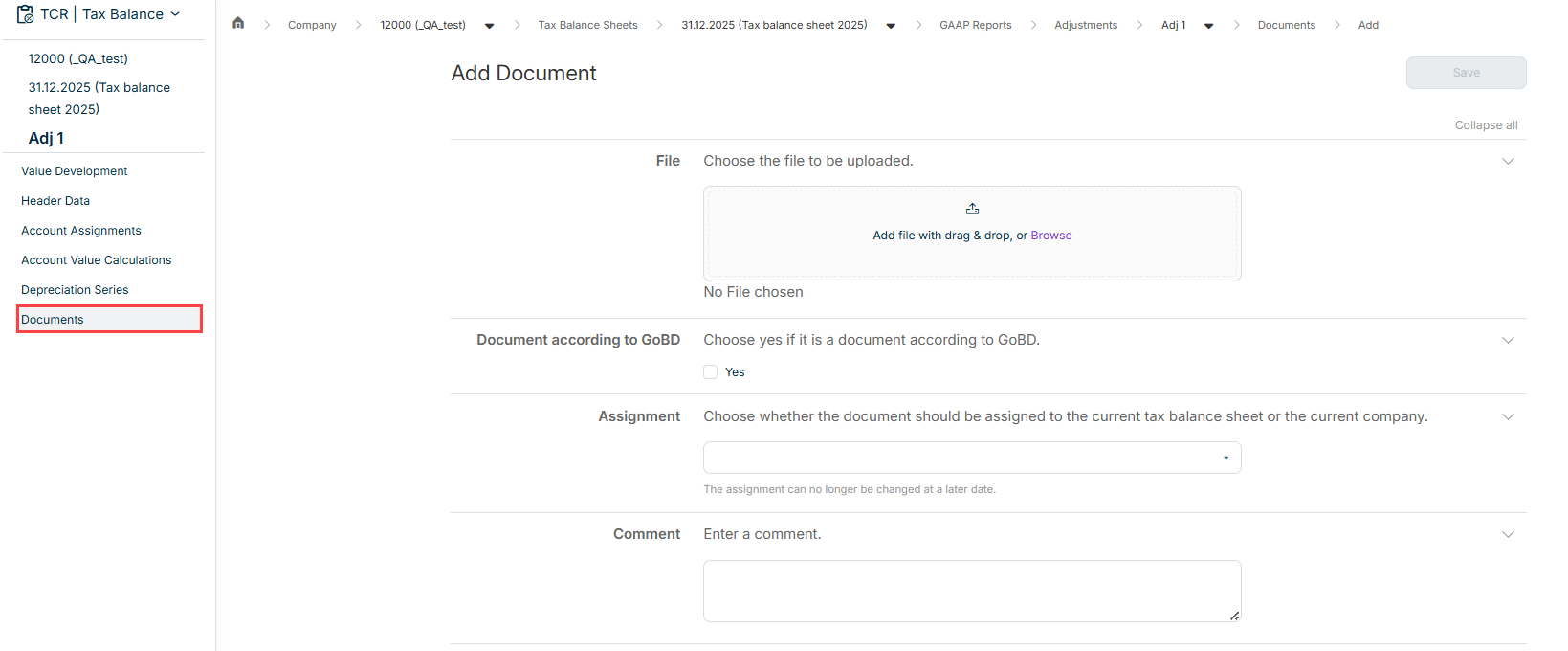
the file whether it is a document according to GoBD whether the document should be assigned current tax balance sheet current company a comment
This content was generated using AI and reviewed by Lucanet subject matter experts before publication.