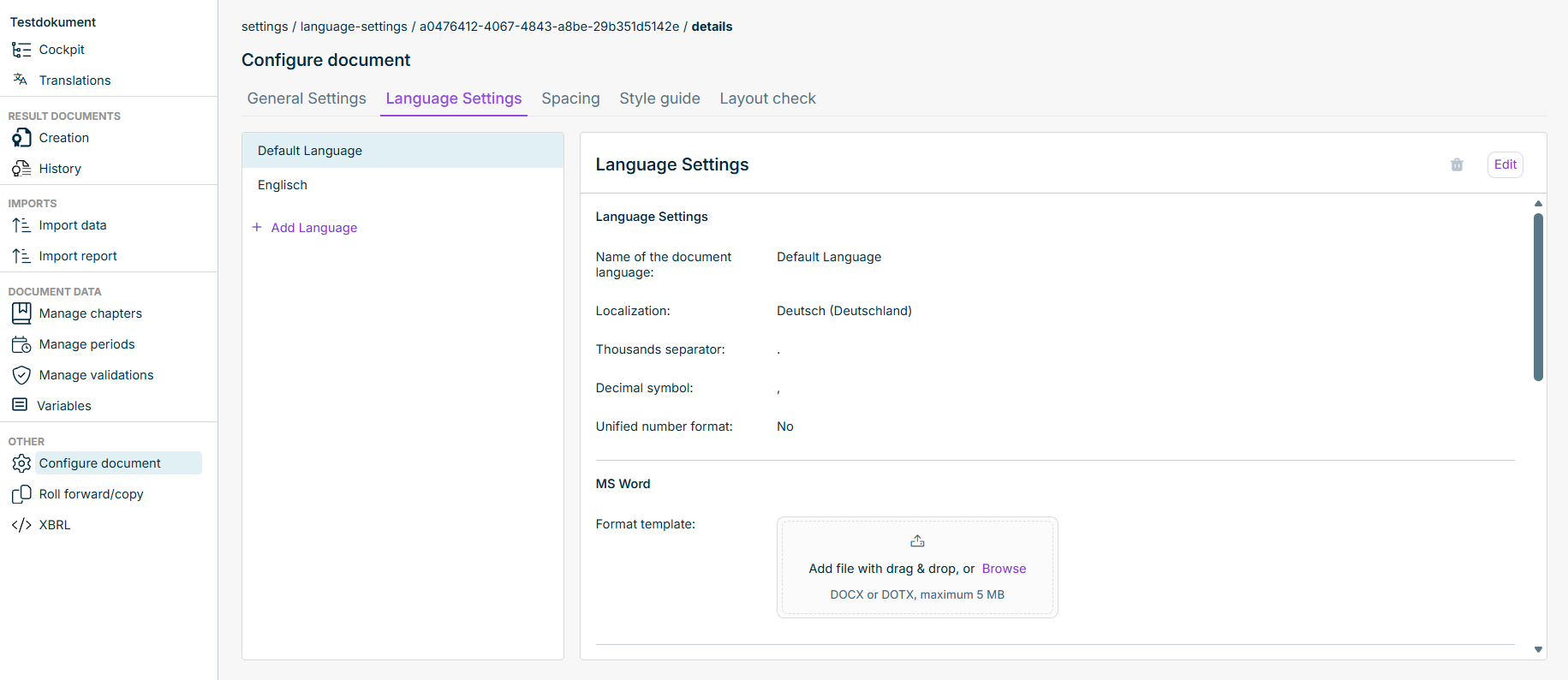
It is the default language for new content when no other language is selected. It appears as a separate Default Language Spacing Default Language
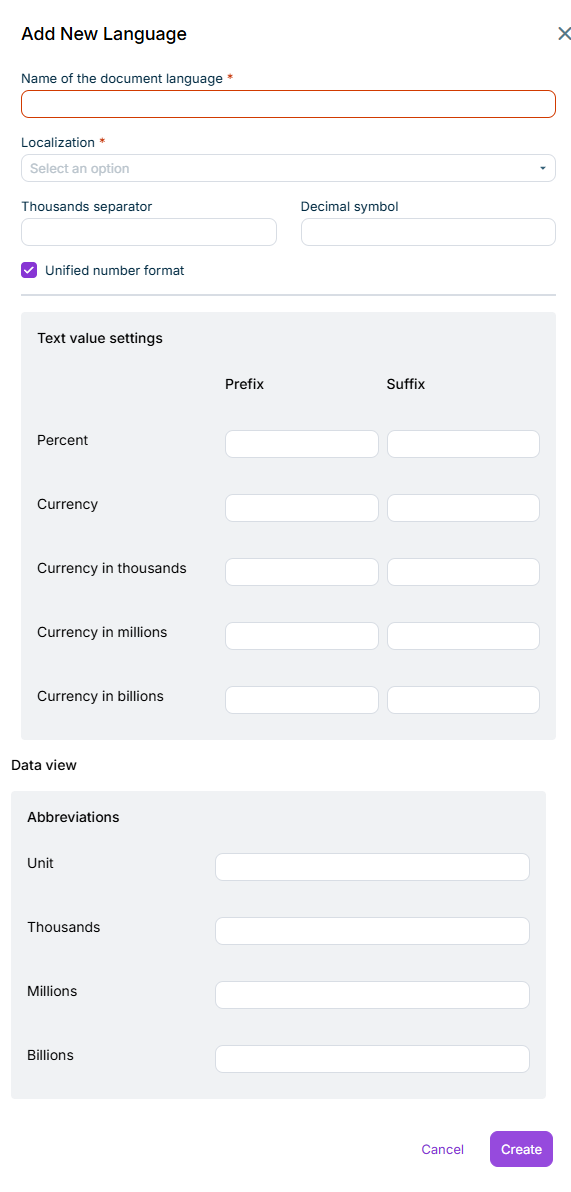
Add Language Add Language Add New Language Adding a language Edit Format template
Edit a language Edit Edit Language Delete a language
This content was generated using AI and reviewed by Lucanet subject matter experts before publication.