In Lucanet Lease Accounting, a lease contract is a formal agreement between the lessor and the lessee that transfers the right to control the use of an identified asset for a defined period of time in exchange for compensation.
The contract defines the conditions under which the lease is performed, including details of the parties involved and the term of the lease.
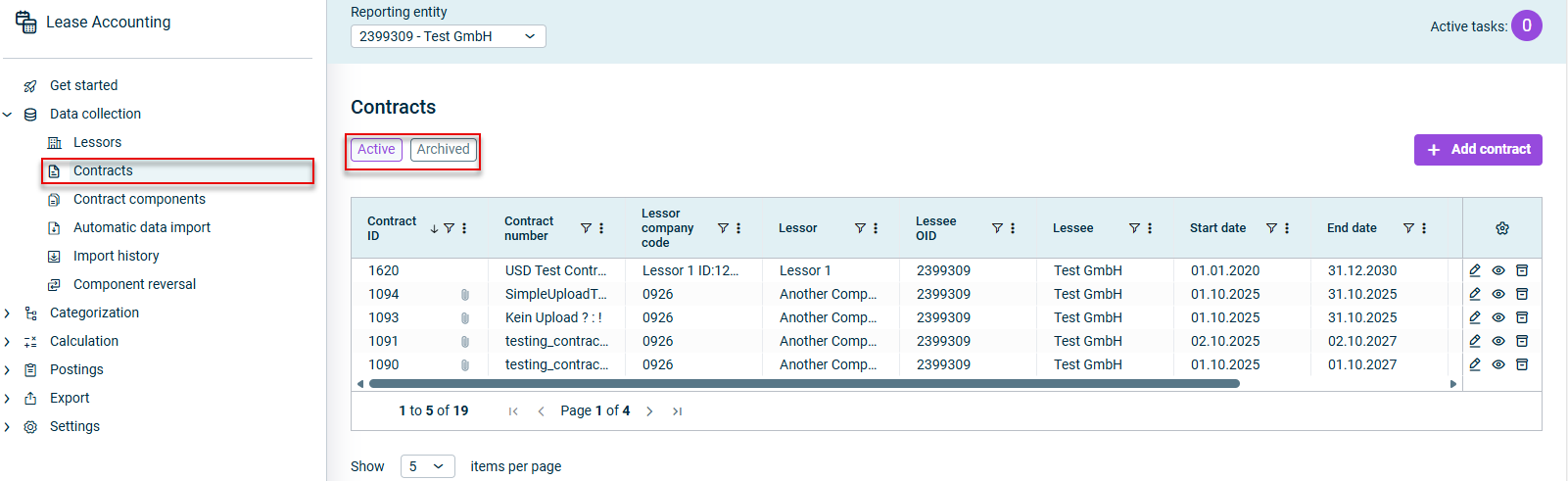
Contracts are created and configured in the workspace of the same name.
As an alternative to manual creation, contracts can also be added by importing a CSV file (see Automatically importing data).
Lucanet Lease Accounting can only be used for accounting of regular leases in accordance with IFRS 16.3-4. Short-term and low-value leases are not included in the calculation.
As such, we recommend only using this software to record leases that are categorized as regular per IFRS 16.3-4.
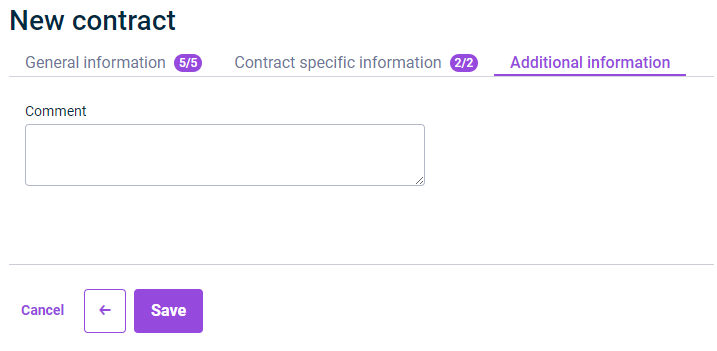
When configuring a contract in Lease Accounting, the following options are available:
The following notes apply to the fields of a contract in Lease Accounting:
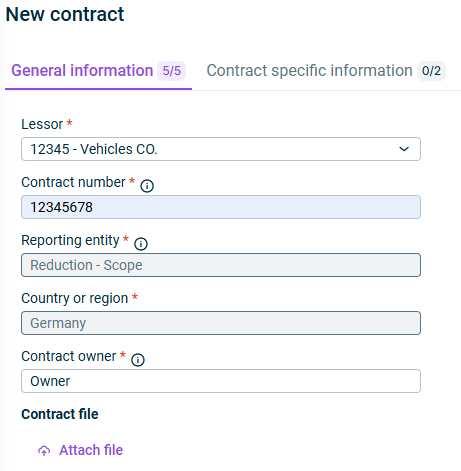
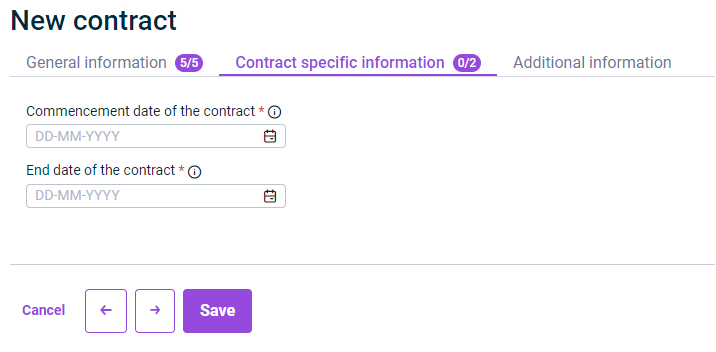
Fields marked with a * are mandatory fields. The number of mandatory fields in each tab and how many have already been filled in is displayed next to the name of the tab:
Fields that have been grayed out cannot be edited. They are filled in automatically based on the information in Lease Accounting.
The following table describes the options on the General information tab of a contract in Lease Accounting:
Option
Description
Lessor
Lessor of the contract
Note: All lessors that have been created or imported in Lease Accounting are available for selection.
Contract number
The contract number provided by the lessor.
Note: If you are the lessee and do not know the lessor’s contract number, enter a contract number of your own ( company number- individual contract number; e.g.: 4144 - 9933754).
Reporting entity
Reporting entity acting as the lessee for the contract in question
Country or region
Displays the lessee’s country or region
Contract owner
Contact person or line manager for queries relating to the contract in question
Contract file
Allows uploading, viewing, and removing contract files (primarily PDF format) when creating or editing a contract.
In view mode, files can only be downloaded.
After a contract file has been attached to a contract, an attachment icon appears next to the Contract ID in the Contract overview table.
The following table describes the options on the Contract specific information tab of a contract in Lease Accounting:
Option
Description
Start date of the contract
Start date of the lease contract
Note: The start dates of the lease components may differ from the start date of the lease contract itself.
End date of the contract
End date of the lease contract, not including any extension and/or termination options.
Note: If the contract does not have a fixed term, enter the earliest date on which both parties can terminate the contract without incurring significant termination fees. If in doubt, use the statutory termination date, where applicable.