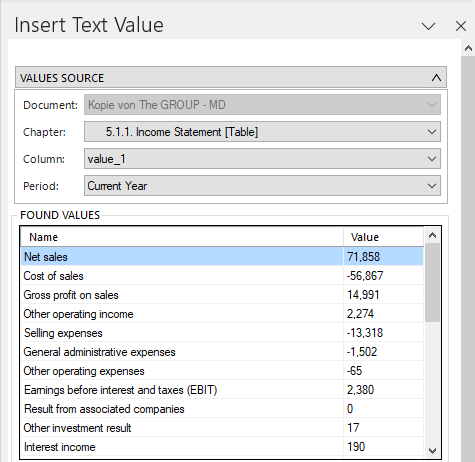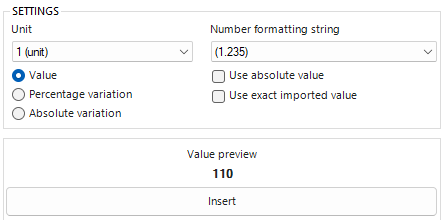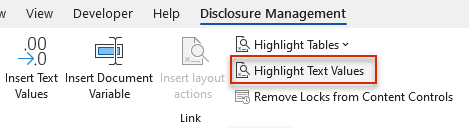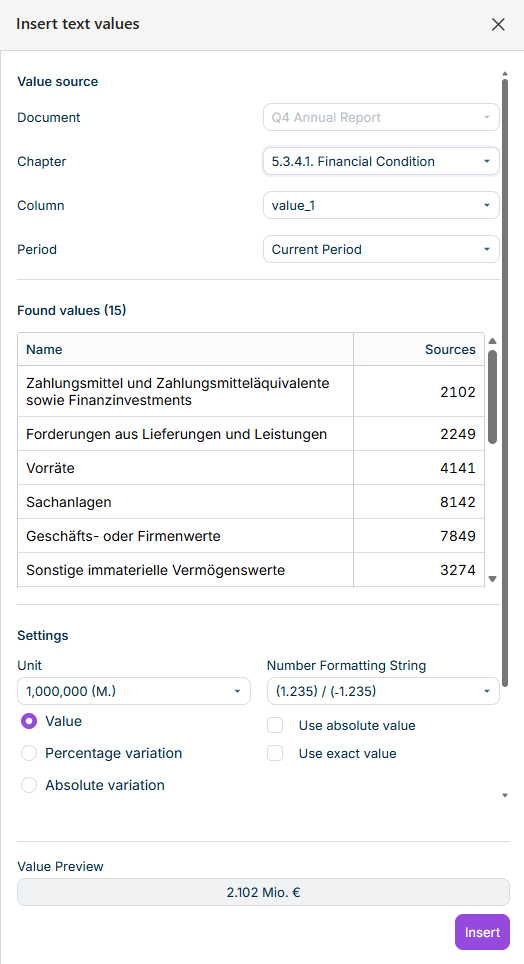
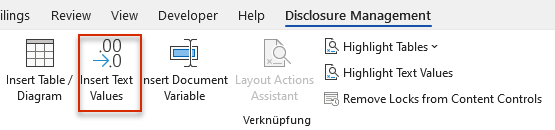
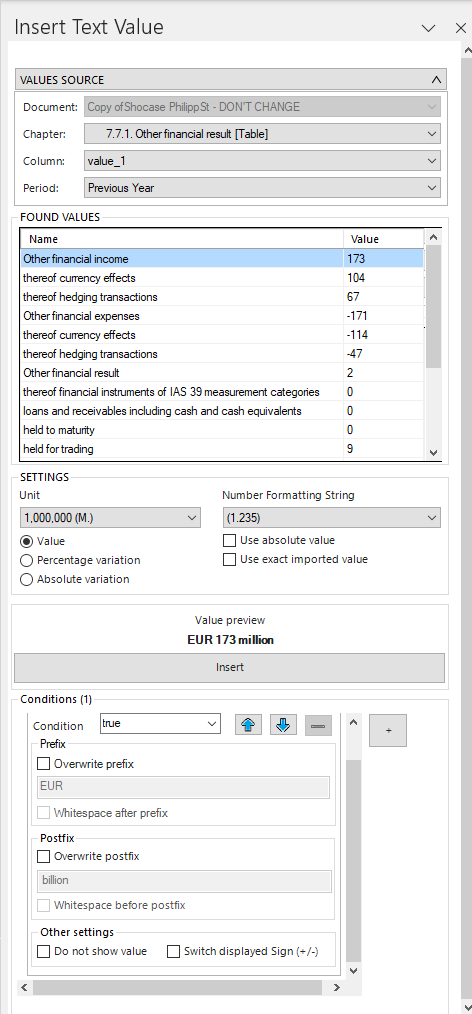


: Inserts the selected text value at the selected position.Value : Percentage change in the value compared to the previous period. Inserts the deviation value with a percentage sign.Percentage variation : Absolute change in the value compared to the previous period. Inserts the deviation value with the currently set unit.Absolute variation
: Specifies that the report value is used regardless of the sign.Use absolute value :Specifies that the exact value of the report value is used for the calculation, even if a rounded number is displayed in the text value.Use exact imported value

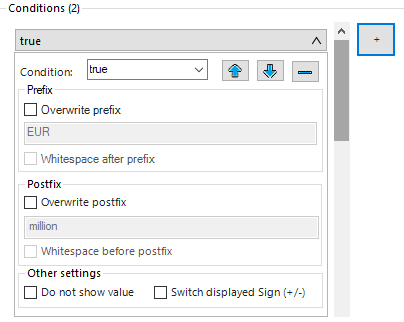
: Enables the input field below to enter a prefix that overwrites the existing one.Overwrite prefix :Inserts a protected space after the text entered in theInsert whitespace after prefix input field.Prefix
: Enables the input field below to enter a postfix that overwrites the existing one.Overwrite Postfix Inserts a protected space before the text entered in theInsert whitespace before postfix: input field.Postfix (suffix)
: The value is not displayed in theDo not show value and/orprefix ) input fields as soon as the condition is met.postfix (suffix : Changes the sign of the value of the inserted text value.Switch displayed Sign (+/-)
Click the plus sign ) to create another restriction.(+ The buttons in the menu bar of a condition can be used to change the order or delete the condition.
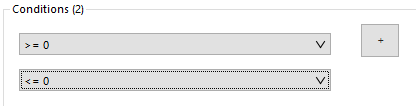
Click to expand or collapse the configuration of a restriction. When collapsed, restrictions are displayed as follows:


Last updated on Aug 16, 2023