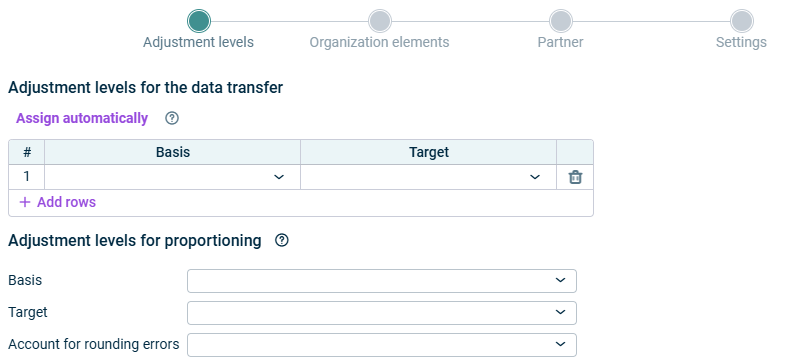
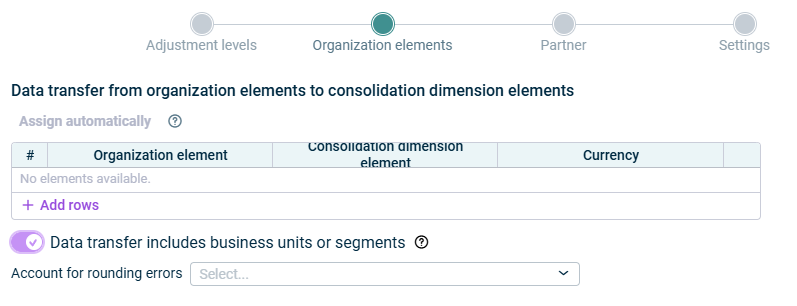
For all investments, the addition to and disposal from the respective consolidation area are recognized using the corresponding transaction types. Investments are transferred proportionally according to their group shares For associated companies consolidated using the equity method, the transferred balances and transaction figures are first canceled so that they can subsequently be recognized and updated by the app for equity elimination
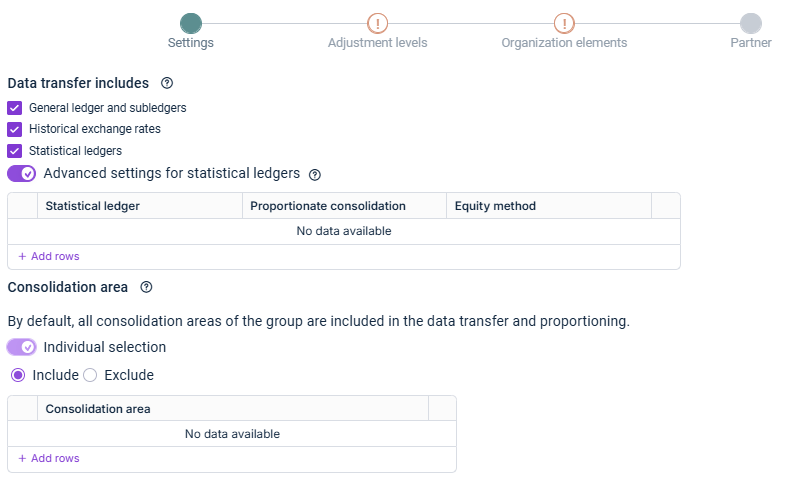
The Historical exchange rates General ledger and subledgers General ledger and subledgers Historical exchange rates Historical exchange rates Statistical ledgers If no historical exchange rate has been maintained for an account in the master data Display adjustment to closing exchange rate on a separate account account settings
Full consolidation Proportionate consolidation Equity method
Include Exclude
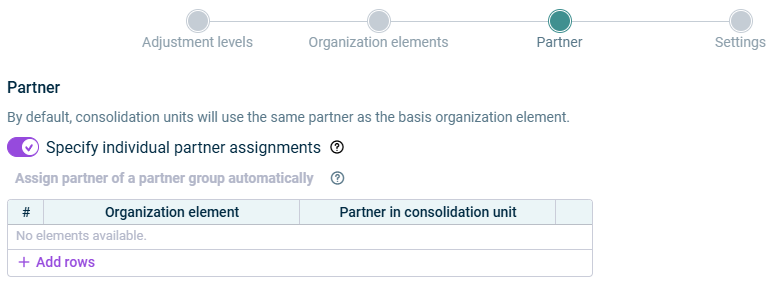
Define partners that will be replaced by another partner during data transfer Assign several partners to another partner
As long as a step has not been fully configured and/or configuration errors exist, it is displayed with a red exclamation mark 
Once a step is configured completely and without any errors, it is displayed with a green check mark 
You can close the configuration dialog by clicking the arrow icon 
To change the name of the app, select the app in the tree view and choose Properties
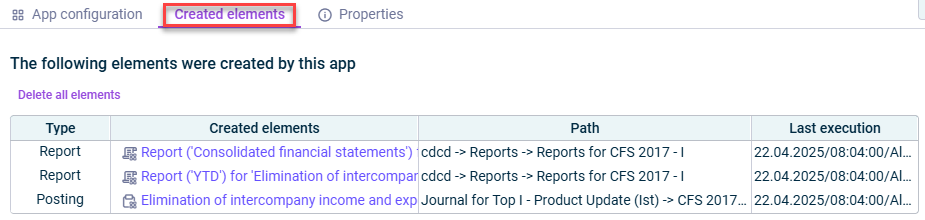
Type Path journal Date of the last execution
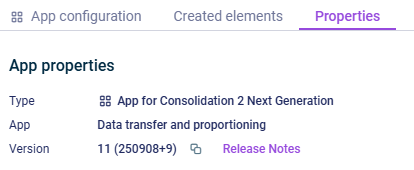
Type Function of the App Version
This content was generated using AI and reviewed by Lucanet subject matter experts before publication.
Last updated on May 1, 2026