Execute individual consolidation apps separately Execute multiple consolidation apps jointly in a so-called executable folder Execute entire consolidated financial statements
In the upper right corner of the editing dialog of the app Execute 
In the overview table in the Consolidated financial statements Execute Actions 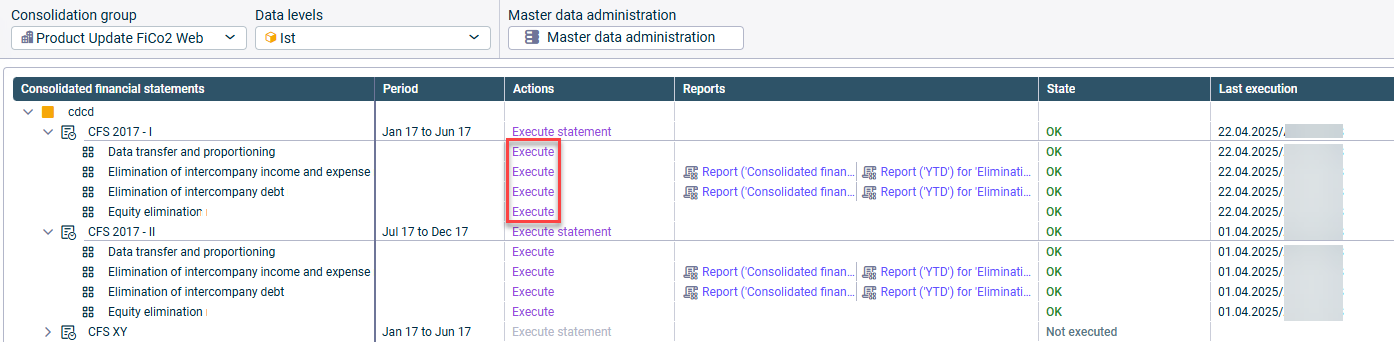
Consolidated financial statements Consolidated financial statement Executable folder
Continue execution Cancel execution
Add existing elements using the menu commands Cut Paste Create new elements in the folder using the Create

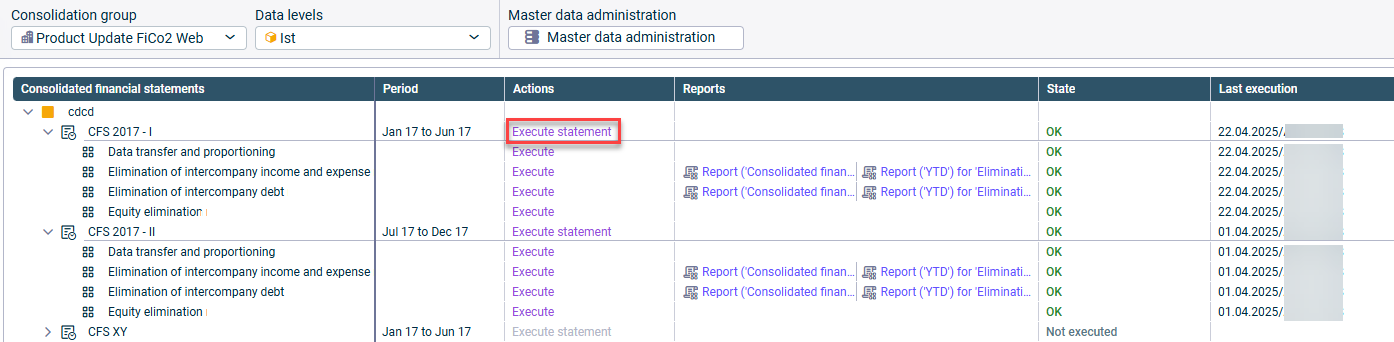

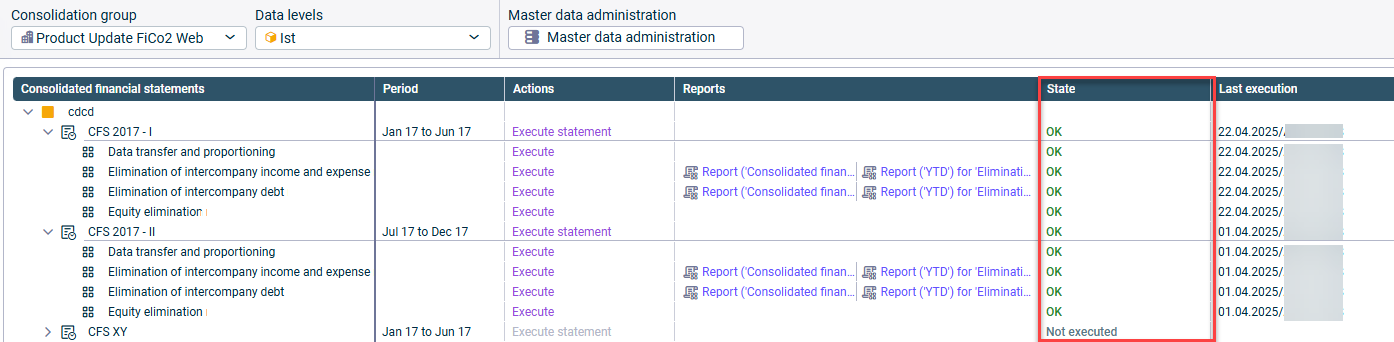
Not executed OK Error Canceled
This content was generated using AI and reviewed by Lucanet subject matter experts before publication.
Last updated on May 1, 2026