Adjustment levels for consolidation postings are used to post consolidation postings if Consolidation 2 is used for consolidation.

To create an adjustment level for consolidation postings:

1

Right-click the Adjustment levels root folder.

2

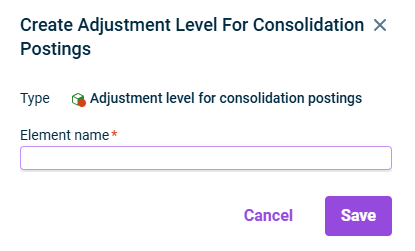
Choose Create | Adjustment level for consolidation postings from the context menu. The Create Adjustment Level For Consolidation Postings dialog is displayed:

Creating an adjustment level for consolidation postings
3

Specify the name of the element.

4

Click Save.

After creating an adjustment level for consolidation postings, you can configure this adjustment level and change its name.

This content was generated using AI and reviewed by Lucanet subject matter experts before publication.

Last updated on May 1, 2026