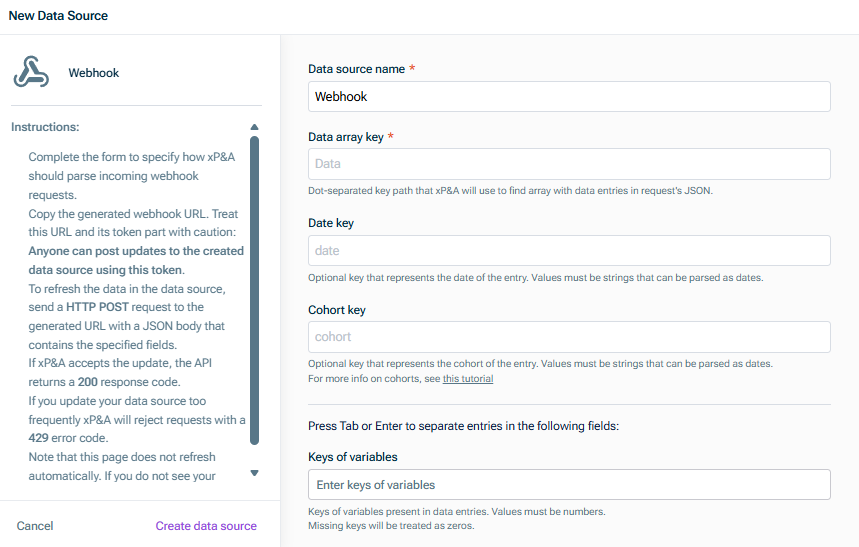
Access to your xP&A account with permissions to create data sources Access to the external system that will send data Knowledge of the data structure you want to import (column names, data types)
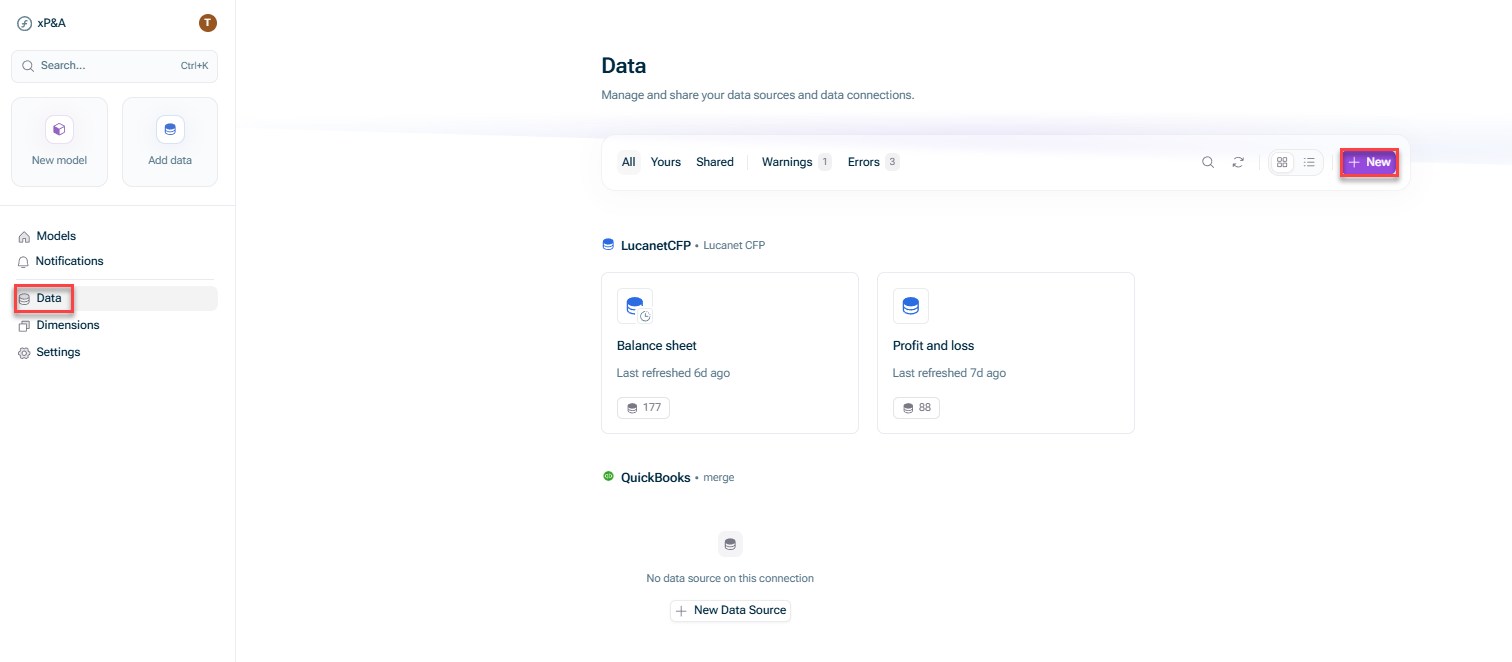
Open the Data + New.
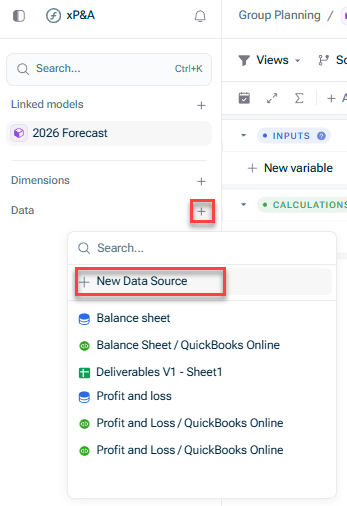
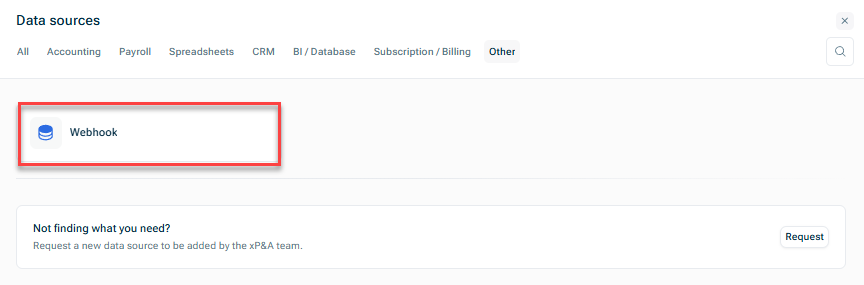
Open the model into which you would like to integrate the data, click the + Data New data source
This content was generated using AI and reviewed by Lucanet subject matter experts before publication.
Last updated on May 1, 2026