 | |
 | |
 |
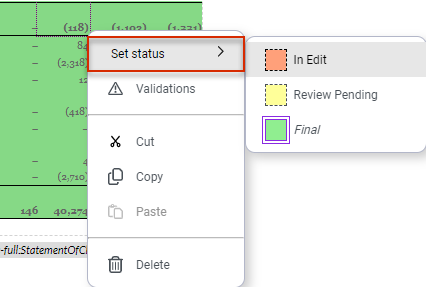
Mark the desired cells while pressing the left mouse button. Use the arrow keys on your keyboard while holding down the SHIFT Select non-adjacent cells CTRL Select adjacent cells SHIFT SHIFT
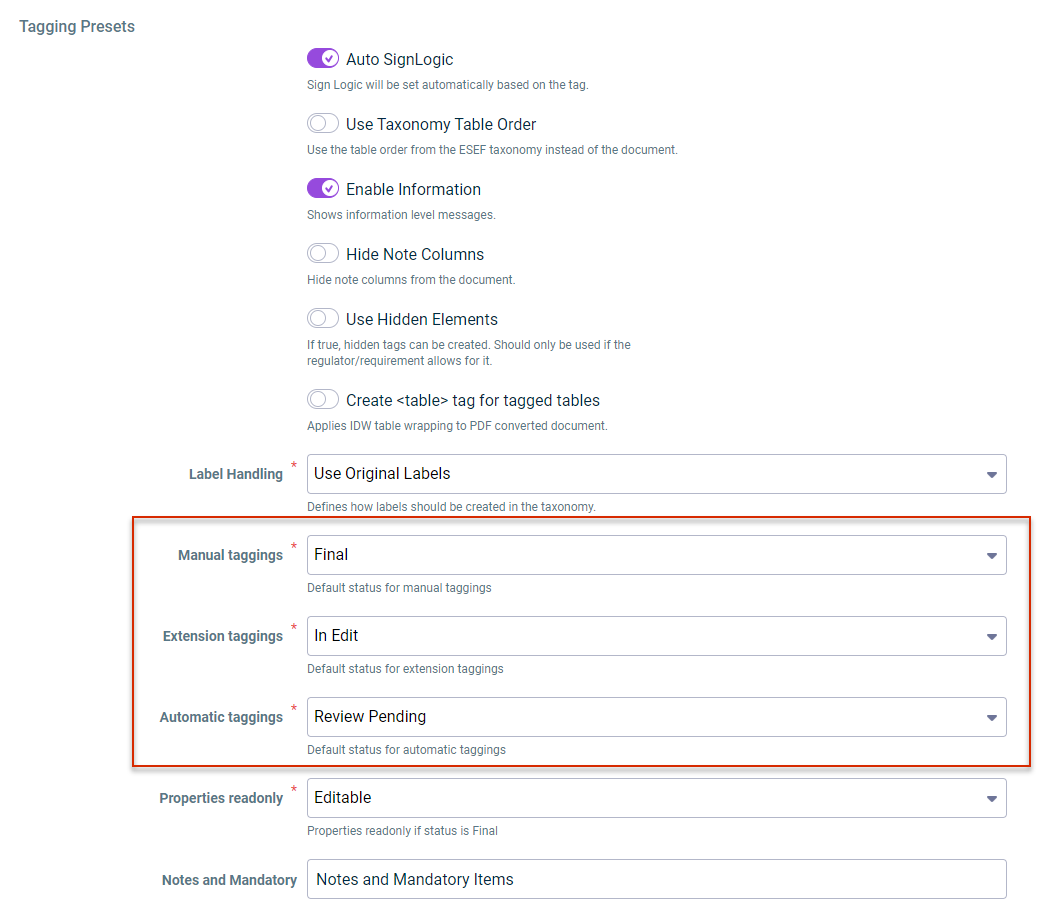
Which status is to be initially assigned to newly created tags Which status is to be assigned to extension tags Which status is to be assigned to tags automatically added content controls Disclosure Management
This content was generated using AI and reviewed by Lucanet subject matter experts before publication.