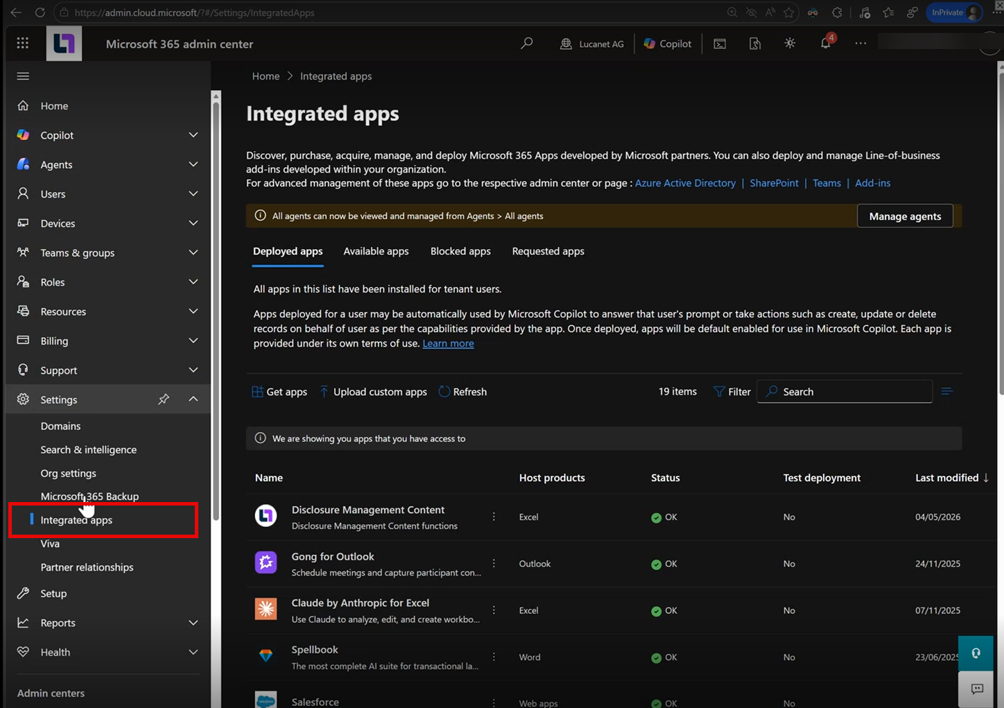
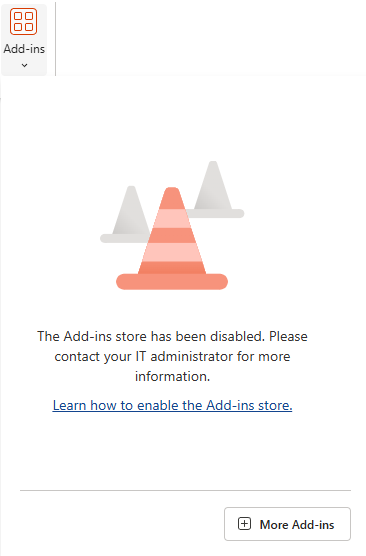
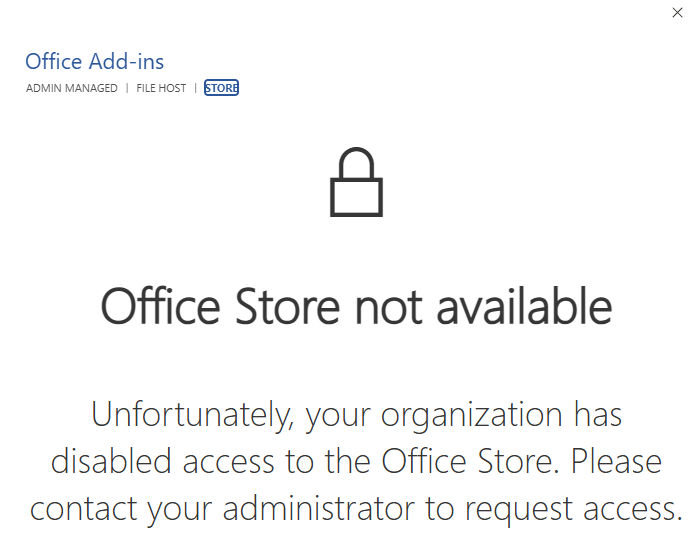
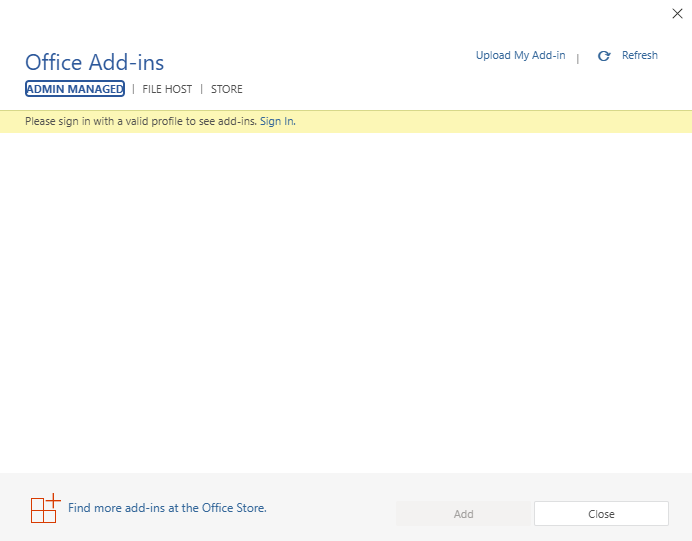
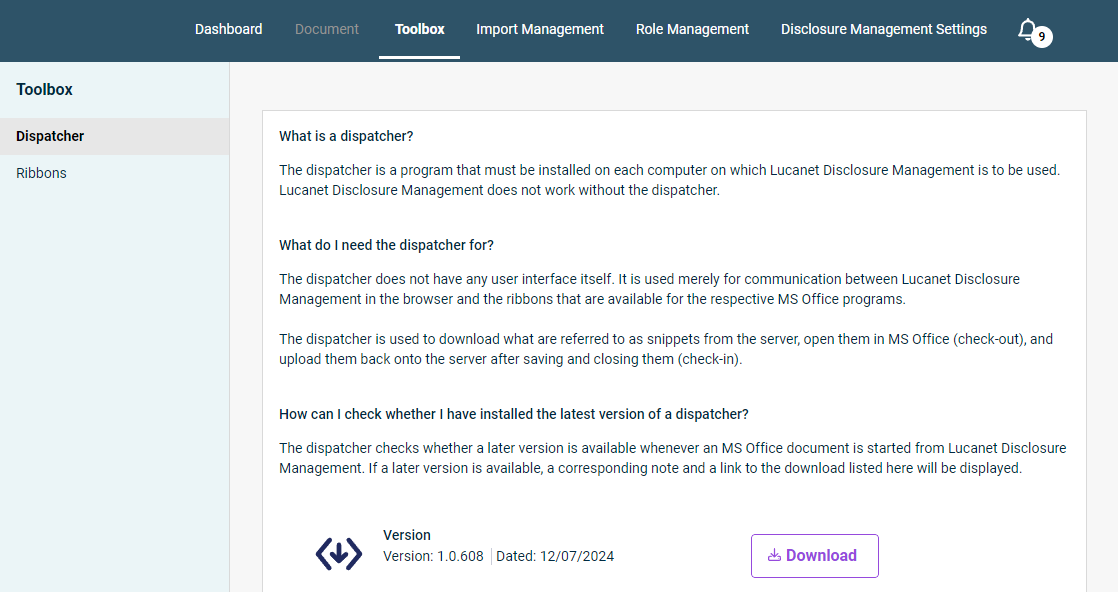
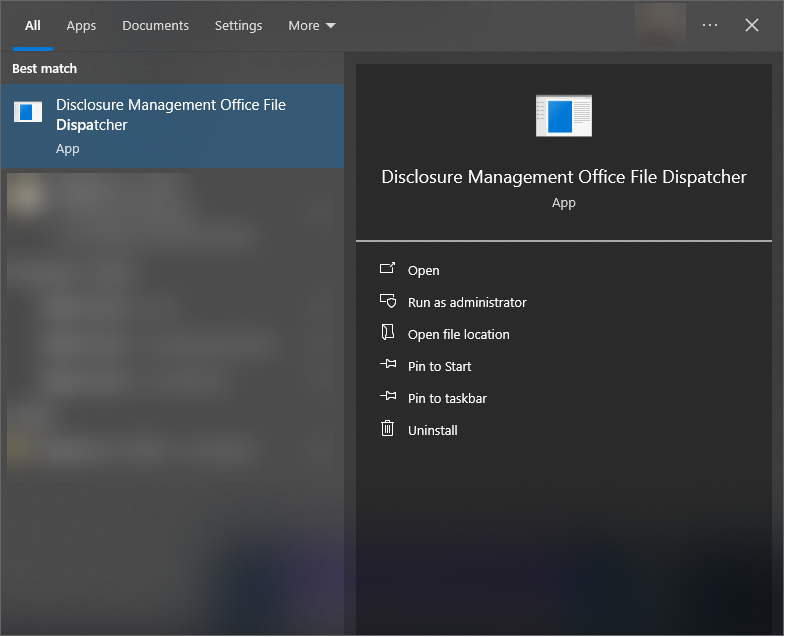
The Dispatcher is a program that must be installed on each computer on which you wish to use the Lucanet Disclosure Management solution. Lucanet Disclosure Management does not work without the Dispatcher.
Ribbons are menu ribbons or multifunctional bars for applications that combine menu control, toolbars, and dialogs. You will need to install these ribbons if you want to use Lucanet Disclosure Management in your locally installed copies of the Office programs MS Word and MS Excel.
Both the Dispatcher and the Ribbons are updated regularly. Whenever an update is available, you will be informed automatically once you open an MS Office document in Lucanet Disclosure Management.
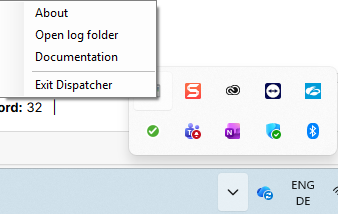
After installation, the Dispatcher is displayed as an icon in the MS Windows system tray. You will receive a message as soon as the Dispatcher is running and as soon as you open an MS Office file. You can stop the Dispatcher and view the log via the context menu of the icon in the system tray:
Context menu of the Dispatcher in the MS Windows context menu
To install the Office ribbons for Disclosure Management:
1
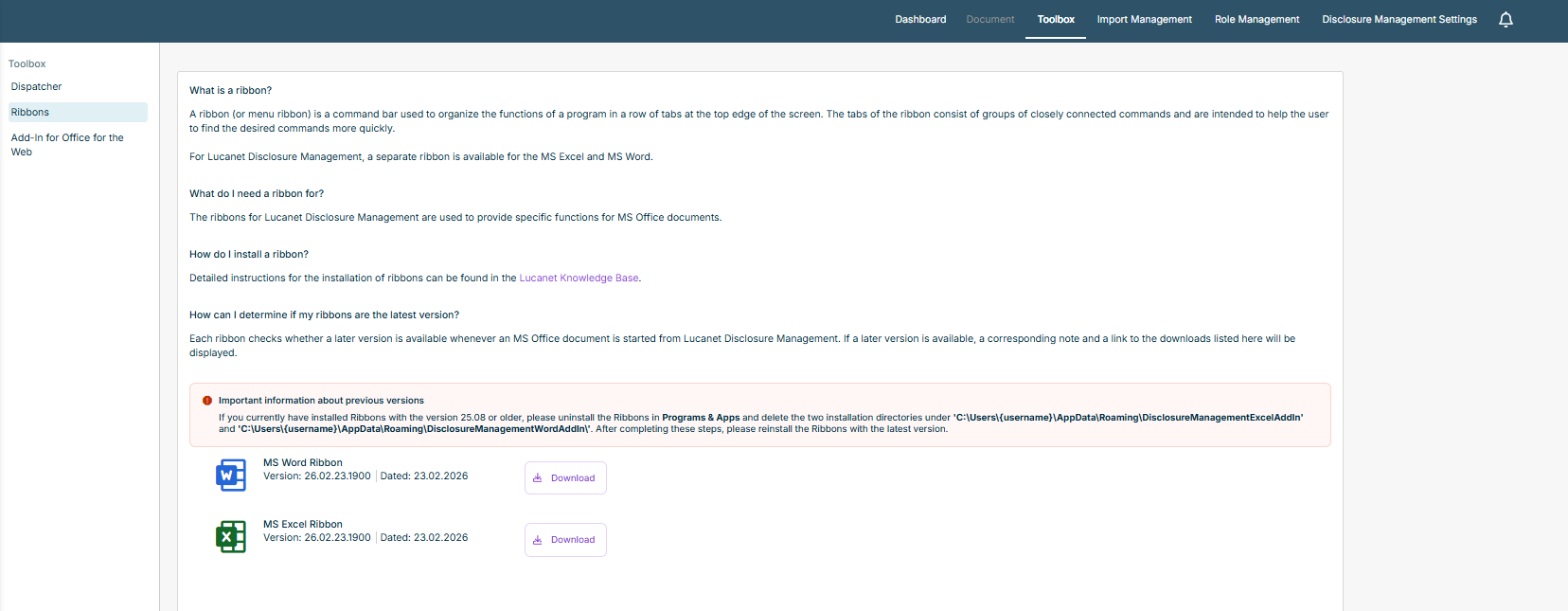
In Lucanet Disclosure Management, navigate to the Toolbox tab and click Ribbons in the tree view. The detail view is displayed as follows, for example:
Detail view of the ribbon area
2
Click Download to download the MSI file for the MS Word ribbon or the MS Excel ribbon and then navigate to your download folder.
3
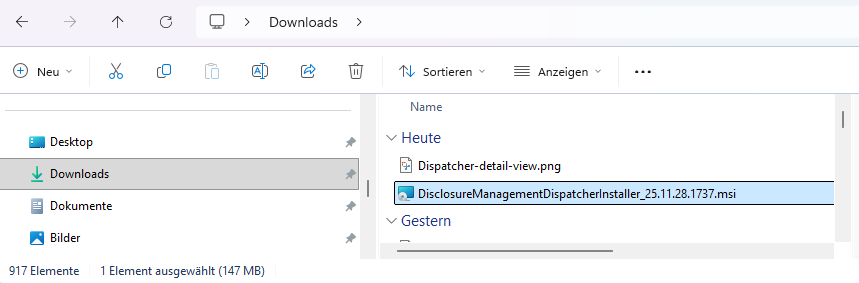
Double-click the MSI file to execute it.
WordInstaller in Windows Explorer
The ribbon is installed automatically and is displayed in MS Word or MS Excel as follows as soon as you open a Word document or Excel document from Lucanet Disclosure Management:
In MS Word: Ribbon in MS Word
In MS Excel: Ribbon in MS Excel
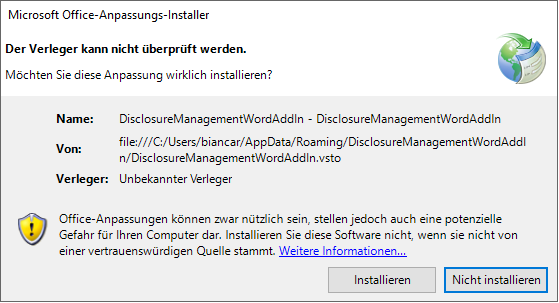
Note: Depending on your security settings, you may have to confirm the installation again as soon as you open MS Word or MS Excel for the first time after installing the ribbons. In the displayed message, click Install.
Confirmation message in Microsoft Office
If you currently have installed Ribbons with the version 25.08 or older, you have to uninstall the Ribbons in Programs & Apps and delete the two installation directories under C:\Users\{username}\AppData\Roaming\DisclosureManagementExcelAddIn and **C:\Users\{username}\AppData\Roaming\DisclosureManagementWordAddIn**, first.
After completing these steps, you can reinstall the Ribbons with the latest version.
Opening an MS Office document from Disclosure Management automatically performs a software check for the latest version of the Dispatcher and Ribbons. If a later version is available, the system displays a corresponding note and a link to the page where the latest version can be downloaded.