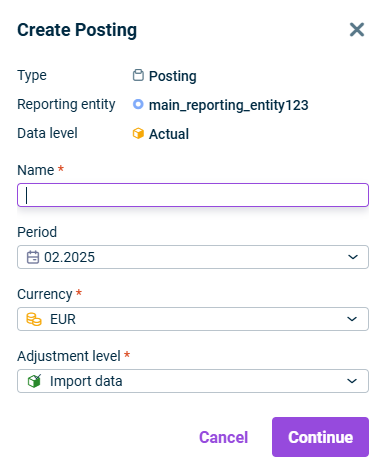

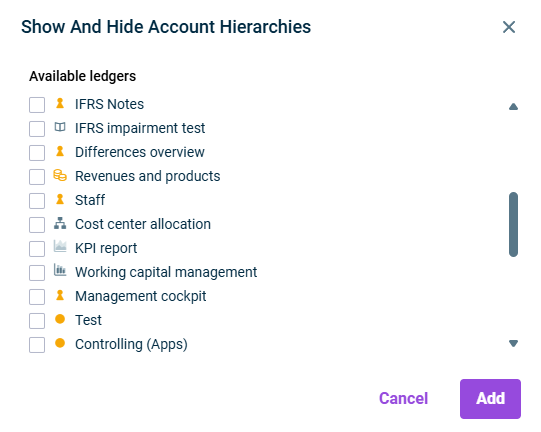
The ledgers specified here are displayed in the table below. By default, the general ledger is available for account selection which is assigned to the reporting entity or consolidation area for which the posting is created. When creating a new posting, the general ledger account hierarchy (including all subledgers) is automatically selected if the user has the necessary permissions. | |
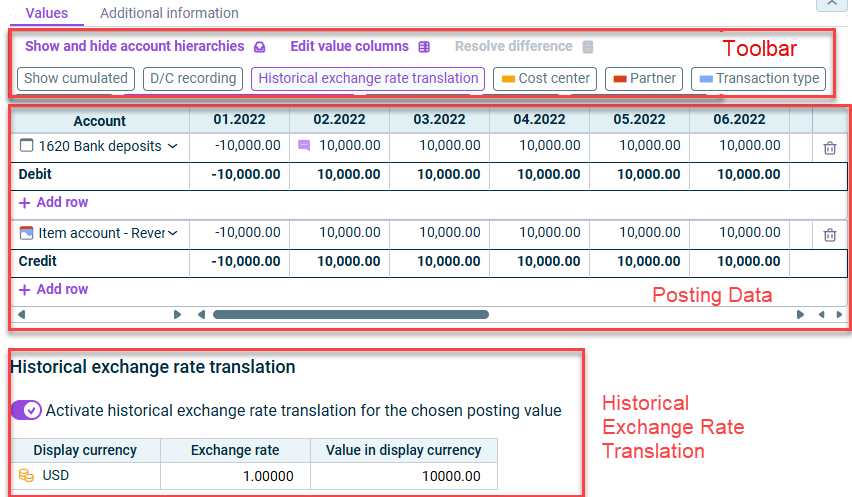
If the option is not activated, all values of a posting are listed separately per posting time. | |
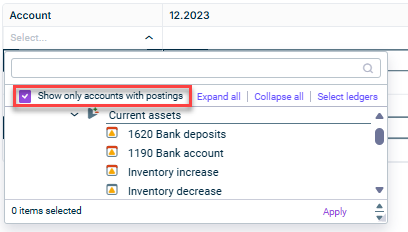
You can display only those accounts that contain postings for selection by clicking the drop-down list in the - When the - In the - In the - When the | |
Value columns are identified by the periods to which the postings should be made. | |
The Historical exchange rate translation Creating and Configuring Reporting Entities Creating And Configuring Consolidation Areas Historical exchange rate translations can only be defined for accounts of type Currency amount When copying the posting document to another journal, the fixed exchange rates are retained, provided the same currency translations have been configured in the target journal. When historical exchange rate translation is defined for a cell's posting value, a purple chat symbol appears to the left of the posting value in that cell.
This content was generated using AI and reviewed by Lucanet subject matter experts before publication.
Last updated on May 1, 2026