You can use the Elimination of Intercompany Profit or Loss in Current Assets In this process, intercompany relationships partner information investment relationships Optionally, the following functions can also be activated: Automatic reclassifications in the balance sheet and/or profit or loss statement Automatic posting of deferred taxes to the profit adjustment
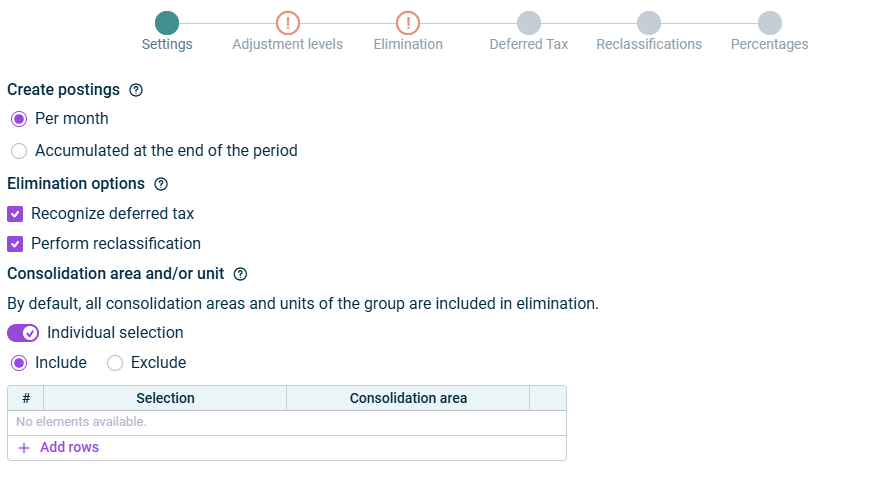
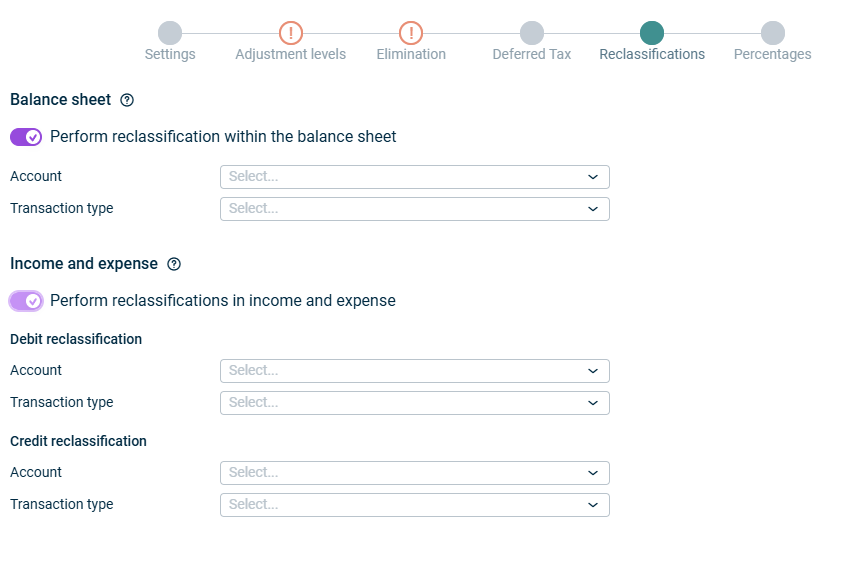
Select the Recognize deferred tax Deferred Tax Select the Perform reclassification Reclassifications
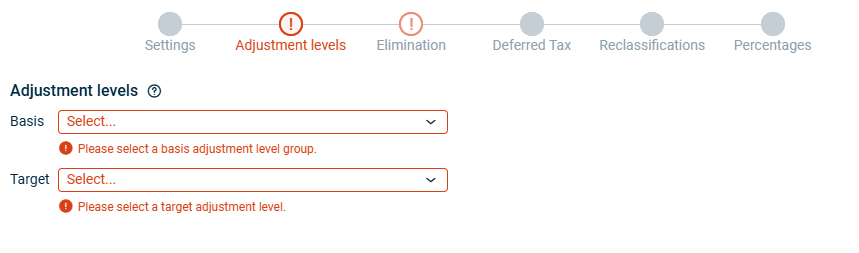
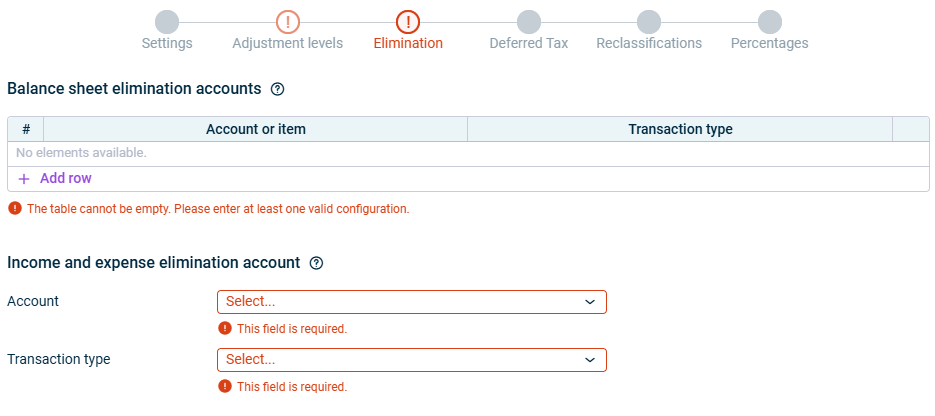
Click Add row Account or item Then, for each account or item, select the transaction type
Select the account Then select the transaction type
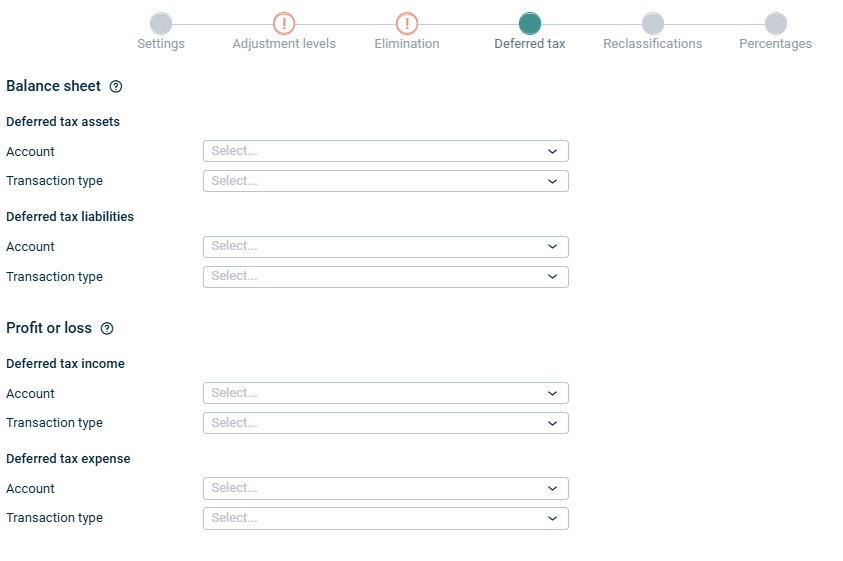
Deferred tax assets are recognized when the elimination creates a deductible temporary difference. Deferred tax liabilities are recognized when the elimination creates a taxable temporary difference.
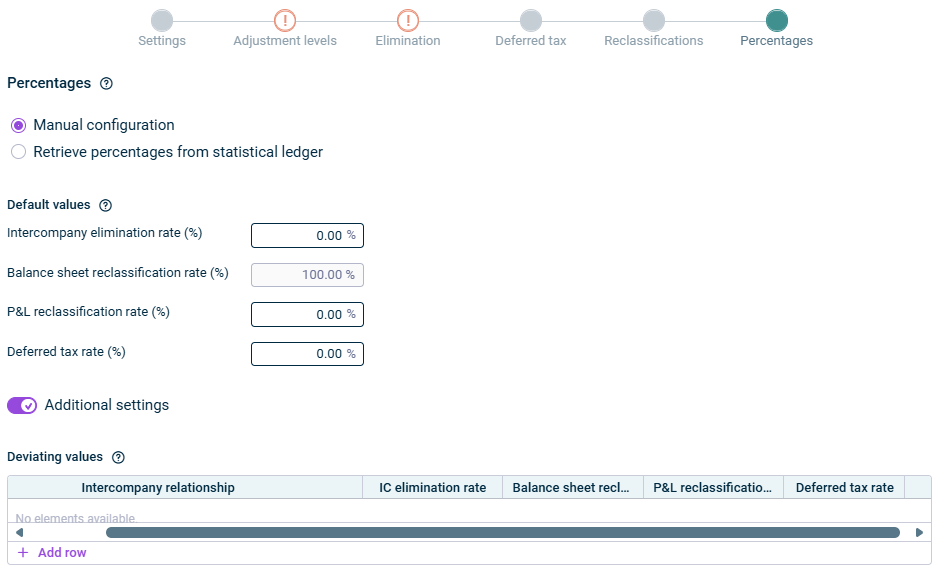
The calculation of the IC elimination rate The balance sheet reclassification rate The P&L reclassification rate The calculation of the deferred tax rate
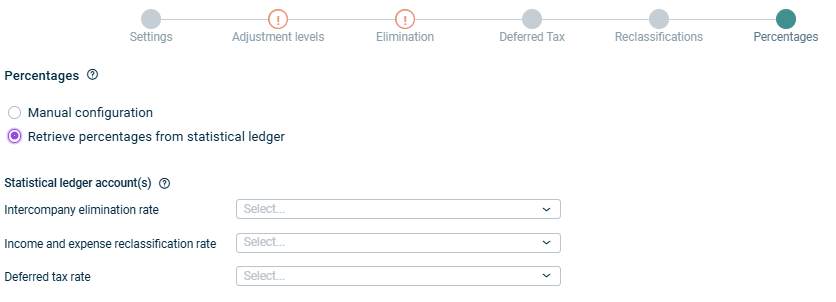
Intercompany elimination rate Balance sheet reclassifcation rate P&L reclassification Rate Deferred tax Rate
As long as a step has not been fully configured and/or configuration errors exist, it is displayed with a red exclamation mark 
Once a step is configured completely and without any errors, it is displayed with a green check mark 
You can close the configuration dialog by clicking the arrow icon 
To change the name of the app, select the app in the tree view and choose Properties
Type Path journal Date of the last execution
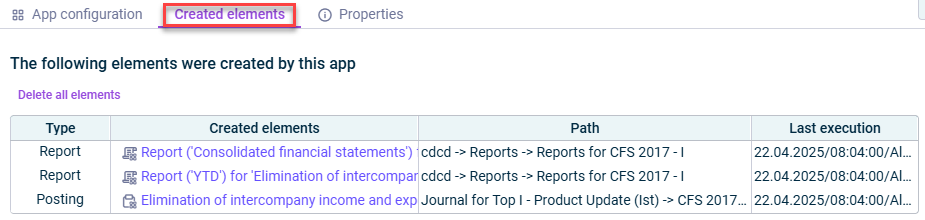
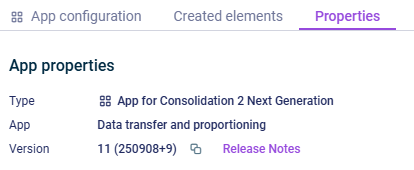
Type Function of the App Version
This content was generated using AI and reviewed by Lucanet subject matter experts before publication.
Last updated on May 1, 2026