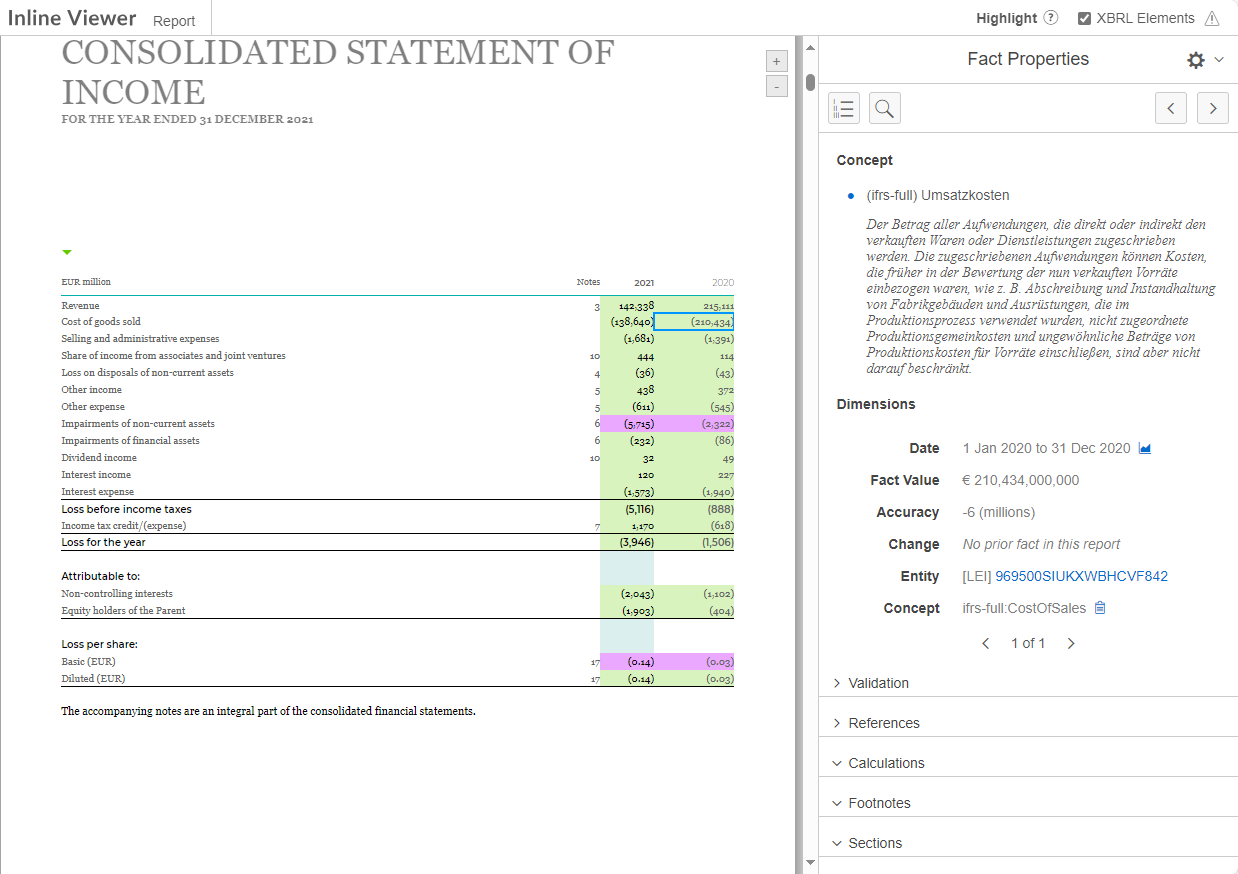
A preview can be displayed in iXBRL Viewer workspace to visualize and manually check the InlineXBRL content and information. The saved XBRL information can be displayed and highlighted in the iXBRL viewer.
Select the tagged elements in the document, which are either tagged with a tag from the taxonomy or as an extension. As soon as the check box has been activated, tags from the taxonomy are displayed in green and extension tags in violet.
Changes the language of the user interface of the iXBRL Viewer.
Shows the table of contents for the document, if present.
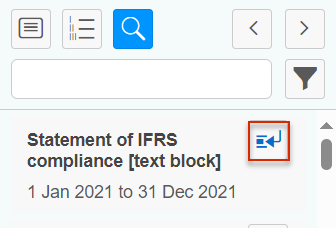
With the search, you can perform a full text search throughout the entire report. The search text must consist of at least three characters. As soon as you activate the button, the list of tags is displayed. You can display the details on each tag by clicking the respective button: Show details of a tag
Switches to the next or previous tag in the document.