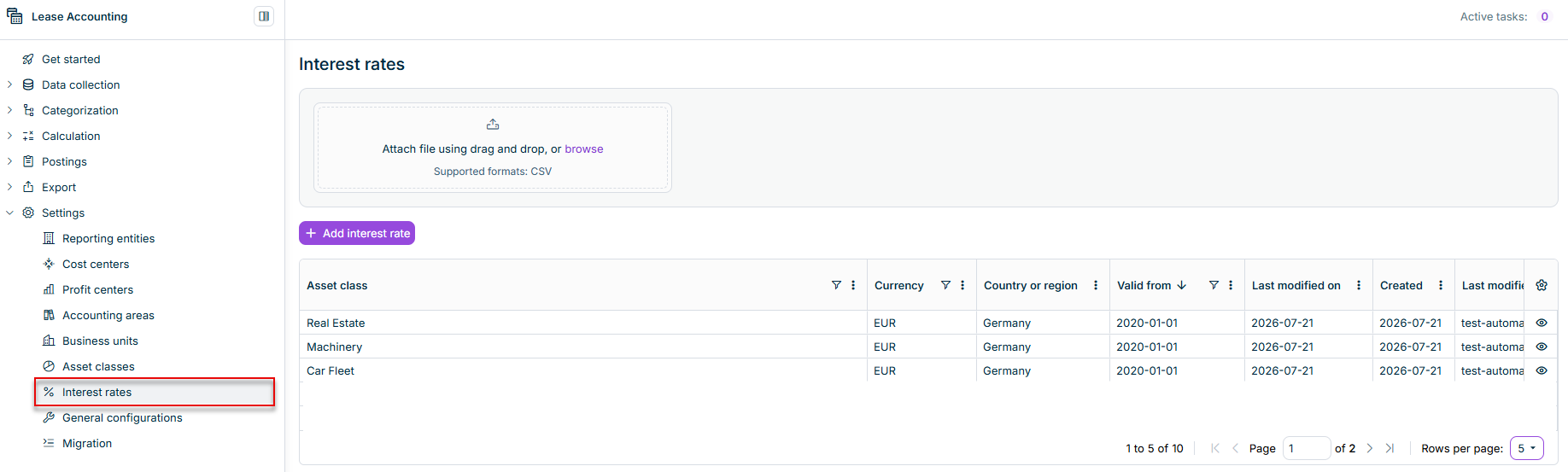
Lucanet Lease Accounting uses interest rates to calculate the current value of lease payments. Interest rates are key to determining lease liability and the right-of-use asset for the balance sheet.
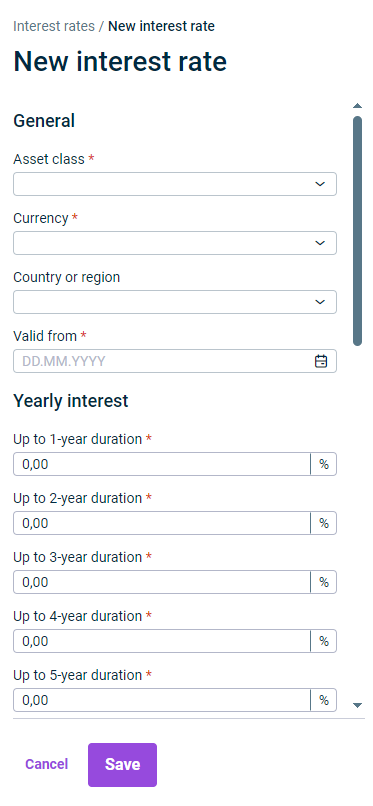
To provide a basis for accounting leases, interest rates can be managed in the workspace of the same name. New interest rates can either be created manually or added by importing CSV files.
To allow calculation of country-specific interest rates and rates for different asset classes, each interest rate is always created for a specific combination of asset class, country or region and currency. In addition to this, the interest for each interest rate is split into maturity brackets.
To ensure that an interest rate can be used for a specific asset class, start by creating the asset class in the Asset Classes workspace.
As an alternative to manual creation, you can also import interest rates into Lease Accounting as CSV files:
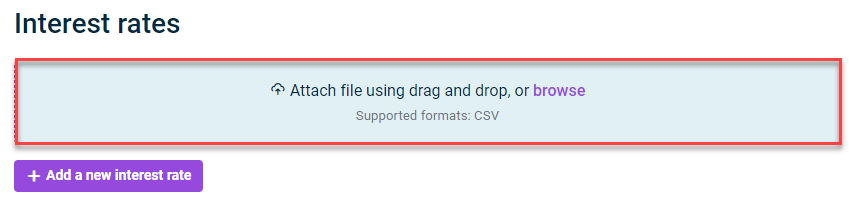
Area for importing interest rates
To add the CSV file with interest rates in Lease Accounting, select one of the following options in the area above the overview table:
Click Browse and upload the required CSV file.
Use the Drag & Drop method to add the required CSV file.
Once this is done, click Start import.
CSV Import Templates
To make automatic imports easier for you, we have provided a template for the CSV file. The structure of this template matches that required for the import.
The CSV file includes instructions on how to add the data.
Use the following link to download the template for interest rate imports in Lease Accounting: