For each unit and each reference date, you can create a separate form instance in Tax Services. This forms the basis for entering, validating, and transmitting the tax report.
To create a new form in Tax Services:
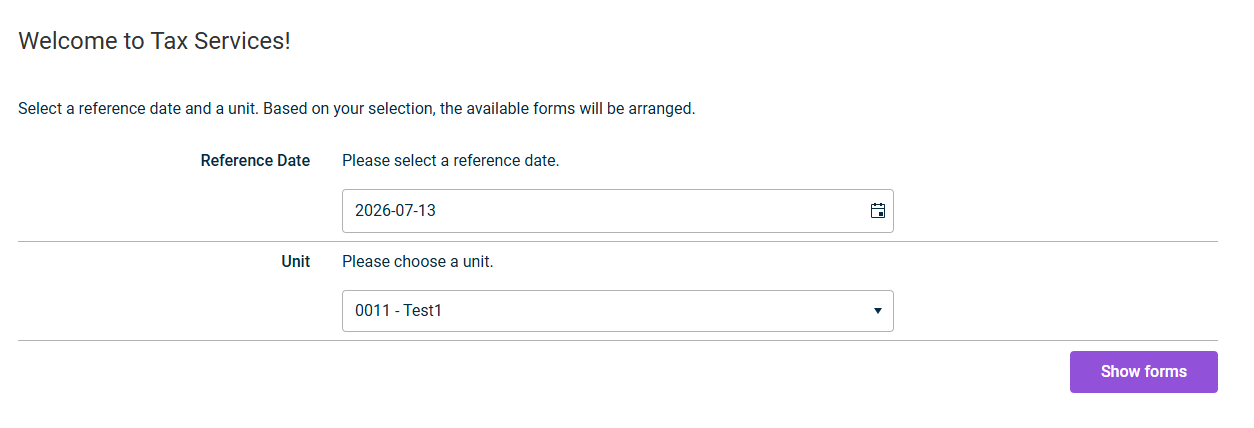
On the start page, select the desired Reference Date and Unit.
Click Show forms.
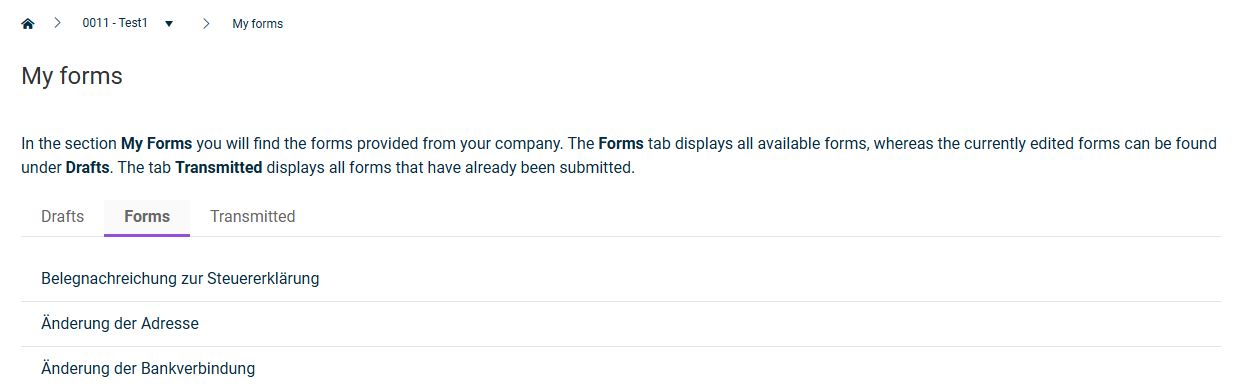
Open the Forms tab and click the desired form type.
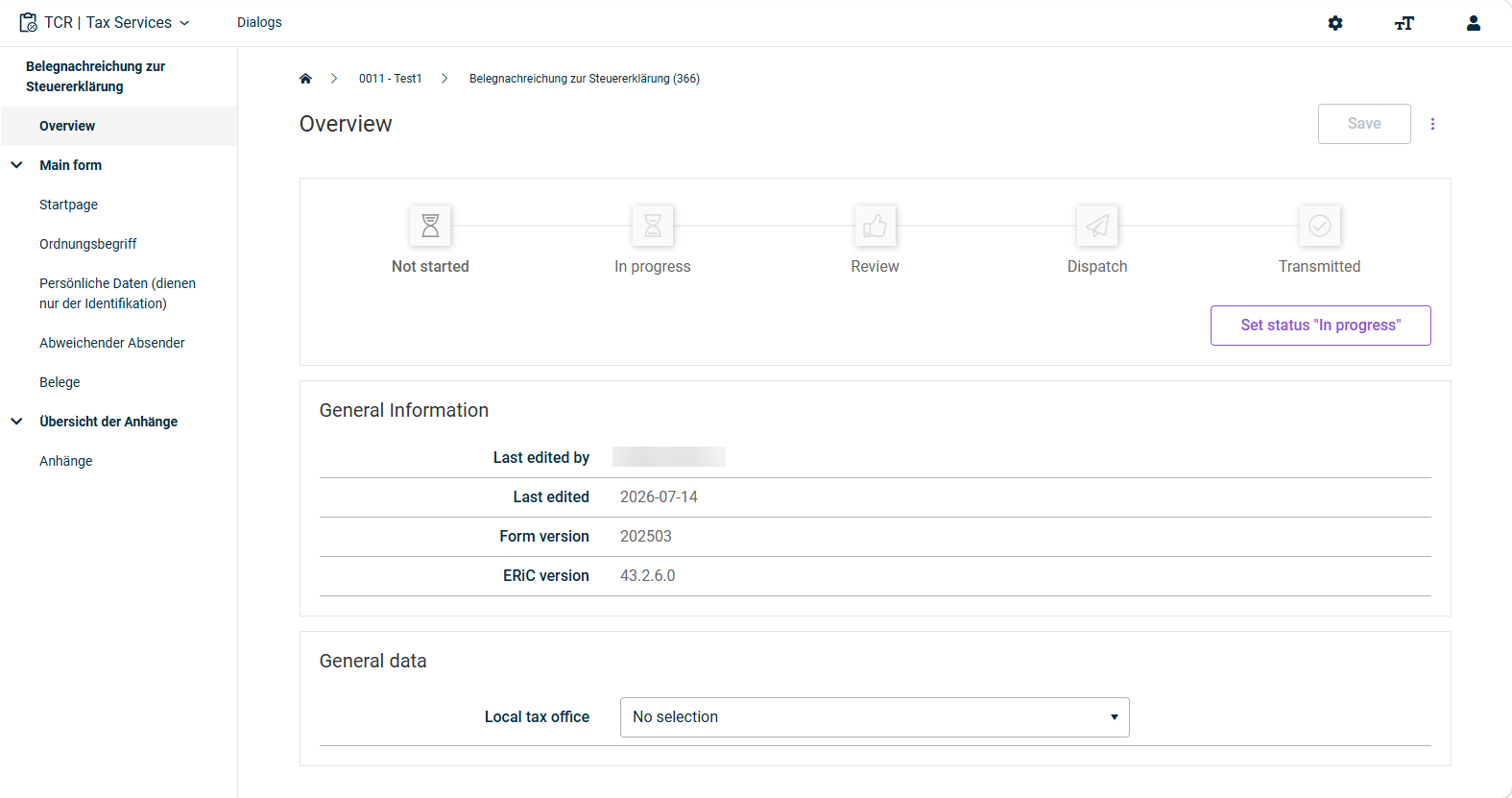
The system automatically creates a new form instance and opens it in the overview:
Configure the form instance according to your requirements (see Form Processing Procedures).
This content was generated using AI and reviewed by Lucanet subject matter experts before publication.
KB5599992
Last updated on May 1, 2026