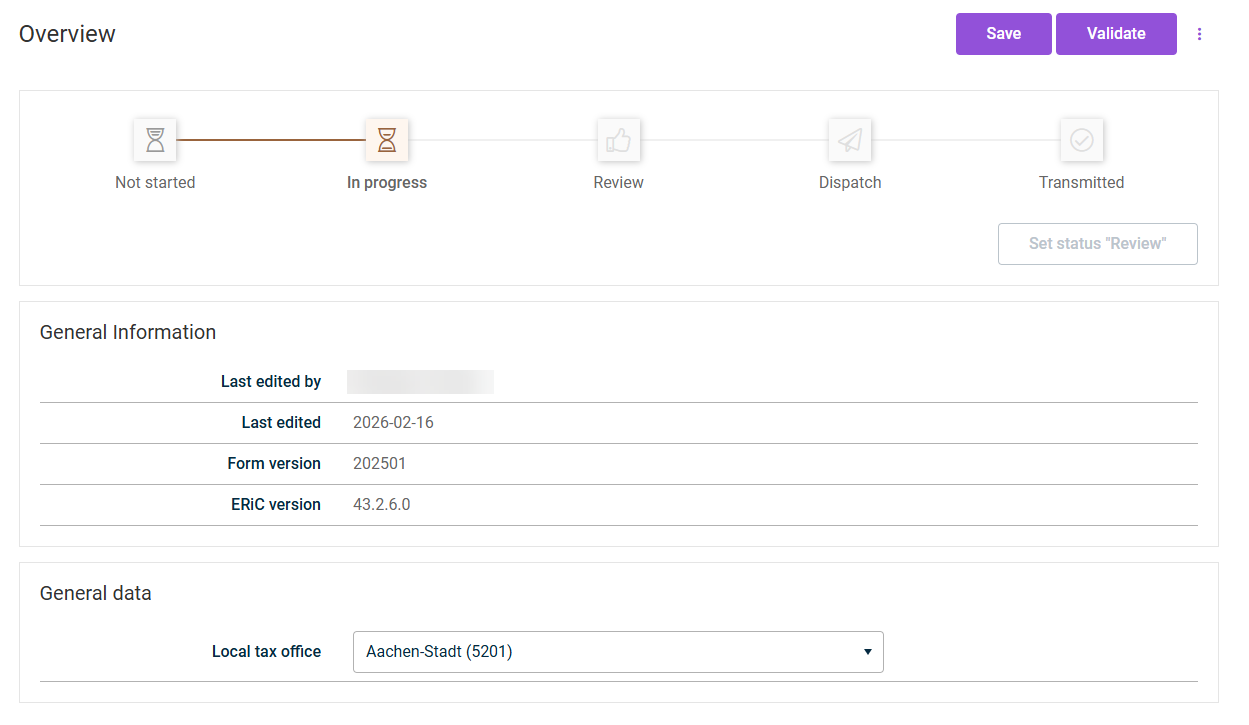
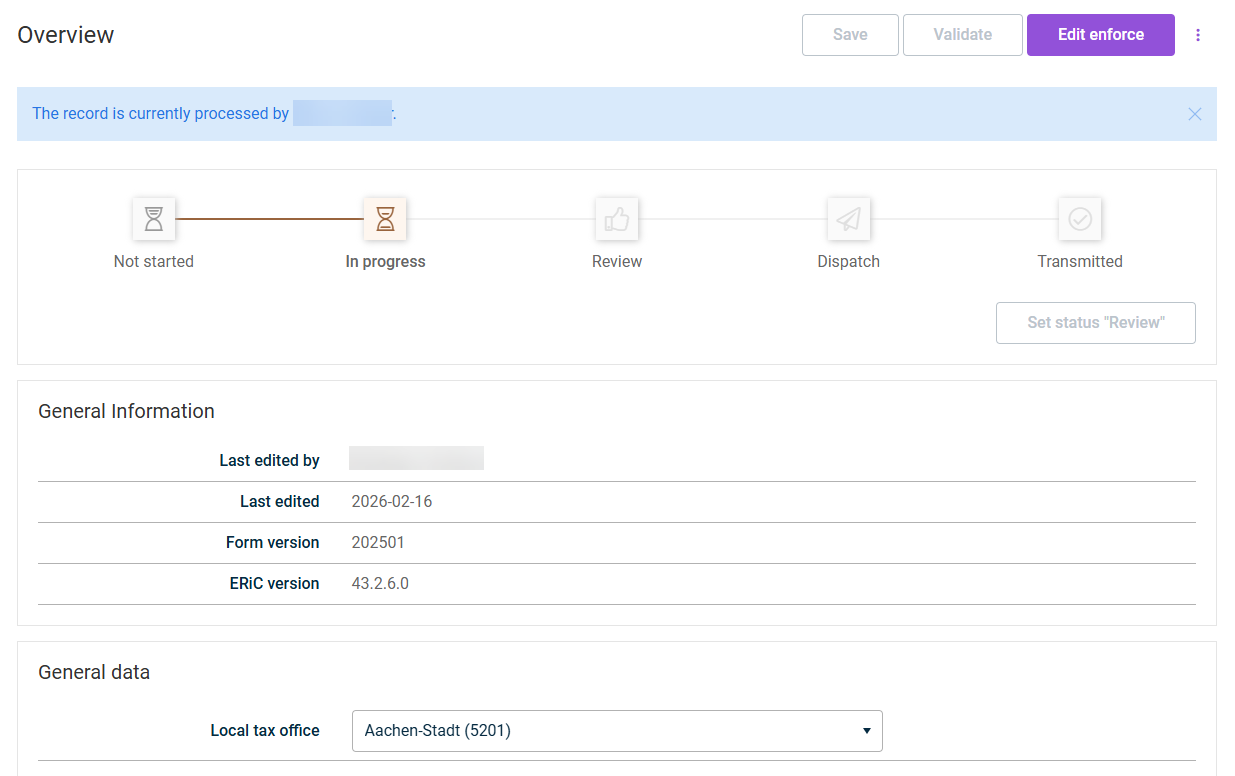
Tax Services uses a locking mechanism to prevent data conflicts caused by simultaneous editing. The software automatically locks forms as soon as you open them. Other people can only view locked forms in read-only mode and receive a note indicating who is currently editing the form. The lock is automatically released when you leave the form.
If necessary, you can edit locked forms held by another person, in which case their unsaved changes are lost. Locked forms are specially highlighted in the drafts list. The locking mechanism ensures that form data remains consistent and that no changes are overwritten.
A notification appears with the name of the person who is currently editing the form.
Locked form
3
First check with your colleague whether they are still actively working on the form. Only then click Edit enforce, otherwise you risk overwriting their changes.
A form can still be displayed as In progress even though no colleague is actively working on it. Possible causes:
The browser was closed without first leaving the form
Connection loss
Power failure
4
The form is unlocked for you. You can now make changes.
The other person immediately loses edit access to the form. Any unsaved changes are lost.