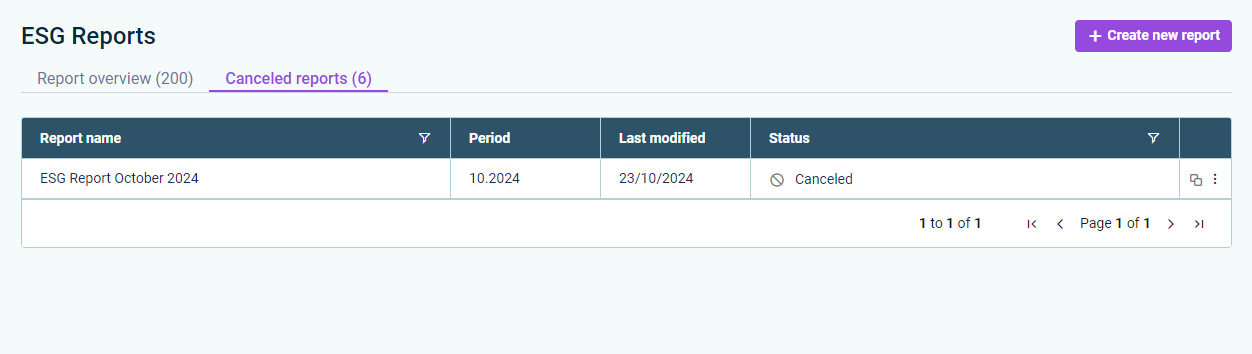
As an ESG Administrator, you can cancel ESG reports. This is useful if errors are discovered, for example. You can cancel any ESG report that has not yet reached Data aggregation status. Canceled reports are listed separately.
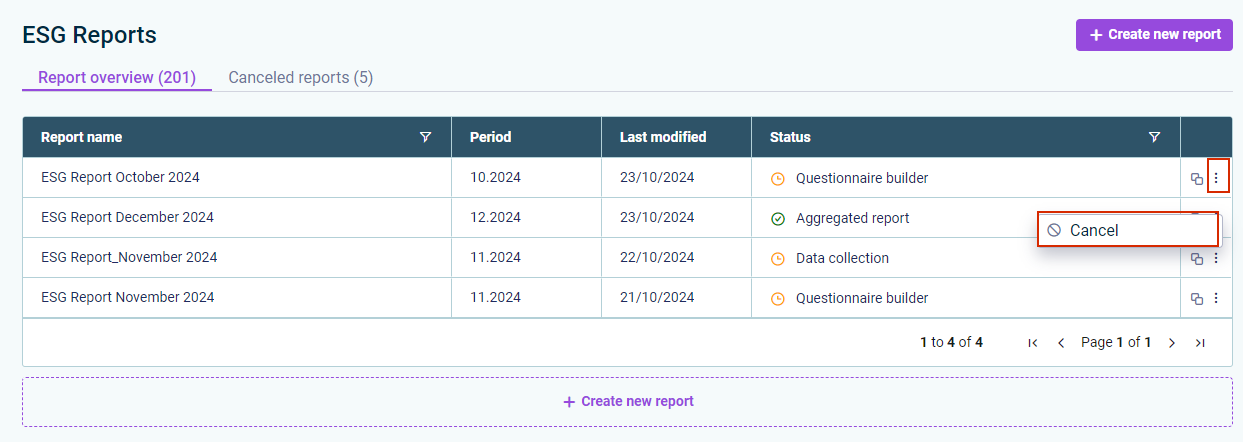
To cancel an ESG report, go to ESG Reports. Navigate first to the Report overview, then to the ESG report you wish to cancel. In the Status column, click the three dots icon. In the displayed context menu, select the Cancel command. In the displayed dialog, click Cancel report.