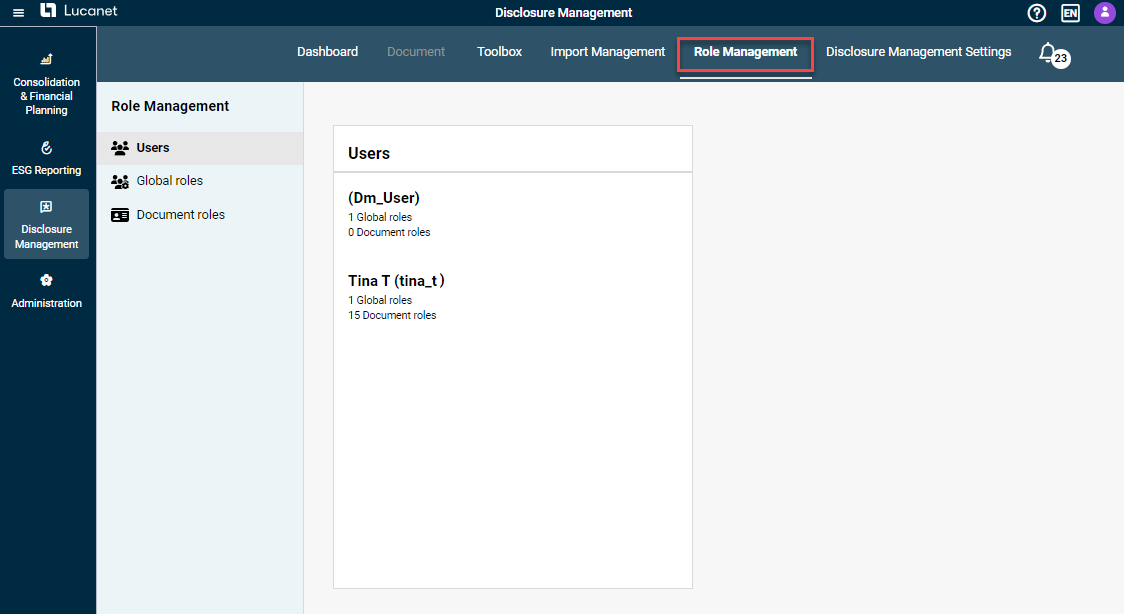
Different user roles can be assigned for Disclosure Management in the Lucanet CFO Solution Platform for each user who is activated for the solution. User roles define what permissions a user has for certain areas in Disclosure Management. For example, they allow you to assign role assignment permissions and read and write permissions for individual documents, or the permission to change the status of individual process steps.
Disclosure Management distinguishes between two types of user role:
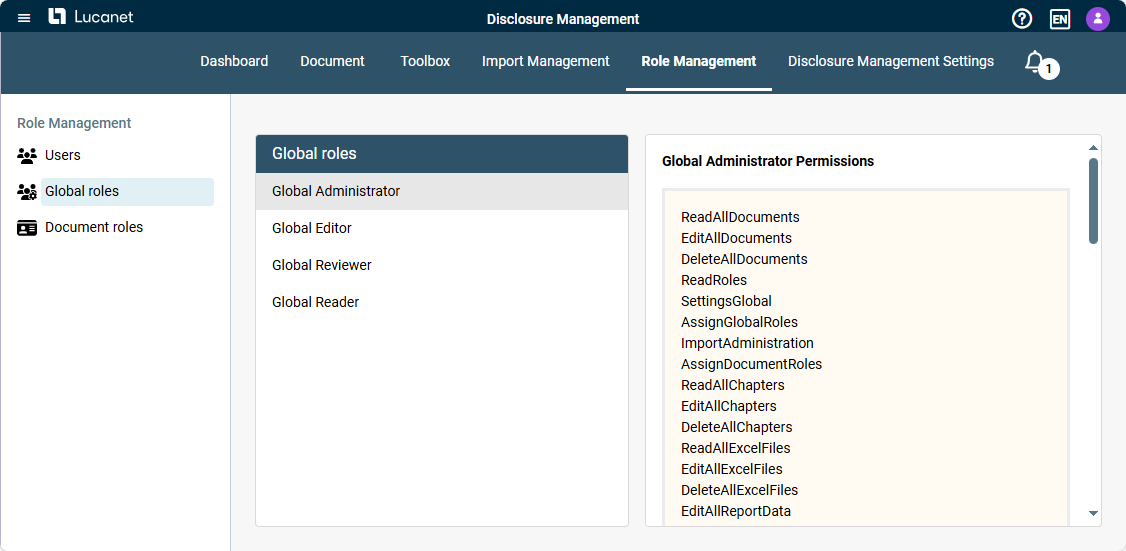
Global roles which can be used to assign solution-wide, cross-document permissions, e.g. administrator rights for documents, import functions, system settings, and role assignment within Disclosure Management.
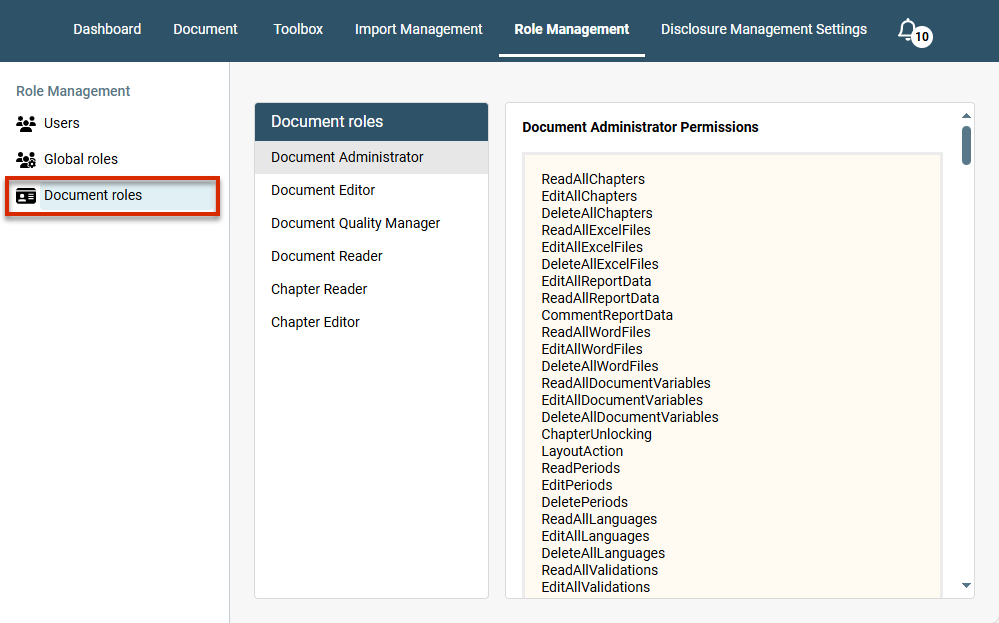
Document roles which can be used to assign permissions at the document level, e.g. read and write permissions for documents, chapters, periods and validations, or the permission to import data or change the status of individual process steps.
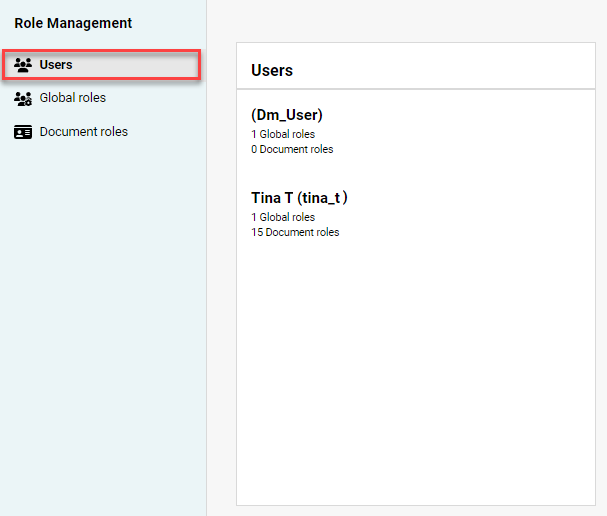
The Users area shows the users that have been activated for Disclosure Management in the User Management area of the Lucanet CFO Solution Platform (see Creating and Editing Users for the Lucanet CFO Solution Platform), together with the roles they have been assigned for Disclosure Management. The area is displayed as follows:
The 'Users' area
This area serves as an overview, and cannot be edited. Users are assigned their individual roles in the Global roles and Document roles areas, described in the following sections.