The form must have status In Progress. You must be assigned as a Collector Administrator The form must contain at least one CFP-based pivot table with at least one editable Currency An Administrator Period Value Type Currency
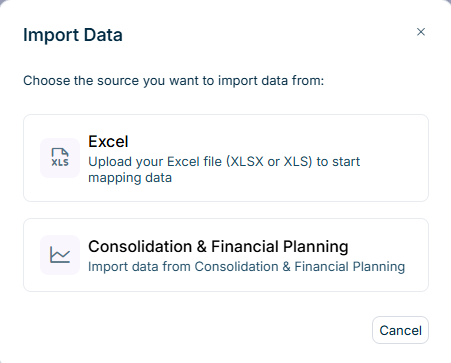
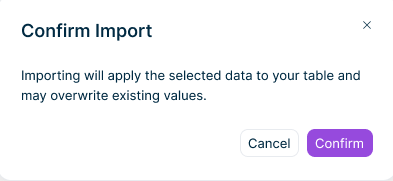
Manual editing and additional imports are disabled for all users while the import is in progress. After a successful import, the form is displayed in editing mode. The form now includes the imported data as well. Superordinate rows and total columns are recalculated automatically. Imported values cannot be automatically undone. To restore previous data or correct imported values, edit the affected cells manually after the import.
Columns with the period value type N/A Total columns Formula columns Columns with the entry method Manual only
Row drill down Local account Column drill down Row and column drill down in the same table
Superordinate rows, totals, and the pivot table cell display the sum of the imported values. Only the lowest configured level is editable. The import does not create elements without a value in CFP. If Data Collection cannot resolve an element returned by CFP, the import skips the element and lists it with the reason in the import results. If a drill down already contains data, Data Collection displays the Confirm Import After the import, you can still add elements manually (see Entering, Validating, and Approving Data
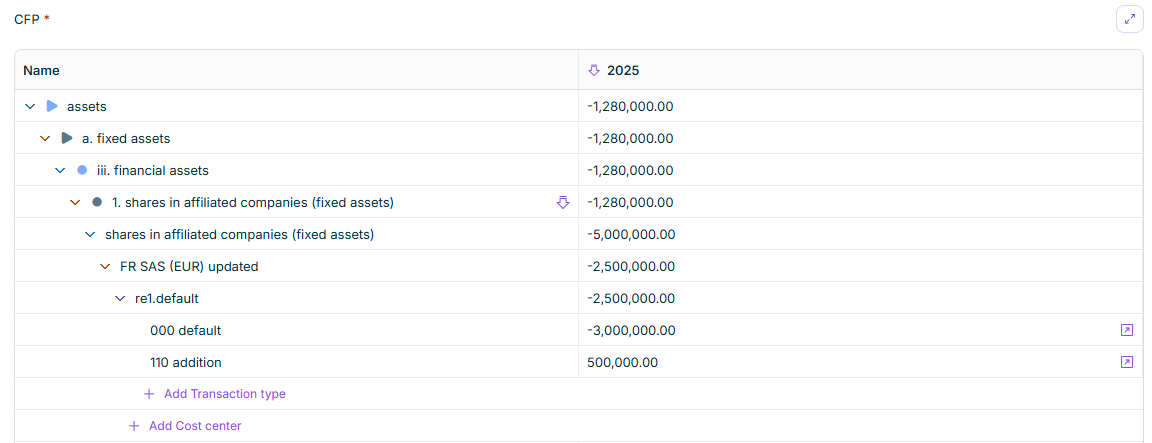
Row matching Column matching Period Value Type N/A Entry method Manual only Configuring Tables in Form Templates Data filtering Actual Import Data Precision
This content was generated using AI and reviewed by Lucanet subject matter experts before publication.
Last updated on Oct 8, 2026