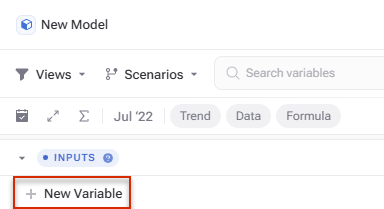
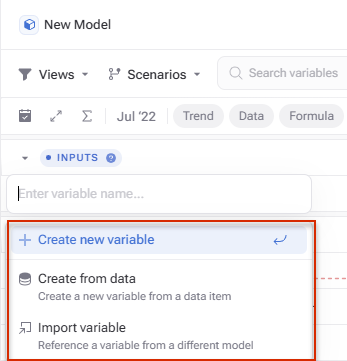
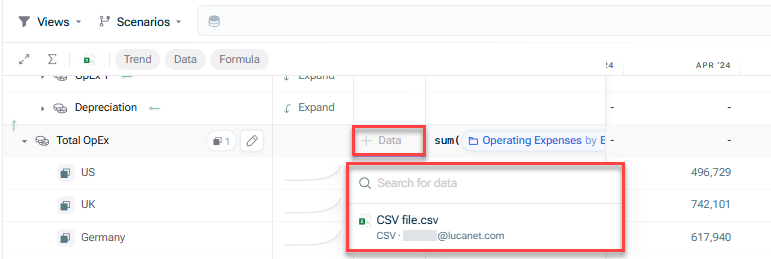
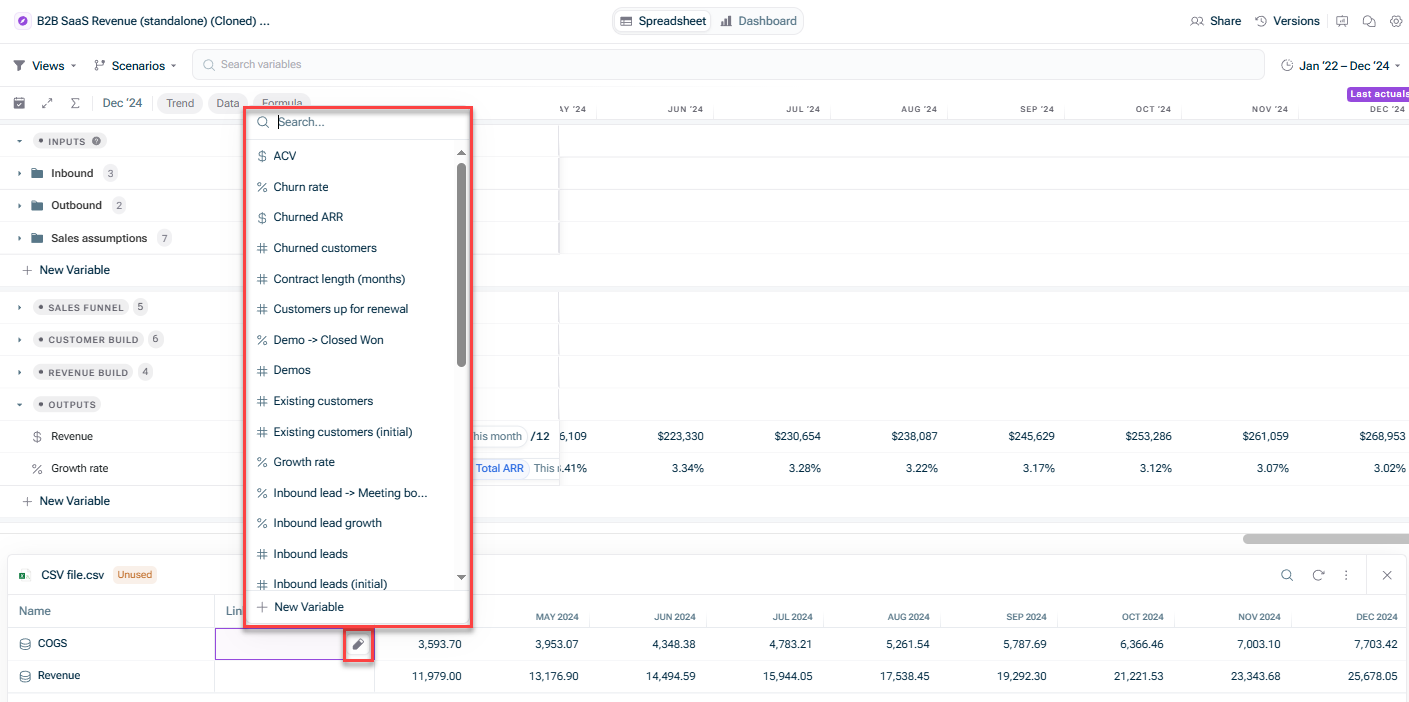
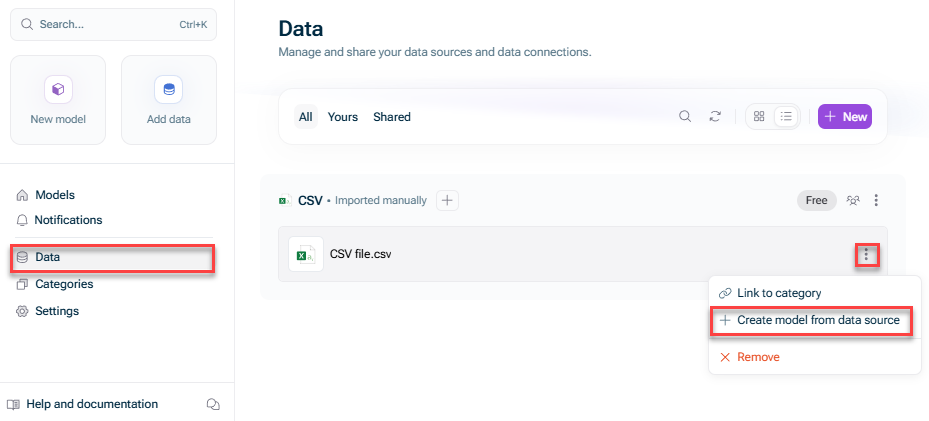
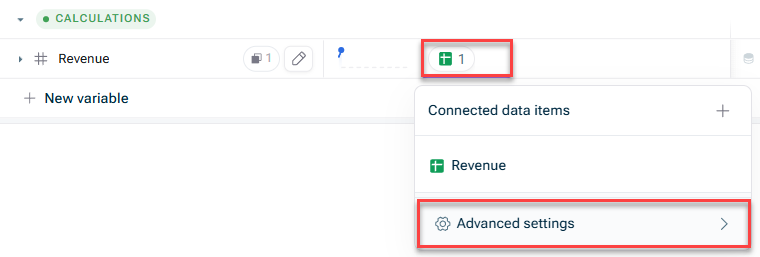
You can link a new variable while creating it. You can link existing variables. You can link a variable from the data preview. You can create a model from a data source in one click.
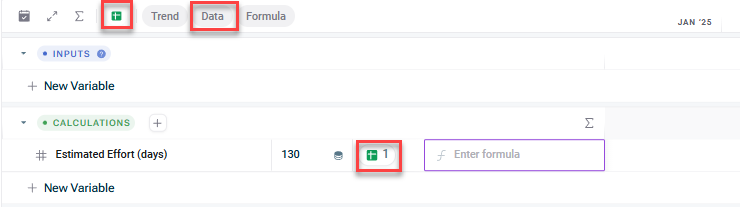


To remove all links three-dot menu overview Remove from model 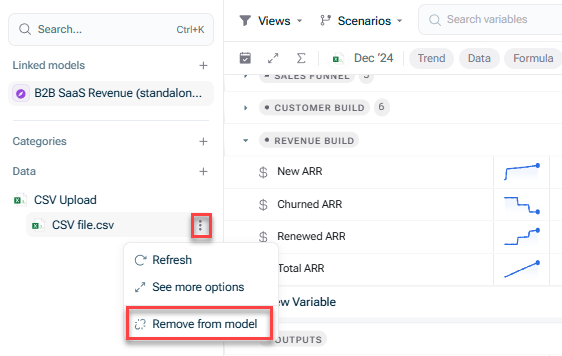
To remove the link from individual variables data preview 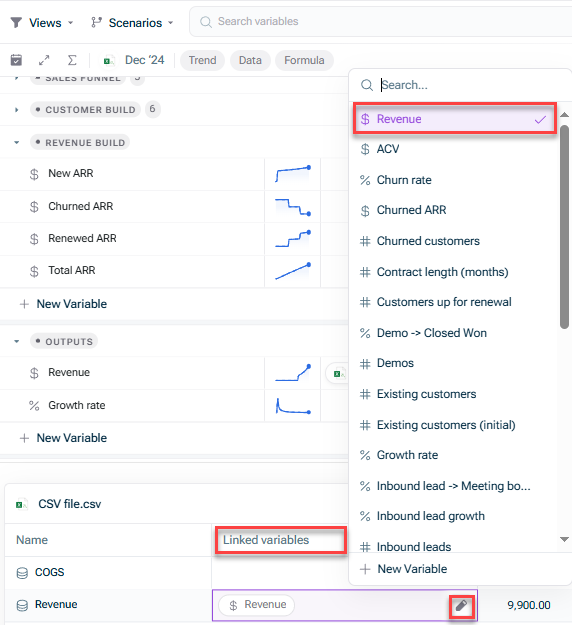
This content was generated using AI and reviewed by Lucanet subject matter experts before publication.
Last updated on May 1, 2026