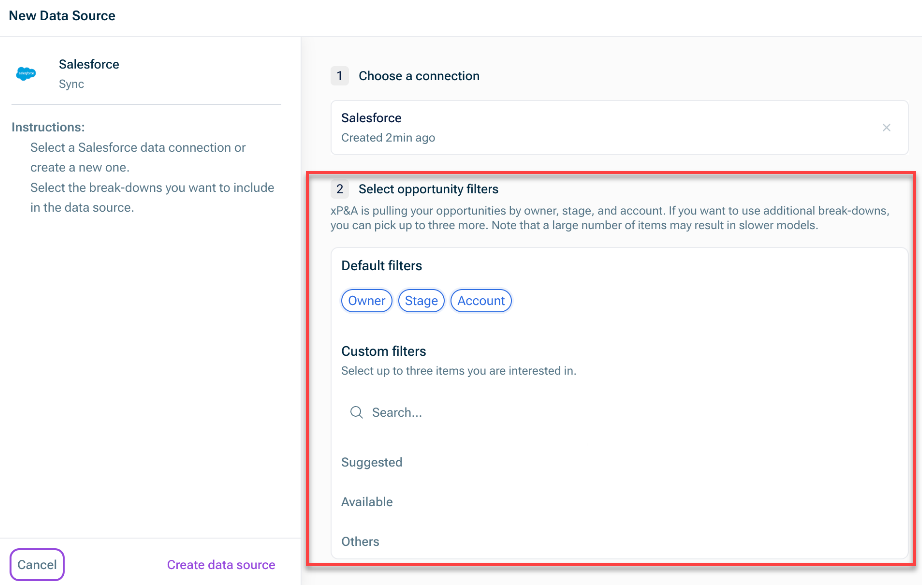
All integrations with CRM systems are established using Merge In order to set up the integration, you must follow individual authentication procedures to link to your CRM system account with xP&A. Independent of the system, there is a set of default fields (variables and dimensions) that are pulled in. In addition, the integration of custom fields can be defined during the configuration of the data connection.
Activity Amount Closed Amount Closed Won by Account Amount Created Opportunities Closed Opportunities Created Weighted Amount Closed Weighted Amount Created Weighted Opportunities Closed Weighted Opportunities Created
Account Activity Type Owner Owner Role Owner Status Stage Stage Type
Open the Data + New. Open the model into which you would like to integrate the data, click the + Data New data source
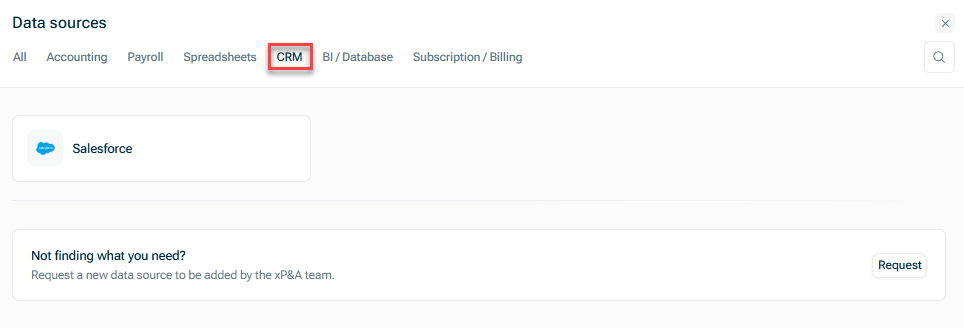
Use xP&A's Sales and Pipeline Report Create the data source manually Advanced
Choose if you would like to authenticate using your credentials Security Token and Organization ID

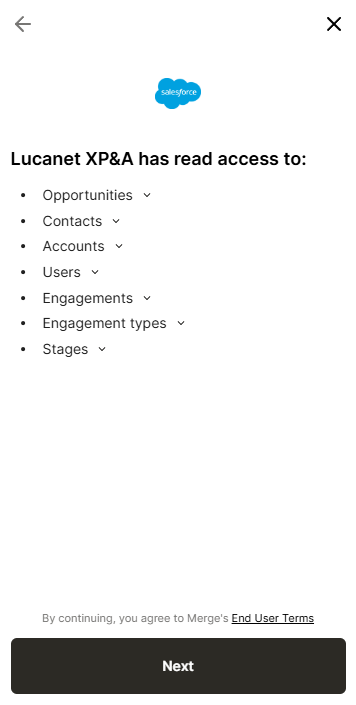
Check the standard fields that can be pulled in with the integration and click Next End User Terms
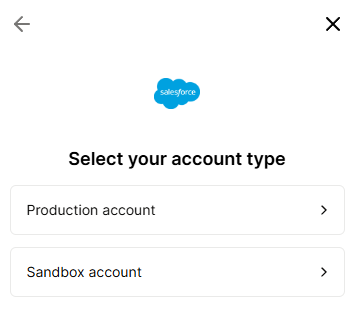
Select if you want to use your Production account Sandbox account
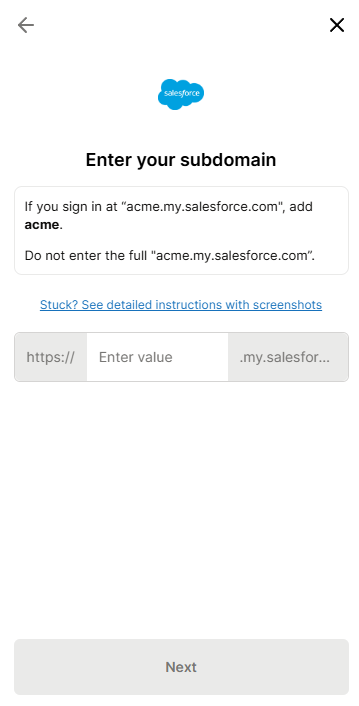
Enter your subdomain Next
This content was generated using AI and reviewed by Lucanet subject matter experts before publication.
Last updated on May 1, 2026