Open the Data + New.
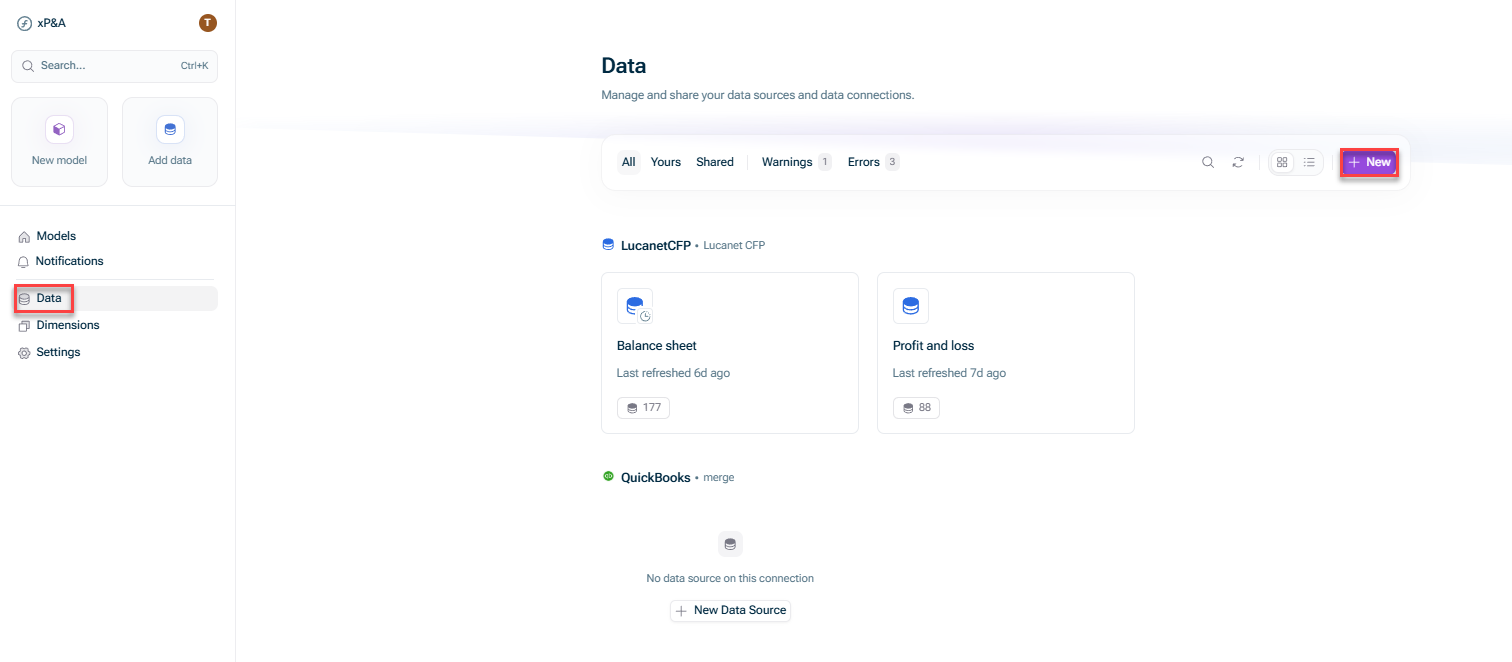
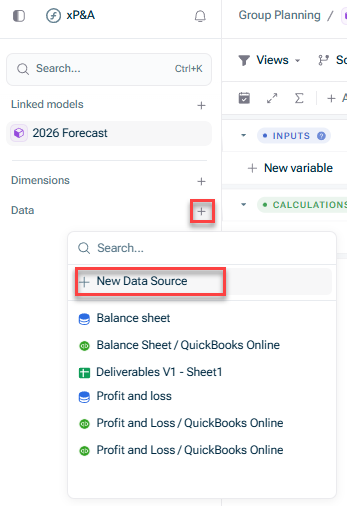
Open the model into which you would like to integrate the data, click the + Data New data source
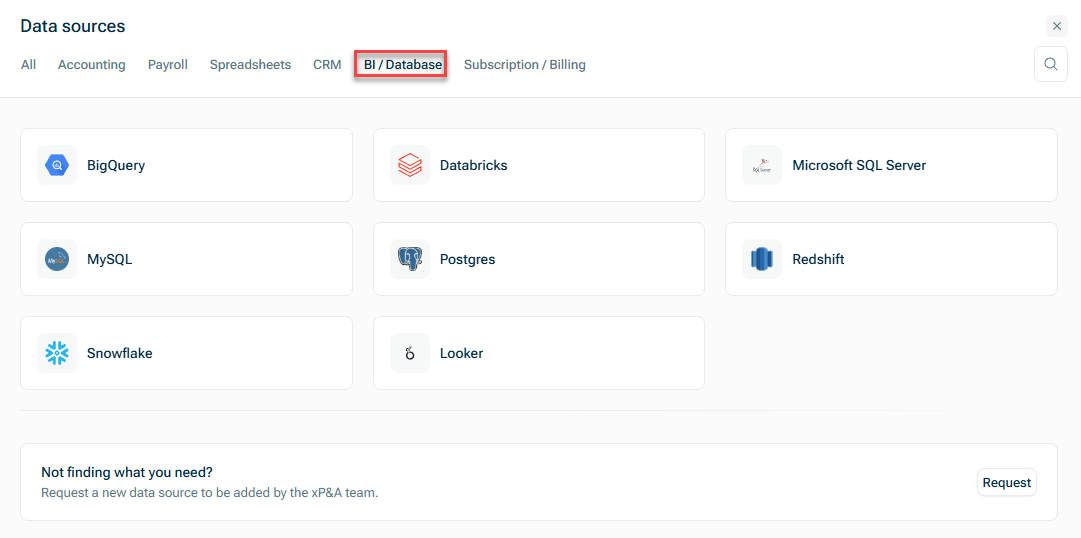
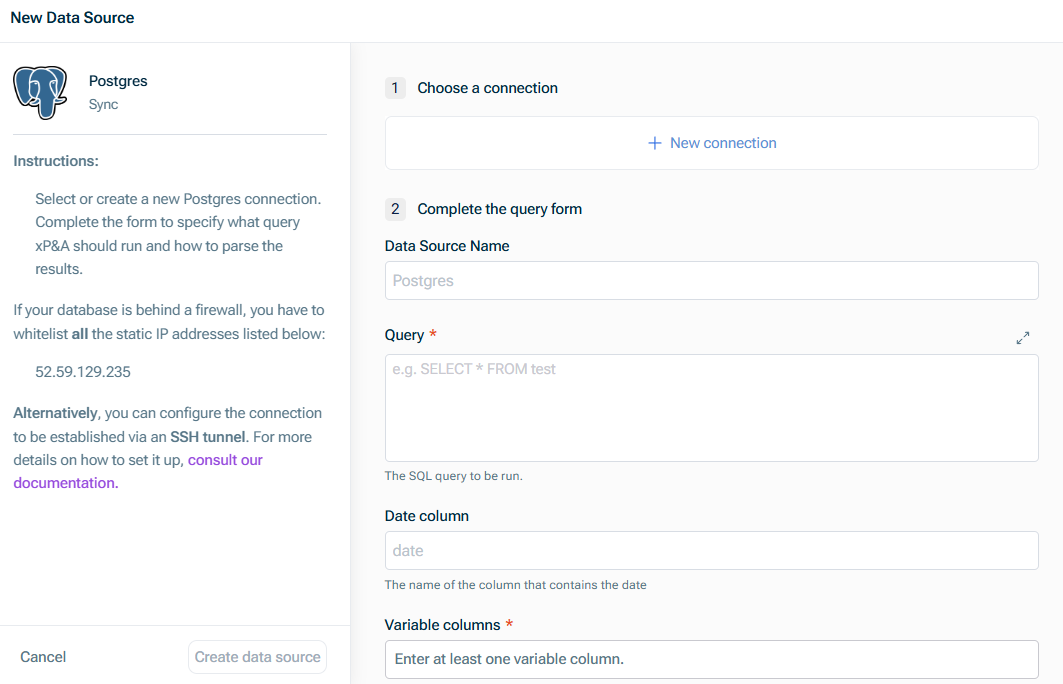
Postgres database host name without port and database Postgres database port Name of the database to which you want to connect Database user name Database user password
Host name of the SSH server used to establish a tunnel connection to the database Port of the SSH server used to establish a tunnel connection to the database
Make sure to fulfill the prerequisites for the setup. Remember to update the database hostname to be the database's IP internal to your network. If you wish to update an existing connection to use SSH please contact us.
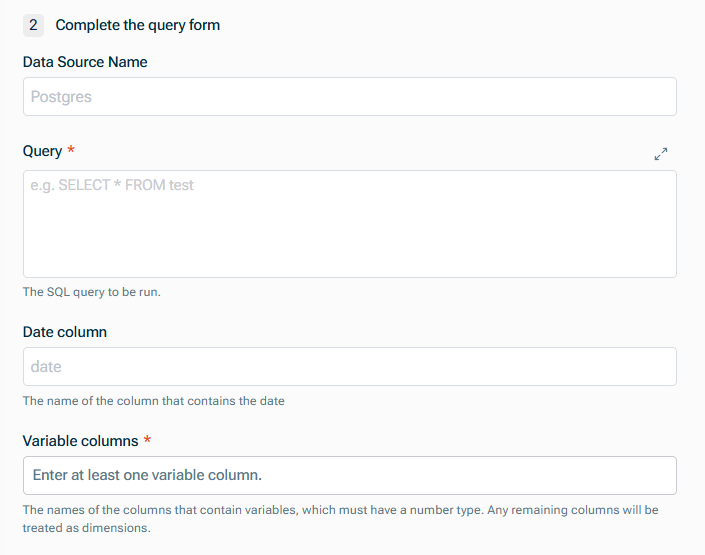
Data Source Name Query to define the fields which are to be pulled in. For more information, see Defining Database Queries Name of the Date Names of the columns that contain variables (which must have a numeric
This content was generated using AI and reviewed by Lucanet subject matter experts before publication.
Last updated on May 1, 2026