The Dashboards global function provides a dedicated space in the Lucanet CFO Solution Platform where you can build, share, and analyze interactive dashboards. You can combine widgets such as KPI cards and charts to visualize your financial data and share dashboards with other users for collaborative analysis.
Currently, dashboards use Consolidation & Financial Planning (CFP) data as their data source.
Using Dashboards requires a Consolidation & Financial Planning license. Without this license, the function is not displayed in the main menu.
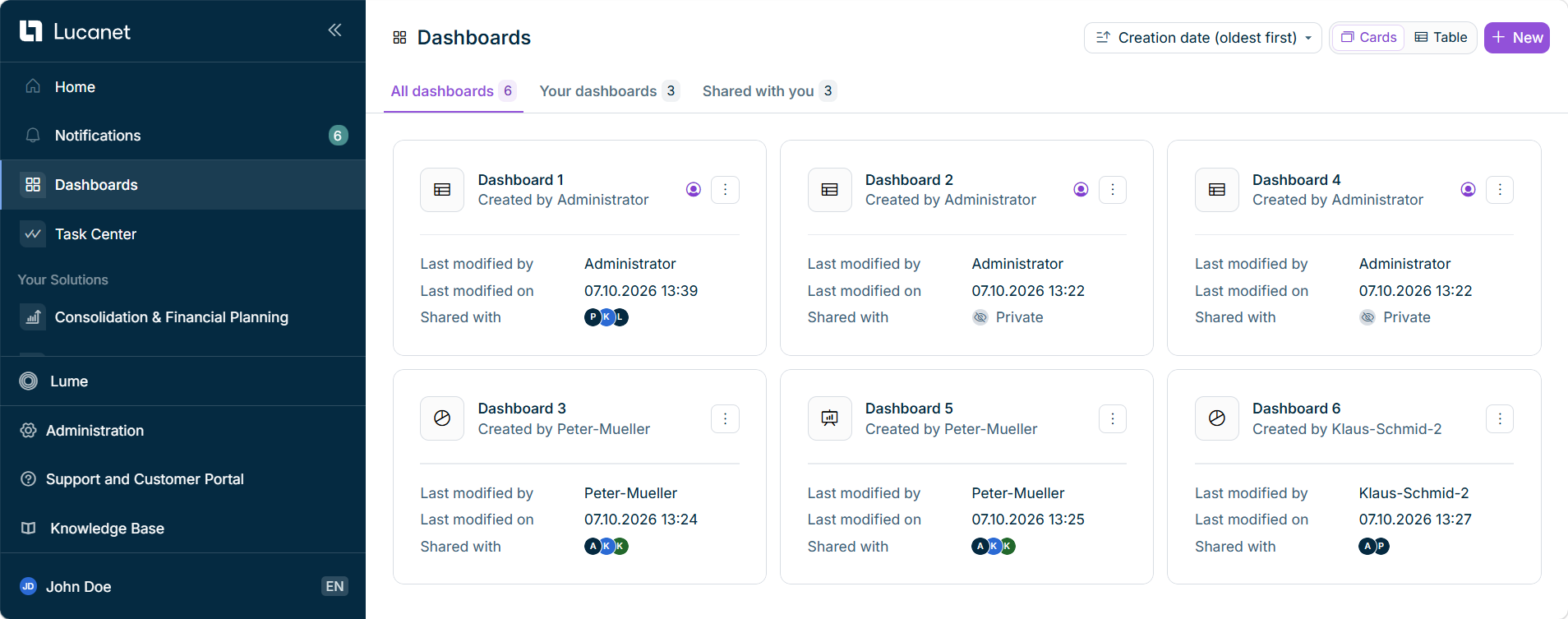
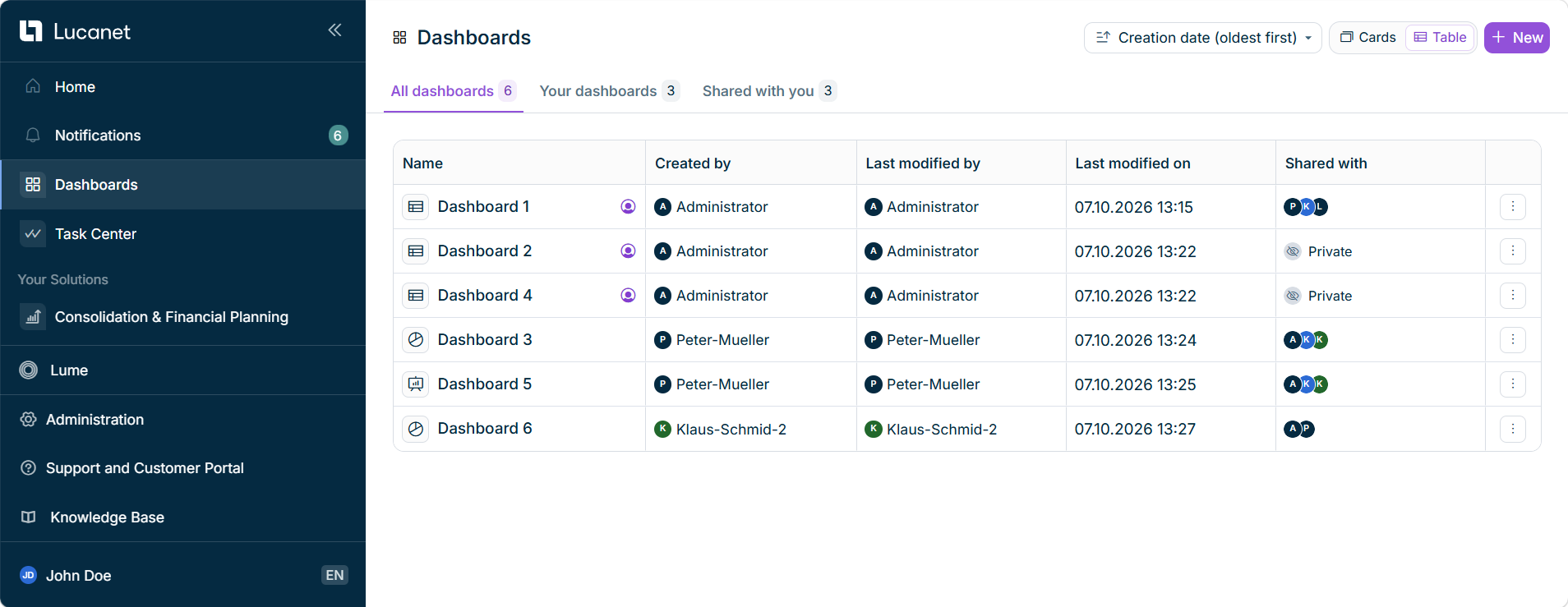
Dashboards can be found in the main menu of the Lucanet CFO Solution Platform. The dashboards you have access to are displayed as follows, for example:
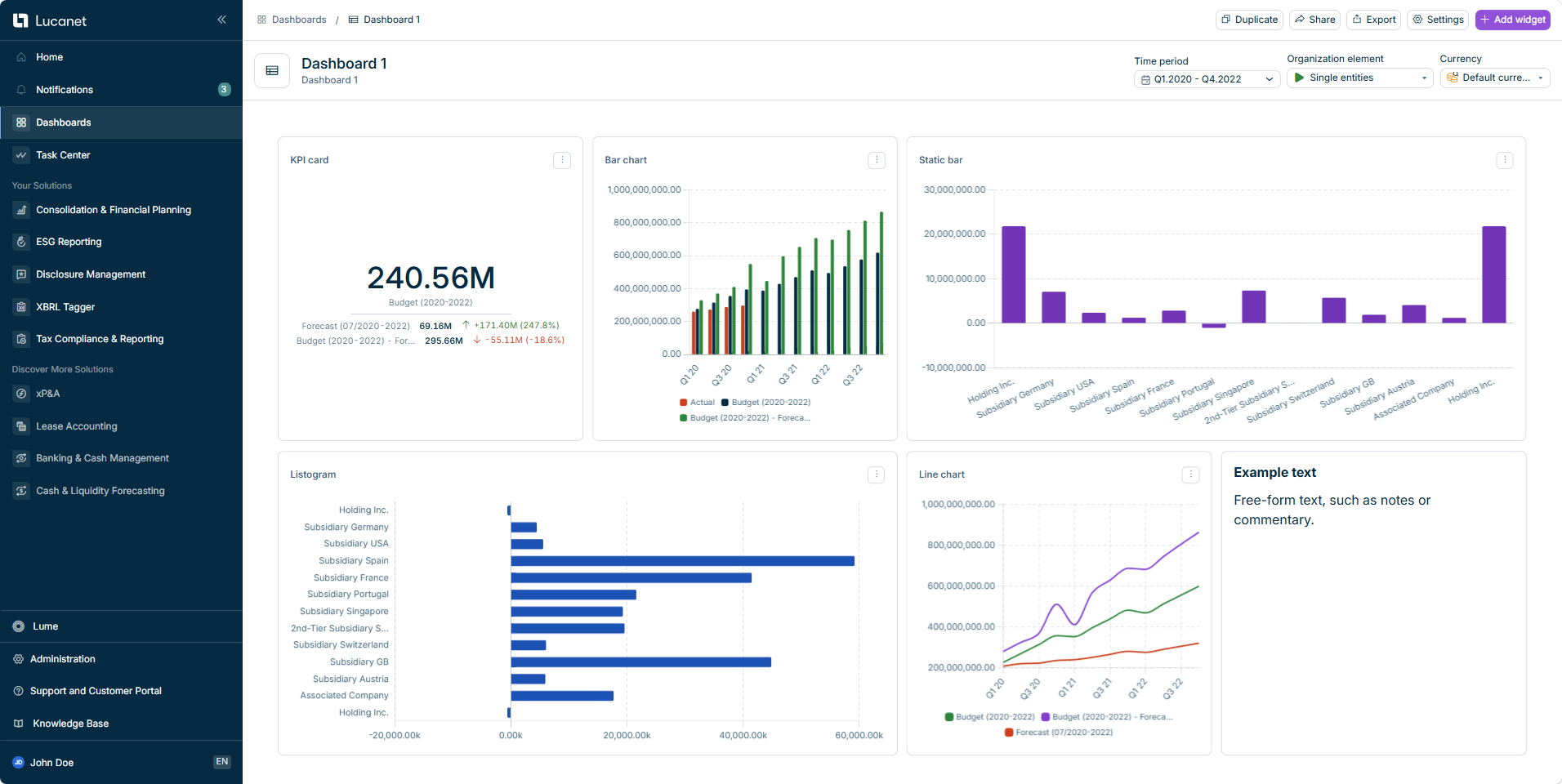
When you open a dashboard, you can add widgets, apply dashboard filters, and share, export, or edit the dashboard. An open dashboard is displayed as follows, for example:
Open dashboard with several widgets
The following pages describe these tasks in detail:
Managing Dashboards: create, duplicate, share, export, and filter dashboards, and edit their details
Dashboard Widgets: add and configure the widgets that visualize your data
This content was generated using AI and reviewed by Lucanet subject matter experts before publication.