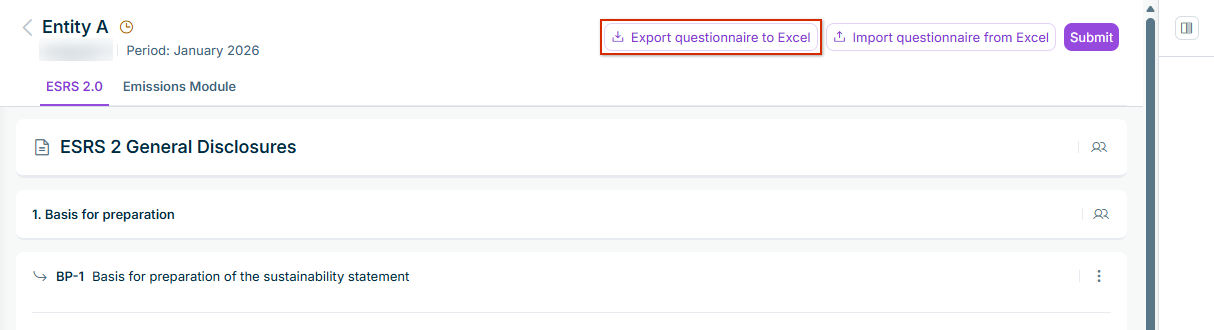
The labels, choices, and instructions in the Excel file are in your user language. ESG Reporting exports a read-only The reporting entity no longer has the status In progress You can export the questionnaire but are not allowed to import it, e.g. as an ESG Administrator who is not assigned to the reporting entity. In this case, you could not import your answers anyway.
In a read-only Excel file, all cells are locked, and the cover sheet states that the file cannot be imported. You can use a read-only Excel file as a non-editable copy of the answers, e.g. for auditors.
Cover Reusing an Excel File for Another Reporting Entity One sheet per category General Disclosures Environmental Social Governance
The number and the text of the question The guideline text and the additional guidance in two read-only columns. Long texts are shortened in the cell; the full text is available in the cell note. The status of the question: Open Completed Reviewed The current answer in ESG Reporting, if any. Empty answer cells display a grey hint on the expected input, e.g. Text Amount (EUR, 4 decimals)
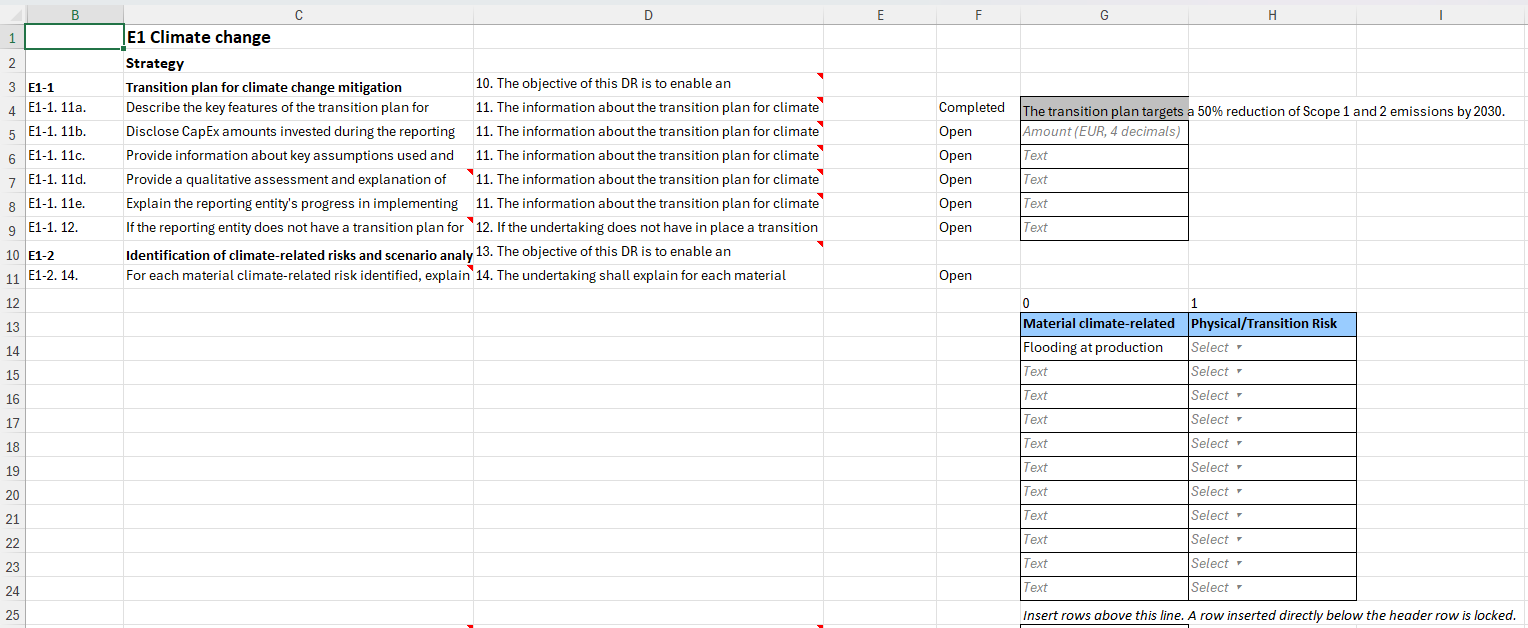
You can type only in the white cells with a border: the answer cells and the reporting entity on the Cover Grey answer cells are locked. They belong to questions that are already Completed Reviewed Emissions Module An empty cell means no change. A cell that still displays its grey hint also counts as empty. The import never clears an answer or deletes a table row; to do so, use the questionnaire in ESG Reporting. For multiple-choice questions, enter the values separated by semicolons ( ; To add rows to a dynamic table, insert them above the end line of the table, or above its total rows if it has any. A row inserted directly below the header row of a table is locked and cannot be filled. Rows added below a table are not imported.
Enter values, not formulas. Cells that contain a formula are rejected. Enter dates as Excel dates or in the format dd.mm.yyyy Text answers can contain up to 25,000 characters, text in table cells up to 1,500 characters. Numbers and amounts are rounded to the number of decimal places defined for the question.
This content was generated using AI and reviewed by Lucanet subject matter experts before publication.