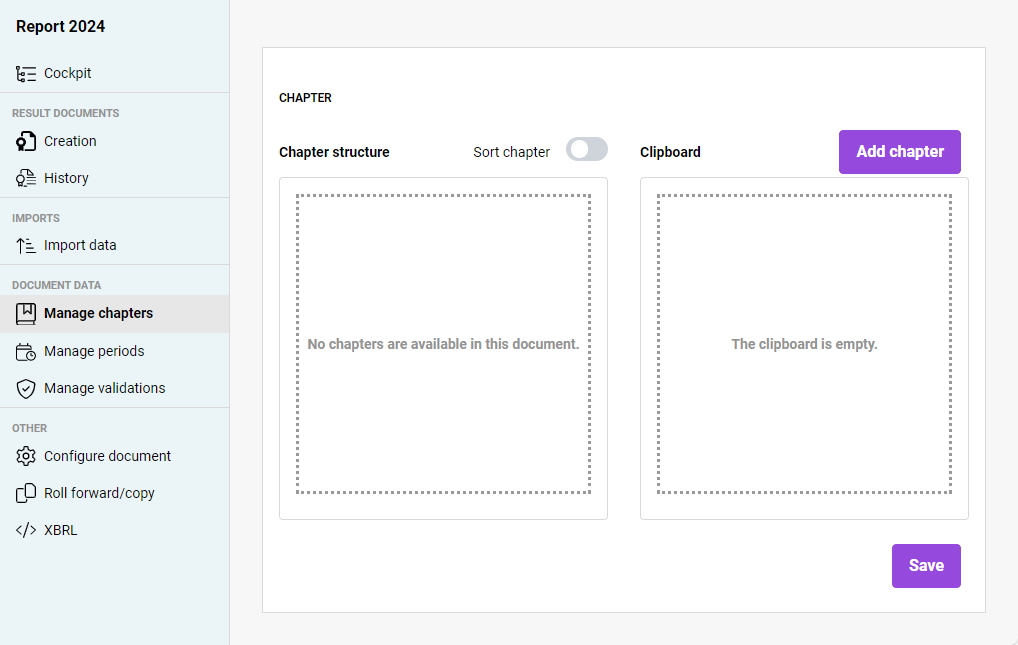

Moving chapters to the chapter structure Clipboard Chapter structure Creating subchapters
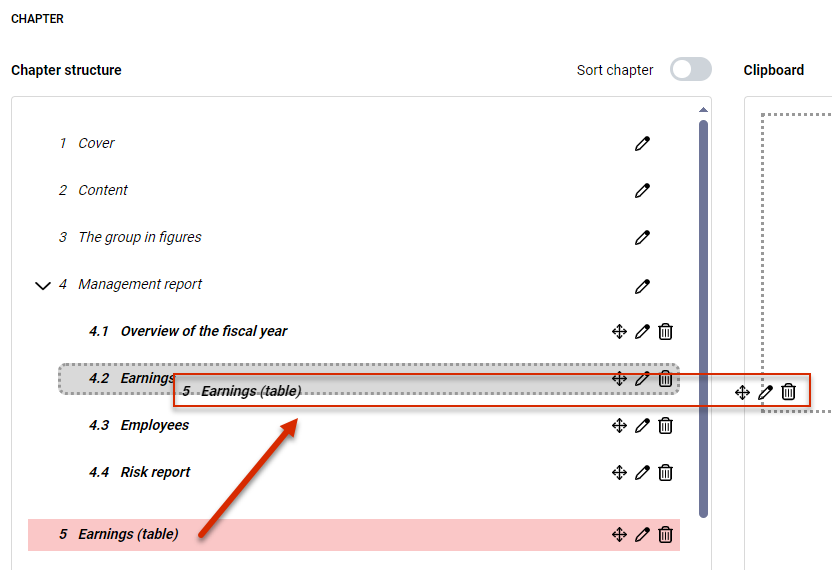
Changing the order of chapters Sort chapter
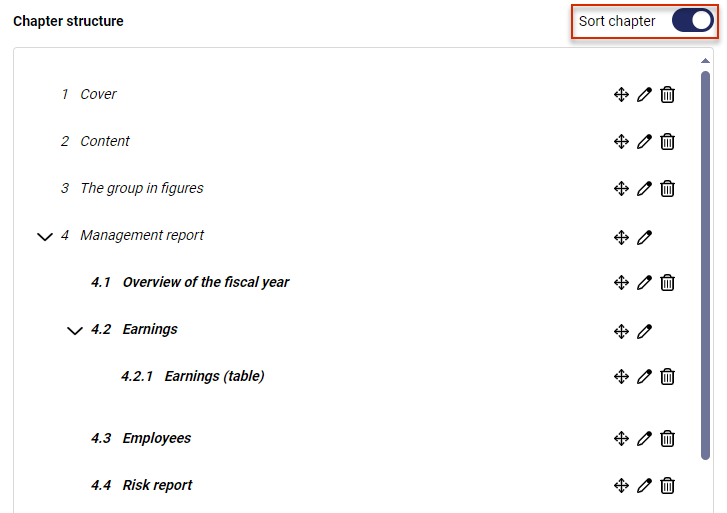

To delete chapters at the highest level, the Sort chapter Chapters for which subchapters have been assigned cannot
Read and write permissions can be defined for chapters. You can only edit chapters for which you have editing permissions. For more information, see chapter Assigning Document Roles in Disclosure Management For information on editing chapters, see Cockpit Editing a Chapter
This content was generated using AI and reviewed by Lucanet subject matter experts before publication.
Last updated on May 1, 2026