From Data Collection | Data collection + Start data collection Directly from Data Collection | Reporting packages reporting package Start data collection
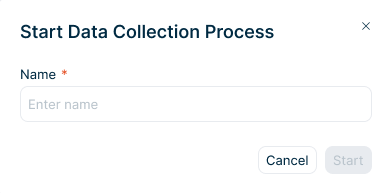
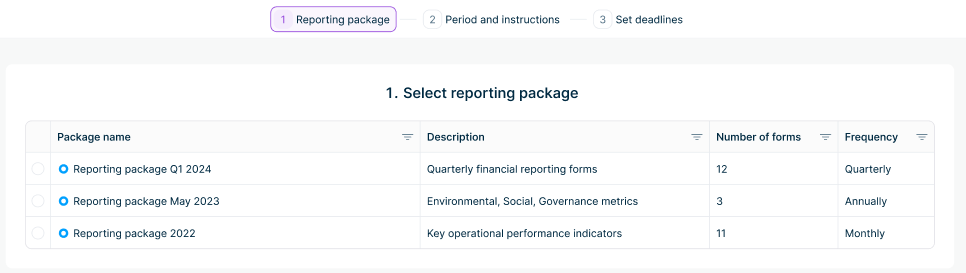
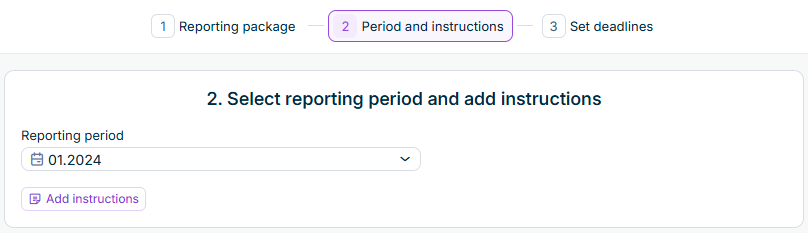
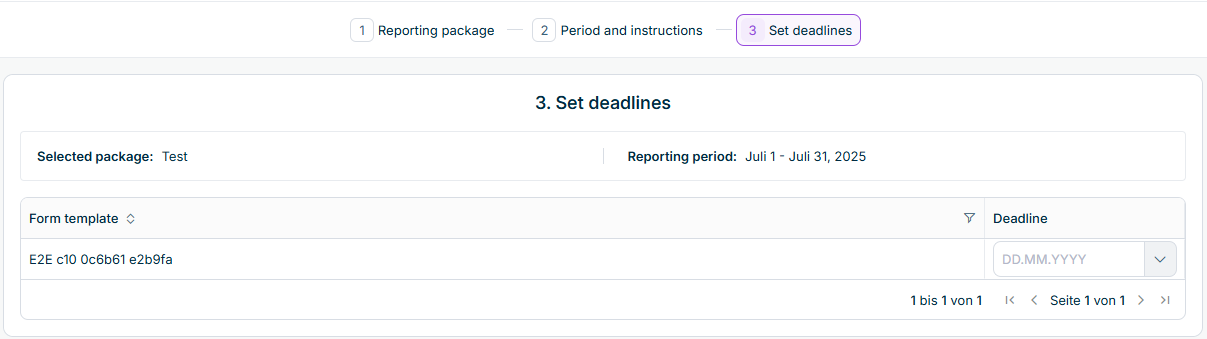
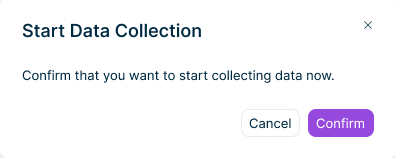
Click Confirm Click Cancel
A success notification appears: Data Collection started successfully. Redirecting to Data Collection list. Data Collection automatically navigates to the Data Collection The data collection process is created with status New Individual forms with status New Restricting Form Templates to Specific Reporting Entities Notifications are sent to assigned users with links to their forms. The reporting package configuration, including the assignment of form templates to reporting entities, is fixed for this process. Later changes to the reporting package apply only to new data collection processes.
This content was generated using AI and reviewed by Lucanet subject matter experts before publication.
Last updated on Oct 7, 2026