Correct incorrect values at partner, cost center, and transaction type level Reclassify account values from the general ledger or a subledger to a statistical ledger Distribute values to several accounts
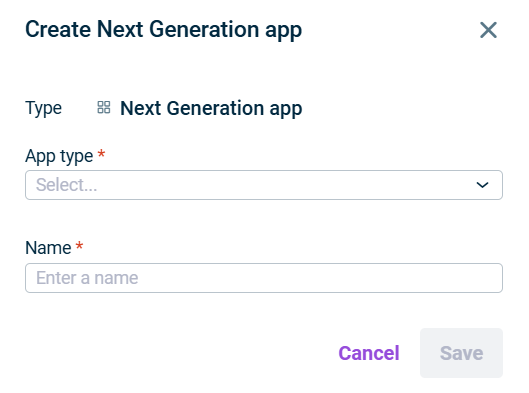
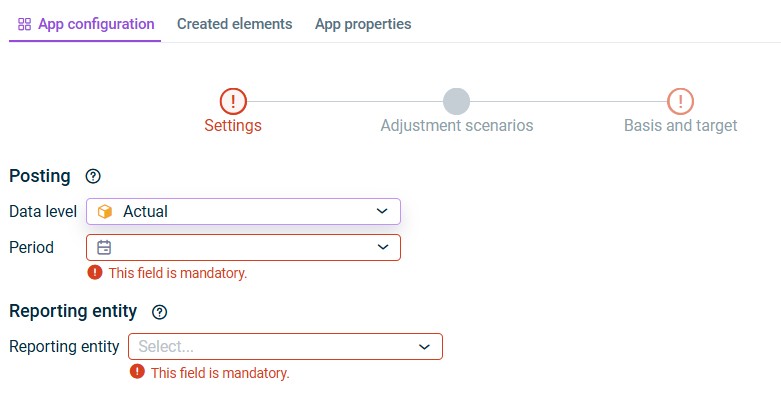
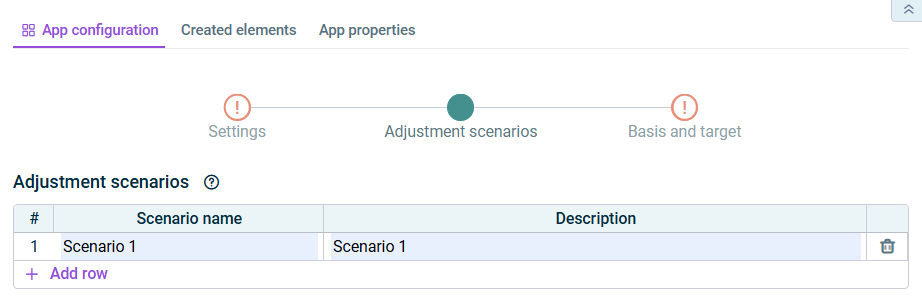
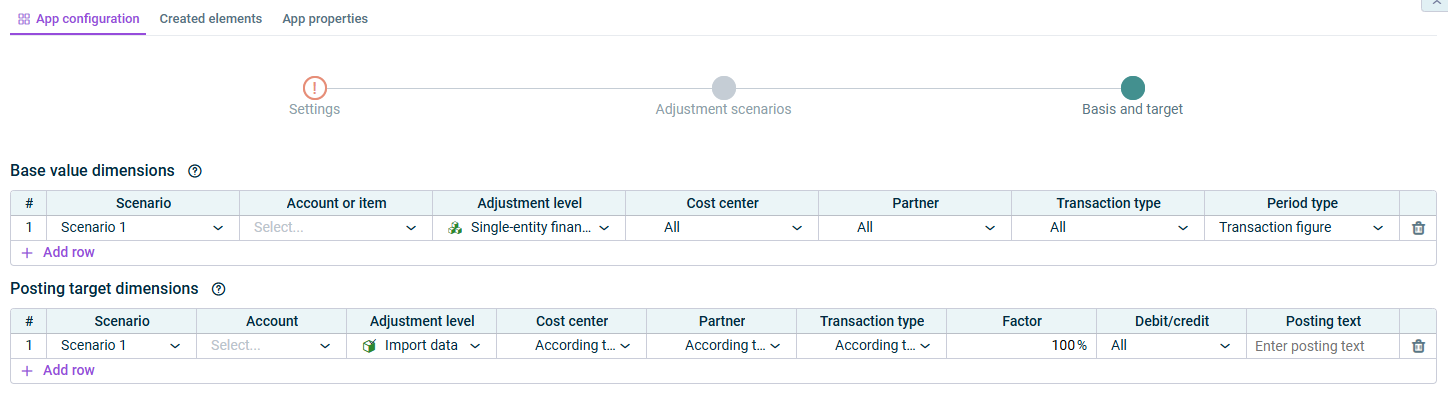
As long as a step has not been fully configured and/or configuration errors exist, it is displayed with a red exclamation mark 
Once a step is configured completely and without any errors, it is displayed with a green check mark 
You can close the configuration dialog by clicking the arrow icon 
To change the name of the app, select the app in the tree view and choose Properties
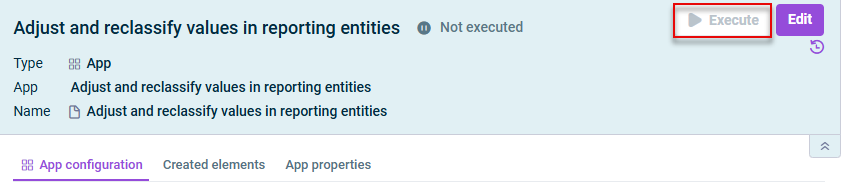
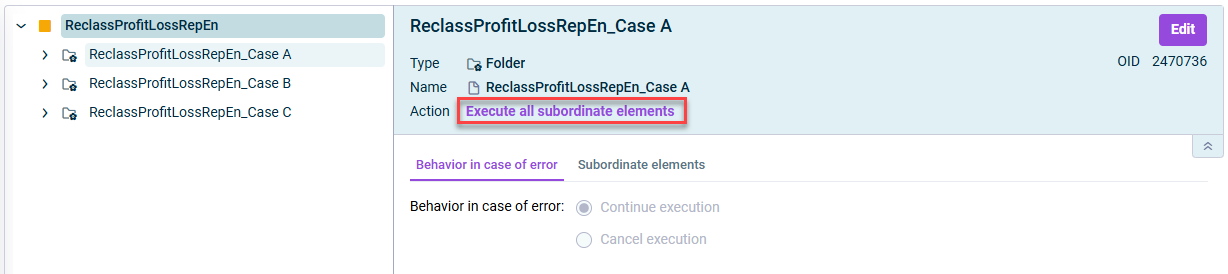
Continue execution Cancel execution
Add existing apps using the context menu commands Cut Paste Create new apps in the folder using the Create
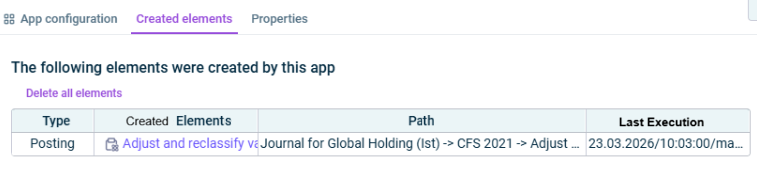
Type Path journal Date of the last execution
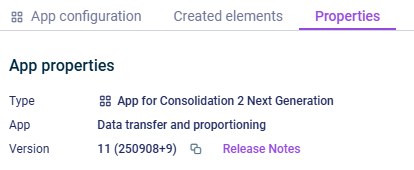
Type Function of the App Version
This content was generated using AI and reviewed by Lucanet subject matter experts before publication.
Last updated on May 1, 2026