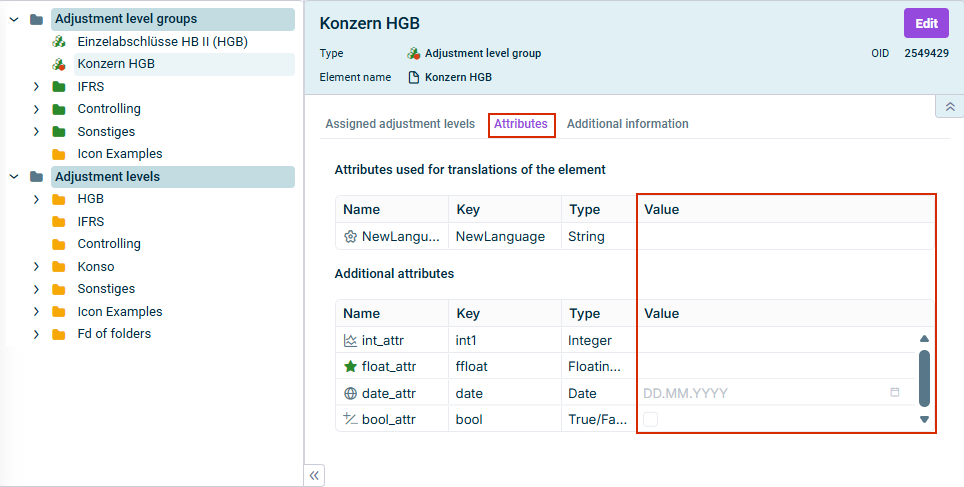
All attributes that were defined and activated for a dimension in Lucanet.Financial Client in the Attributes workspace are displayed on the Attributes tab in the detail view.
You can edit the value of an attribute by opening the edit mode of the element and clicking in the corresponding cell in the Value column.
If the option Attribute can be selected as display language has been activated in the Attributes workspace, the configured display languages are displayed in the upper table on the tab and can be edited there.
In addition, the following types of attributes are available:
String
Integer
Floating point number
Date
True/False
This content was generated using AI and reviewed by Lucanet subject matter experts before publication.