For the purposes of planning in Lucanet, it is possible to create VAT and input VAT configurations that can be taken into account as part of the configuration of accounting rules for accounts and items in the general ledger and subledgers.
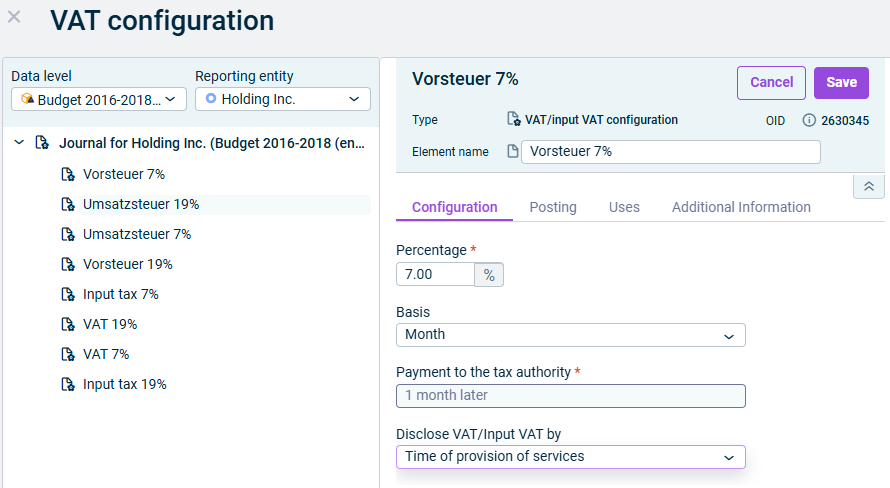
In the dimension bar, click the VAT button. The VAT configuration dialog is displayed.
3
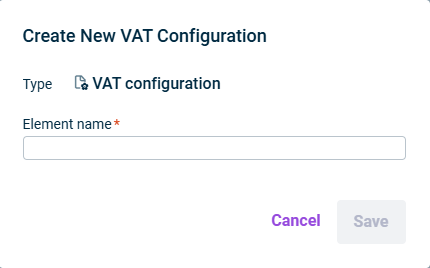
Right-click a journal folder in the tree view, then select Create VAT configuration from the context menu. The Create New VAT Configuration dialog is displayed:
'Create new VAT configuration' dialog
4
Enter a name for the VAT tax configuration in the Element name field.
VAT configurations always apply to a journal, i.e. a particular combination of data level and reporting entity. To avoid creating a new configuration for each journal it applies to, you can either copy or move a VAT configuration to individual journals or you can apply a VAT configuration to multiple journals at the same time.
To apply a VAT configuration to multiple journals:
1
Open the Accounting rules workspace.
2
In the dimension bar, click the VAT button.
3
Select the combination of data level and reporting entity from which you want to apply the VAT configuration to other journals.
4
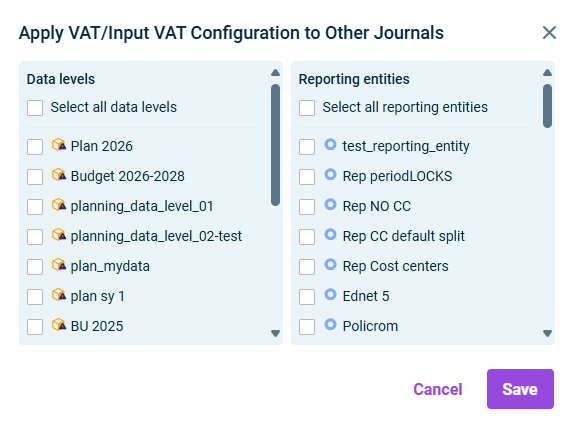
Click the button or right-click the VAT configuration and choose Apply VAT/Input VAT Configuration to Other Journals. The following dialog is displayed:
'Apply VAT/Input VAT to other journals' dialog
5
Select the Data levels and the Reporting entities into which the VAT configurations are to be transferred.